South Korea VPN - KR VPN is a Tools application developed by MASTERVNC, but with the best Android emulator-LDPlayer, you can download and play South Korea VPN - KR VPN on your computer.
Running South Korea VPN - KR VPN on your computer allows you to browse clearly on a large screen, and controlling the application with a mouse and keyboard is much faster than using touchscreen, all while never having to worry about device battery issues.
With multi-instance and synchronization features, you can even run multiple applications and accounts on your PC.
And file sharing makes sharing images, videos, and files incredibly easy.
Download South Korea VPN - KR VPN and run it on your PC. Enjoy the large screen and high-definition quality on your PC!
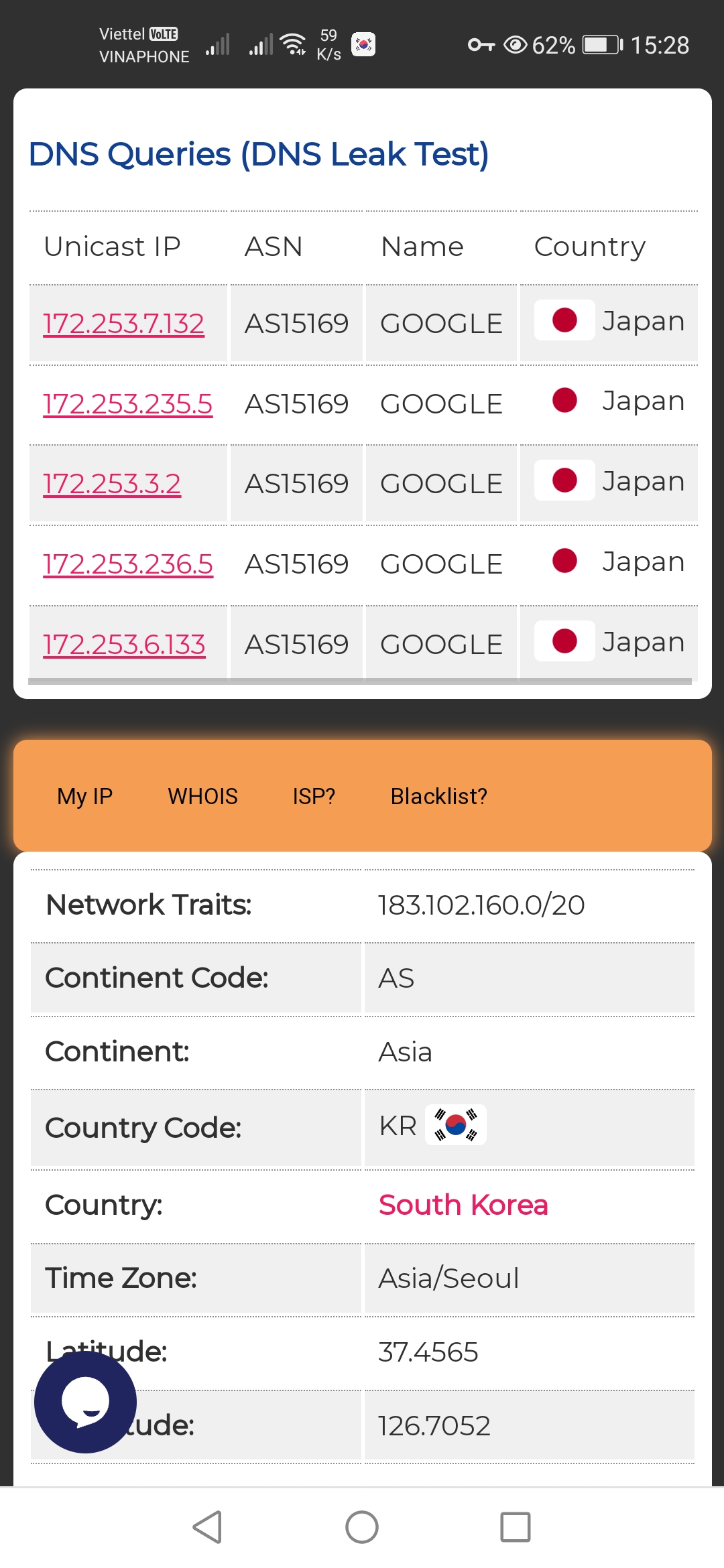
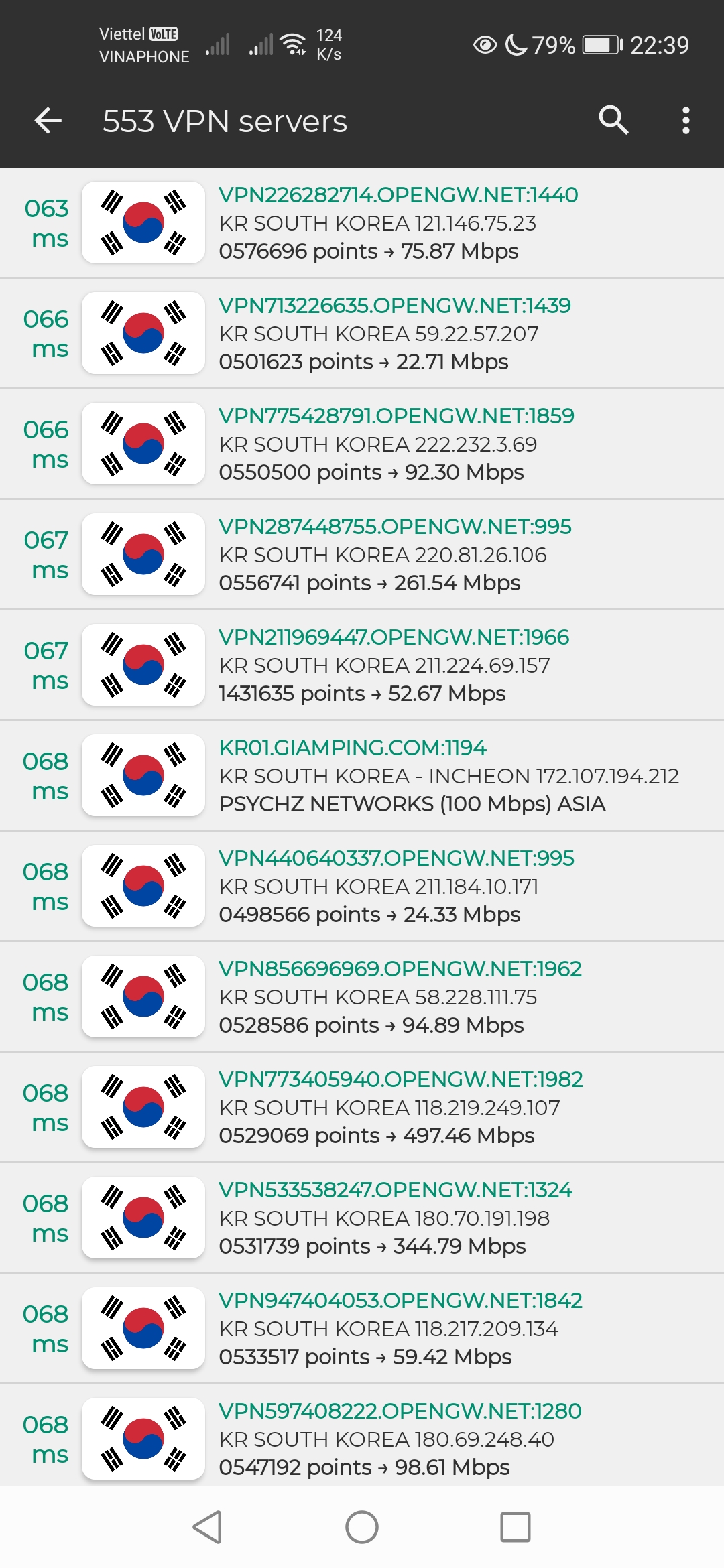
This app is optimized to help you connect easily to VPN servers in Korea with automatic server filtering. With just a few simple steps, you can ensure a secure internet connection. Korea VPN Proxy Express all features:+ Priority VPN servers for Korea.
+ Fast VPN without registration.
+ One tap to set up, fast & stable connection for you.
+ No traffic limits. Optimized for gaming, reduce latency when you are playing game (ping booster).
+ Extremely secure with MS-SSTP technology.
+ Compatibility with any connections type.
+ Bypassing lockdowns introduced by your ISP.
+ Bypassing regional restrictions introduced by firewalls at school, offices,....
+ Getting access to the following blocked websites.
+ Provides anonymous access to websites and apps.
+ Compatible with WiFi, LTE, 3G, 4G, 5G and all mobile data carriers.
+ Can change DNS without rooted.
+ Support the Application Filter. It help you specify which application to use VPN gateway only.
....
Icons of this amazing app are sponsored by Freepik.