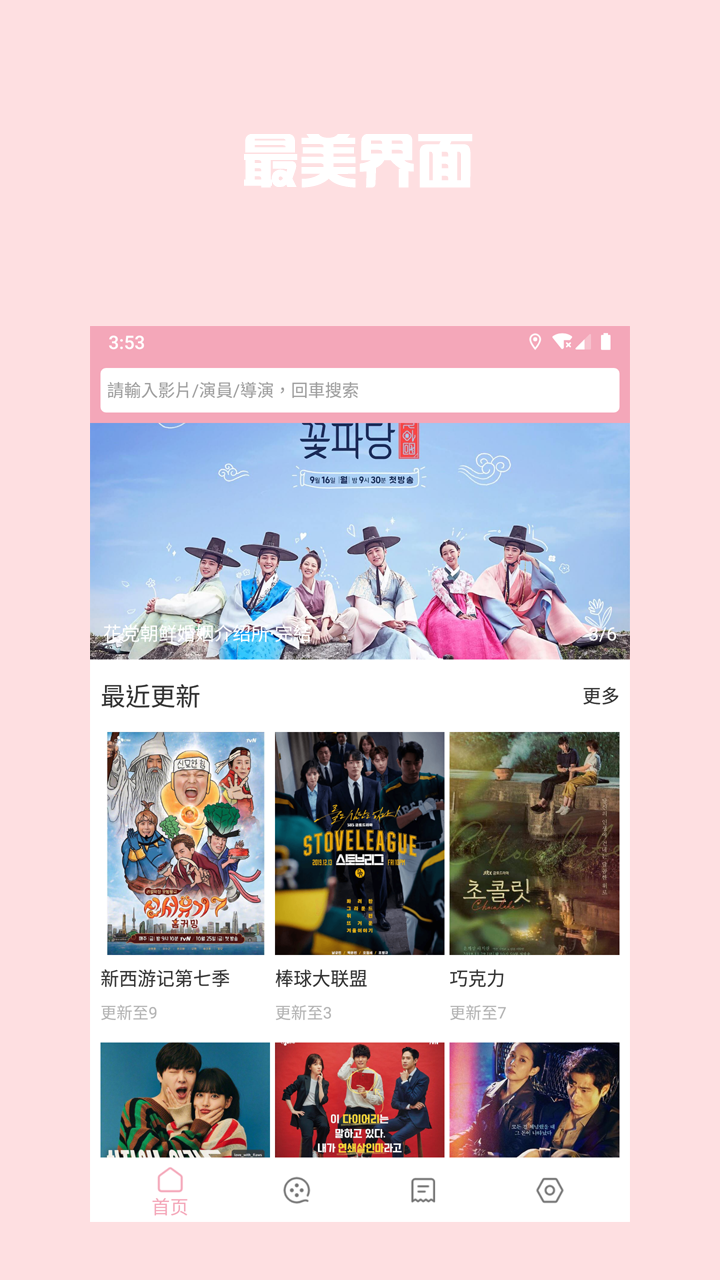
Korean drama Library is a Video Players&Editors application developed by liyang soft, but with the best Android emulator-LDPlayer, you can download and play Korean drama Library on your computer.
Running Korean drama Library on your computer allows you to browse clearly on a large screen, and controlling the application with a mouse and keyboard is much faster than using touchscreen, all while never having to worry about device battery issues.
With multi-instance and synchronization features, you can even run multiple applications and accounts on your PC.
And file sharing makes sharing images, videos, and files incredibly easy.
Download Korean drama Library and run it on your PC. Enjoy the large screen and high-definition quality on your PC!
[clear picture quality]Super clear Korean drama, Korean film, variety show
[real time hot]
Popular dramas are presented in real time, and the Korean drama library is used without waiting
[collection offline]
Watch endless episodes, collect them, watch them next time, and then watch them offline
[Korean drama coming soon]
Watch Korean dramas, come and download the experience
[privacy description]
App content is publicly quoted from the Internet and conforms to CC. If you can't watch it, please switch to the place of copyright and try.