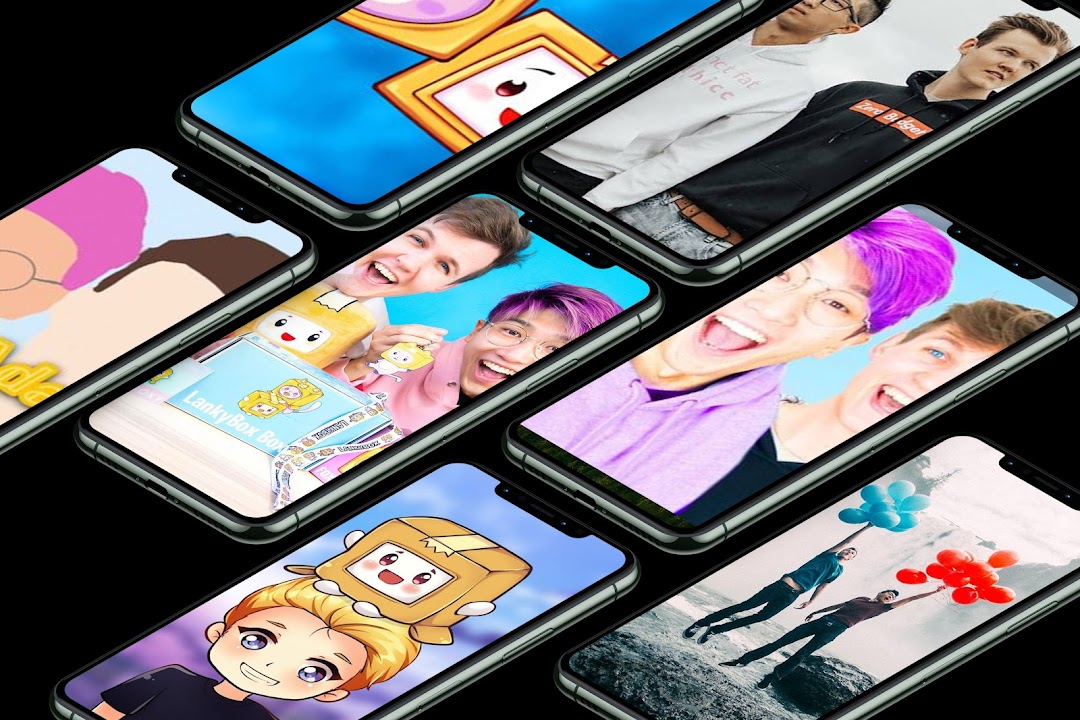
LankyBox Wallpapers HD is a Art&Design application developed by kalmandoo02, but with the best Android emulator-LDPlayer, you can download and play LankyBox Wallpapers HD on your computer.
Running LankyBox Wallpapers HD on your computer allows you to browse clearly on a large screen, and controlling the application with a mouse and keyboard is much faster than using touchscreen, all while never having to worry about device battery issues.
With multi-instance and synchronization features, you can even run multiple applications and accounts on your PC.
And file sharing makes sharing images, videos, and files incredibly easy.
Download LankyBox Wallpapers HD and run it on your PC. Enjoy the large screen and high-definition quality on your PC!
Welcome to LankyBox Wallpapers. This application is dedicated to fans of the Squid Game series, This application contains a lot of images related to the series, all the characters of the series and also a lot of posters with very high resolution 4 k and also can be downloaded and placed as a background for your phone without the Internet.Use the wallpaper for your android and get ready to watch the korean series with a cellphone that already has LankyBox WALLPAPERS.
HOW TO USE:
1. Open LankyBox wallpaper app
2. Choose your favorite picture
3. Tap the "Plus" button
4. Tap the "Set as wallpaper" button to apply
5. Your wallpaper has been changed
FEATURES:
1. +300 wallpaper of king von
2. Weekly updates
3. Compatible with 99% of mobile phones and devices.
4. You can save or Share "LankyBox wallpaper" to Facebook, Twitter, Google+, Pinterest, Tumblr, Flickr, Stumble, Instagram Or Line.
Disclaimer:
Copyright of all images belongs to the original copyright holder and the developer of this app has no intention of infringing on them. If you find any images that violate copyright in this app, please contact the customer service center. This app is mainly for entertainment and for enjoy to this Character wallpaper lovers.