

Live Caption - Video Translate is a Tools application developed by BeiBei, but with the best Android emulator-LDPlayer, you can download and play Live Caption - Video Translate on your computer.
Running Live Caption - Video Translate on your computer allows you to browse clearly on a large screen, and controlling the application with a mouse and keyboard is much faster than using touchscreen, all while never having to worry about device battery issues.
With multi-instance and synchronization features, you can even run multiple applications and accounts on your PC.
And file sharing makes sharing images, videos, and files incredibly easy.
Download Live Caption - Video Translate and run it on your PC. Enjoy the large screen and high-definition quality on your PC!
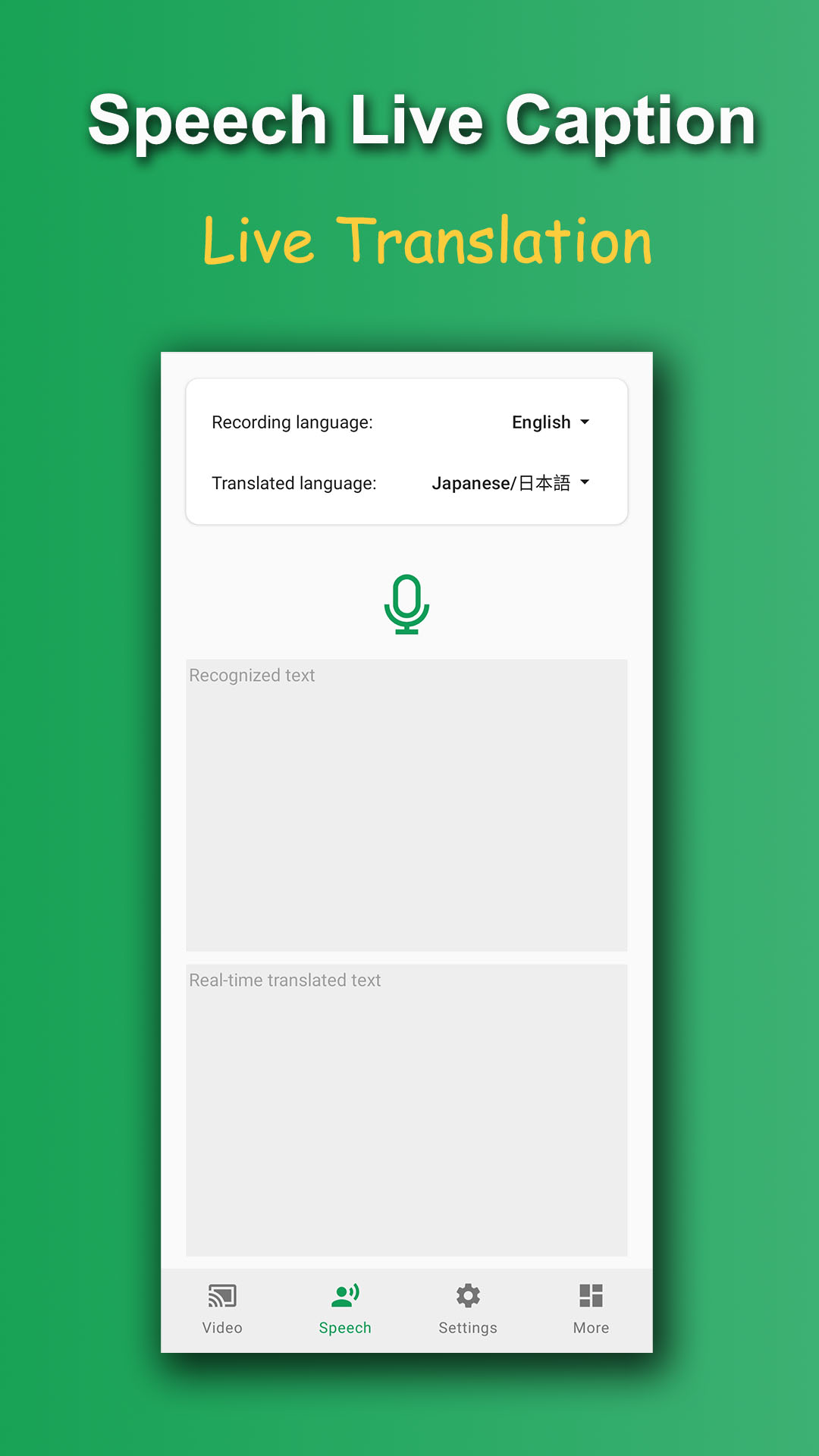
Live Caption is a video speech recognition and translation software that can translate the videos you watch or speak into other languages* Offline speech recognition, offline translation of text, no need to connect to the Internet
* When watching any video, subtitles can be generated in real time and translated into other languages
* Record speech, recognize text in real time, and translate into other languages
* Support multiple languages, free download, free use.
■Features
1. If you watch a video without subtitles and cannot understand the video content, you can use Live Caption to generate subtitles in real time to help you understand the video content. And can translate subtitles into other languages
2. Record speech, recognize text in real time, and translate into other languages, suitable for dialogue and travel conversation
*Hotel: check-in, check-out
*Shopping: buy things, pay
*Restaurant: order and pay
*Transportation: tram, taxi, airport
■Support languages
English, Chinese/中文, Japanese/日本语, Korean/한국어, French/Français, German/Deutsch, Spanish/Español, Russian/Русский, Hindi/हिंदी, Arabic/عربي, Portuguese/Português, Vietnamese/Tiếng Việt, Farsi/فارسی, Italian/Italiano, Filipino/Tagalog, Turkish/Türkçe, Ukrainian/українська