Run Live TV on PC
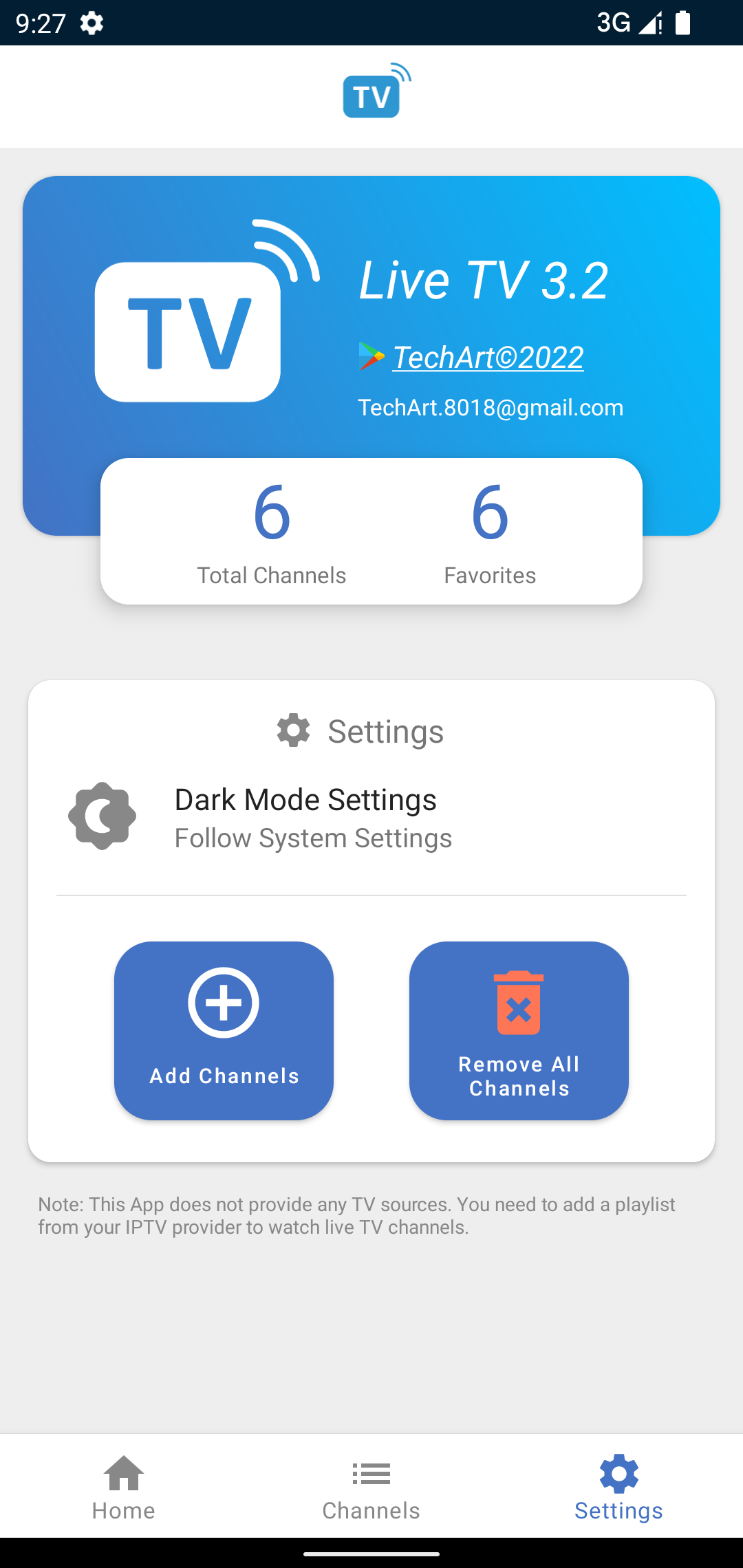
Live TV is a mobile application that brings you a live experience for the TV by TechArt. It will offer you a variety of features solely for free, and there will be different channels coming from different countries to choose from here as per your wish. It is very easy to add channels, and there are so many advanced features like filtering that comes with the app, and LDPlayer 9 is the best emulator to run Live TV on PC.
Live TV Features
-
The app will allow you to access all of it for free.
-
You, as the user, can add channels here, and it can be done by just loading them from the m3u playlist file.
-
You can filter all your channels by their language, name, and category, as well as by their country. So there is an advanced level of categorization is there to go with
-
If you have any of the channels that seem like your favorite, they can be displayed on your home page from this app.
-
You only have to tap the source number, and there you will be able to catch live sources too.
-
The app doesn’t come with any live TV sources. So the users must add their playlist here per their IPTV provider.
The Better View with Better Customizations
Now the Live TV can be run on a PC if you are seeking a detailed yet best view from it to be taken from a wider screen, and it just only needs LDPlayer 9. There is no need to stick yourself with a tiny screen because now you have LDPlayer 9 with all the optimizations you are ever asking for.