LOLA SPEAK: English Practice is a Education application developed by Wiseport Ltd., but with the best Android emulator-LDPlayer, you can download and play LOLA SPEAK: English Practice on your computer.
Running LOLA SPEAK: English Practice on your computer allows you to browse clearly on a large screen, and controlling the application with a mouse and keyboard is much faster than using touchscreen, all while never having to worry about device battery issues.
With multi-instance and synchronization features, you can even run multiple applications and accounts on your PC.
And file sharing makes sharing images, videos, and files incredibly easy.
Download LOLA SPEAK: English Practice and run it on your PC. Enjoy the large screen and high-definition quality on your PC!
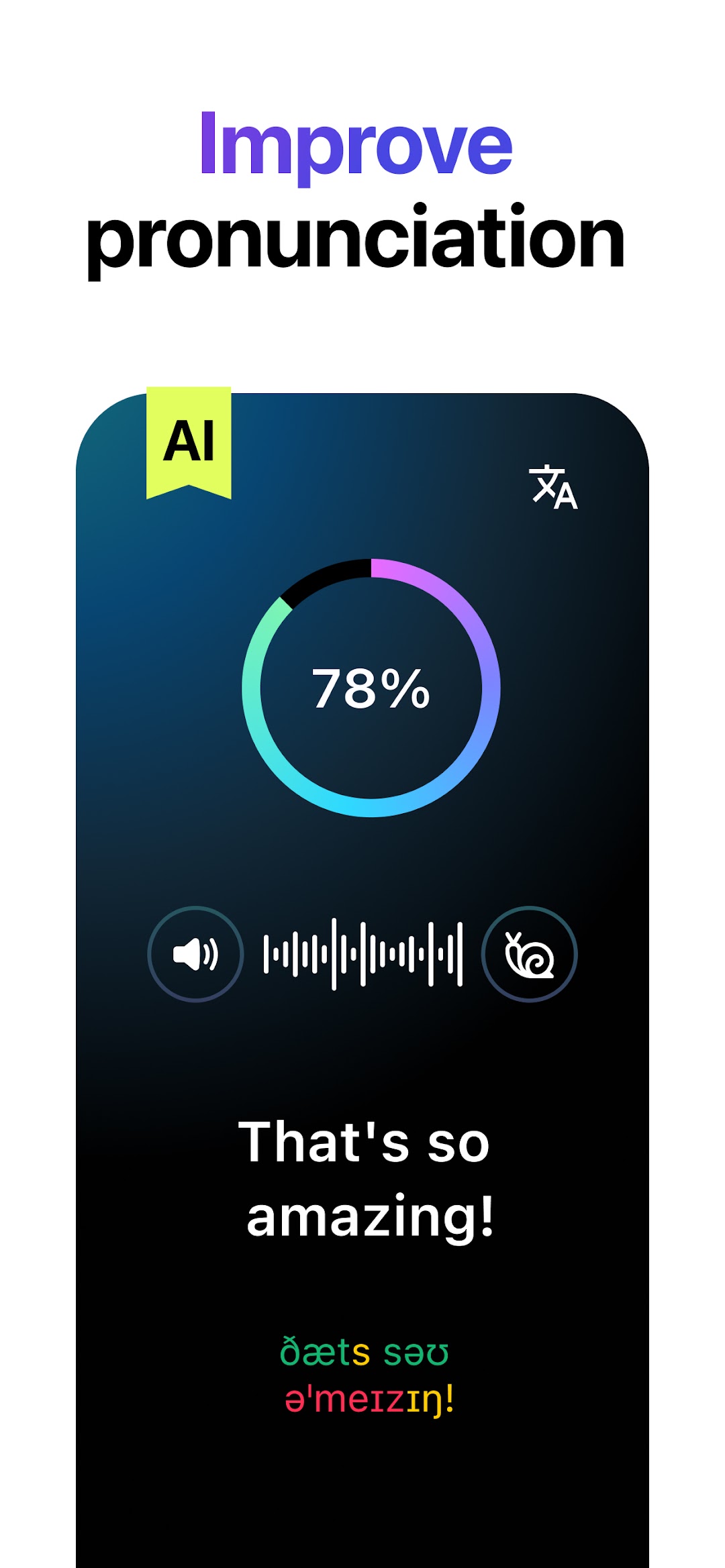
Practice speaking English in real life situations! Be the hero in our interactive videos and move the story forward by speaking English. Improve your pronunciation with AI.—
How does Lola Speak help me learn English?
Many English learners already know a lot of grammar and vocabulary, but are afraid to actually speak English. Why? Many are embarrassed to make mistakes or mess up English pronunciation.
Lola Speak provides a safe environment to practice real life conversations with the help of AI. You can repeat as many times as you like. You can practice communicating in a life-like setting, but without the pressure and stress. You can build confidence to communicate in English.
—
How will I know if I am speaking correctly?
Our AI provides instant feedback on your pronunciation.
Also, you can listen to your own audio and recordings by native speakers to learn to sound more like a native.
—
Is this going to be fun?
From plot driven stories (Welcome to Hollywood) to series helping you navigate specific situations (Job Interview) you will be immersed in American English and culture. We think you won't want to stop - all while speaking English to move the stories forward!
—
How often is the content updated?
We expect to release new series monthly covering different topics & English speaker levels from basic to advanced.
Read the terms and privacy policy here:
https://lolaspeak.com/terms