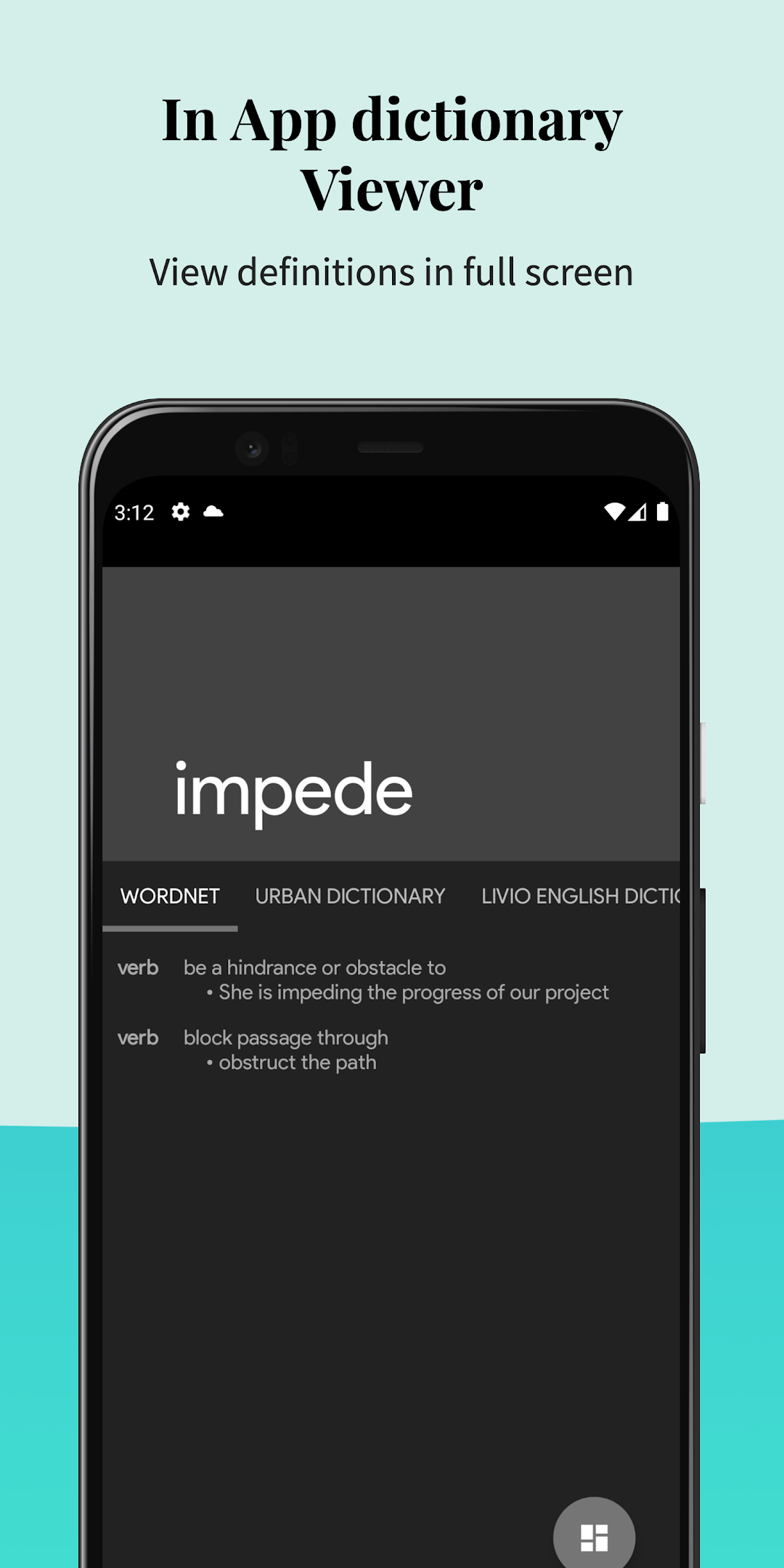
Look Up -Pop Up Dictionary Pro is a Books&Reference application developed by Sharma Gaurav, but with the best Android emulator-LDPlayer, you can download and play Look Up -Pop Up Dictionary Pro on your computer.
Running Look Up -Pop Up Dictionary Pro on your computer allows you to browse clearly on a large screen, and controlling the application with a mouse and keyboard is much faster than using touchscreen, all while never having to worry about device battery issues.
With multi-instance and synchronization features, you can even run multiple applications and accounts on your PC.
And file sharing makes sharing images, videos, and files incredibly easy.
Download Look Up -Pop Up Dictionary Pro and run it on your PC. Enjoy the large screen and high-definition quality on your PC!
Are you a bibliophile & hate going to google for every tough word you face?Or an ex- iOS user missing the nifty look up feature?
Welcome to Look up!
Your offline pop up dictionary!
Integrations
* Moon Reader Dictionary Support
* Anki Flashcard support
Look up supports 7 Languages
- English
- Italian
- Spanish
- German
- Portuguese
- French
Look up also supports the following plugins -
- Urban Dictionary
- Google Define
- Vocabulary.com
- Wikipedia
- Cambridge
You can Search for word in 3 ways!
* On copying a word (Android < 9.0)
* On Pressing lookup button after selecting the word (Android 6.0 and above)
* On selecting a word and sharing it to the Lookup App.
Features
* Anki Flashcard support
* MoonReader support
* Offline Wordnet Database with 0.22 Million Words and Phrases
* Fast & Predictive searching
* Sync to your drive! (can be disabled)
* You can star the words you like to remember
* Travel to the past swiftly with Recents
* Add notes to words, so that you remember every word in the context you want to.
* Dark mode for easy night time reading
* App speaks the word for you
* Material Design with gorgeous text
* Word of the day, in app and as a notification
* Use copy button for Lollipop or lower & Look up button in 6.0 plus (Copy button can be used too in 6.0
plus)