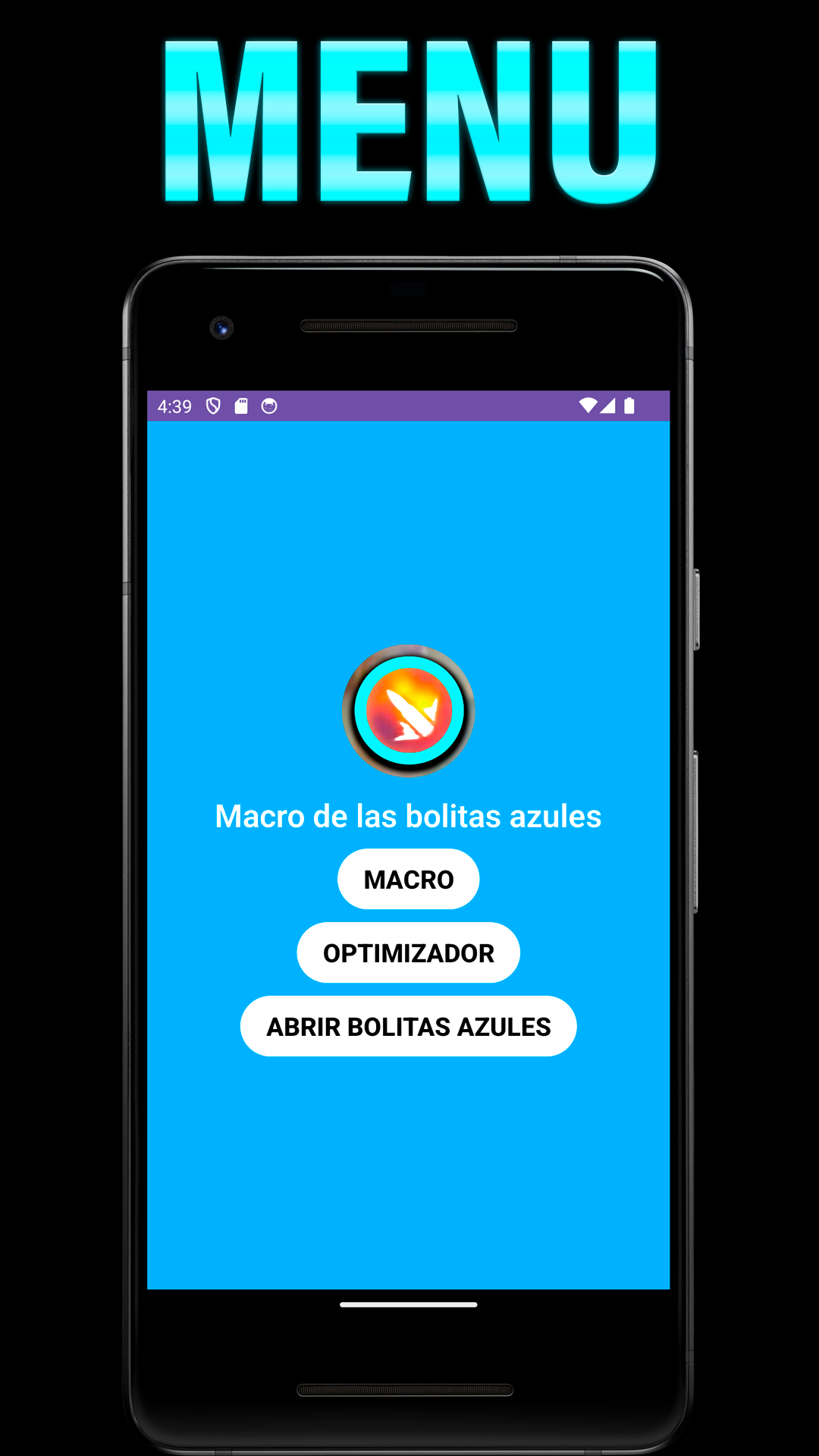
Macro de las Bolitas Azules is a Entertainment application developed by Yeudi Developer, but with the best Android emulator-LDPlayer, you can download and play Macro de las Bolitas Azules on your computer.
Running Macro de las Bolitas Azules on your computer allows you to browse clearly on a large screen, and controlling the application with a mouse and keyboard is much faster than using touchscreen, all while never having to worry about device battery issues.
With multi-instance and synchronization features, you can even run multiple applications and accounts on your PC.
And file sharing makes sharing images, videos, and files incredibly easy.
Download Macro de las Bolitas Azules and run it on your PC. Enjoy the large screen and high-definition quality on your PC!
¿Buscas una experiencia móvil más fluida y personalizada? ¡Optimiza tu experiencia móvil te ofrece las herramientas que necesitas!Funciones
Ajusta la sensibilidad a tu gusto: Controla la precisión y velocidad de respuesta de tu pantalla.
Mejora el rendimiento: Elimina lag y disfruta de una experiencia más fluida.
Personaliza tu DPI: Optimiza la visualización para una mejor experiencia visual.
Elimina pixeles muertos: Revive tu pantalla y disfruta de una visualización impecable.
Funciones avanzadas: Macro, Booster y más para potenciar tu dispositivo.
Más que una simple app de sensibilidad:
Personalización total: Ajusta cada función a tus necesidades y preferencias.
Interfaz intuitiva: Fácil de usar y entender, incluso para usuarios principiantes.
Sin riesgos: Disfruta de todas las funciones sin afectar el rendimiento o seguridad de tu dispositivo.