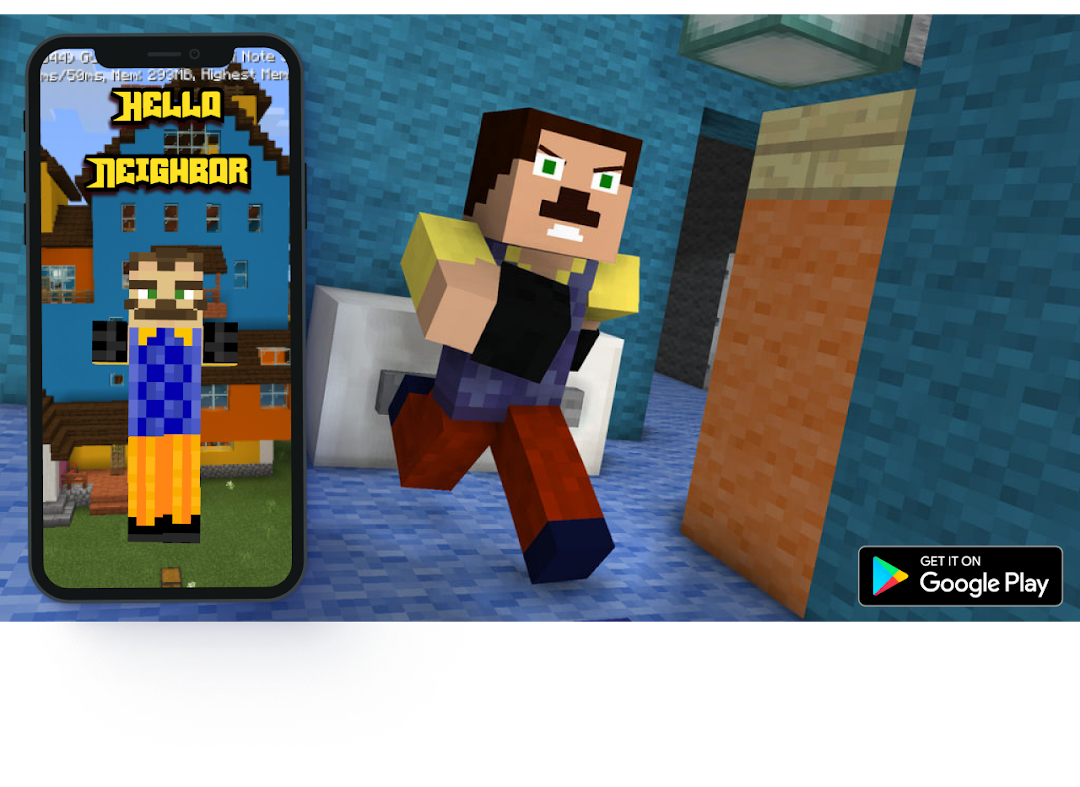
Map Hello Neighbor for MCPE is a Tools application developed by ToolMine, but with the best Android emulator-LDPlayer, you can download and play Map Hello Neighbor for MCPE on your computer.
Running Map Hello Neighbor for MCPE on your computer allows you to browse clearly on a large screen, and controlling the application with a mouse and keyboard is much faster than using touchscreen, all while never having to worry about device battery issues.
With multi-instance and synchronization features, you can even run multiple applications and accounts on your PC.
And file sharing makes sharing images, videos, and files incredibly easy.
Download Map Hello Neighbor for MCPE and run it on your PC. Enjoy the large screen and high-definition quality on your PC!
Get ready to face your fears in the Map Hello Neighbor for Minecraft - Secret Neighbor! This custom map and add-on adds a new entity to your game - the infamous hello neighbor. In survival mode, he roams around the world and will chase you down if you get too close. He also has a particular dislike for villagers and monsters. With jump scares and fast-paced gameplay, this map will keep you on the edge of your seat.Features:
Custom Minecraft map and add-on
Introduces hello neighbor entity to your game
Challenging gameplay with fast-paced chases
Jump scares to keep you on edge
One-click download for easy installation
Instructions:
To play the Map Hello Neighbor for Minecraft - Secret Neighbor, you'll need to have Minecraft Pocket Edition installed on your device. Once you've downloaded the map and add-on from the Google Play Store, follow the installation instructions provided. Then, launch Minecraft and select the Map Hello Neighbor from your saved worlds.
Get ready for a thrilling adventure in the Map Hello Neighbor for Minecraft - Secret Neighbor! Download now and see if you can uncover the secrets hidden within your neighbor's house.
DISCLAIMER: This is an unofficial application for Minecraft Pocket Edition.
This application is not affiliated in any way with Mojang AB.
The Name, Brand and the Assets are all property of Mojang AB or their respectful owner.