MEDITECH MHealth is a Medical application developed by Medical Information Technology, Inc., but with the best Android emulator-LDPlayer, you can download and play MEDITECH MHealth on your computer.
Running MEDITECH MHealth on your computer allows you to browse clearly on a large screen, and controlling the application with a mouse and keyboard is much faster than using touchscreen, all while never having to worry about device battery issues.
With multi-instance and synchronization features, you can even run multiple applications and accounts on your PC.
And file sharing makes sharing images, videos, and files incredibly easy.
Download MEDITECH MHealth and run it on your PC. Enjoy the large screen and high-definition quality on your PC!
MHealth is the mobile version of MEDITECH’s Patient and Consumer Health Portal, which offers secure and convenient access to your health information at your fingertips, on your mobile device or tablet. MHealth offers a wide range of results and features that allow you to better manage your and your family’s care. Use your existing Patient Portal logon ID and password to get started with MHealth.With MHealth, you can:
• Communicate securely with your care team
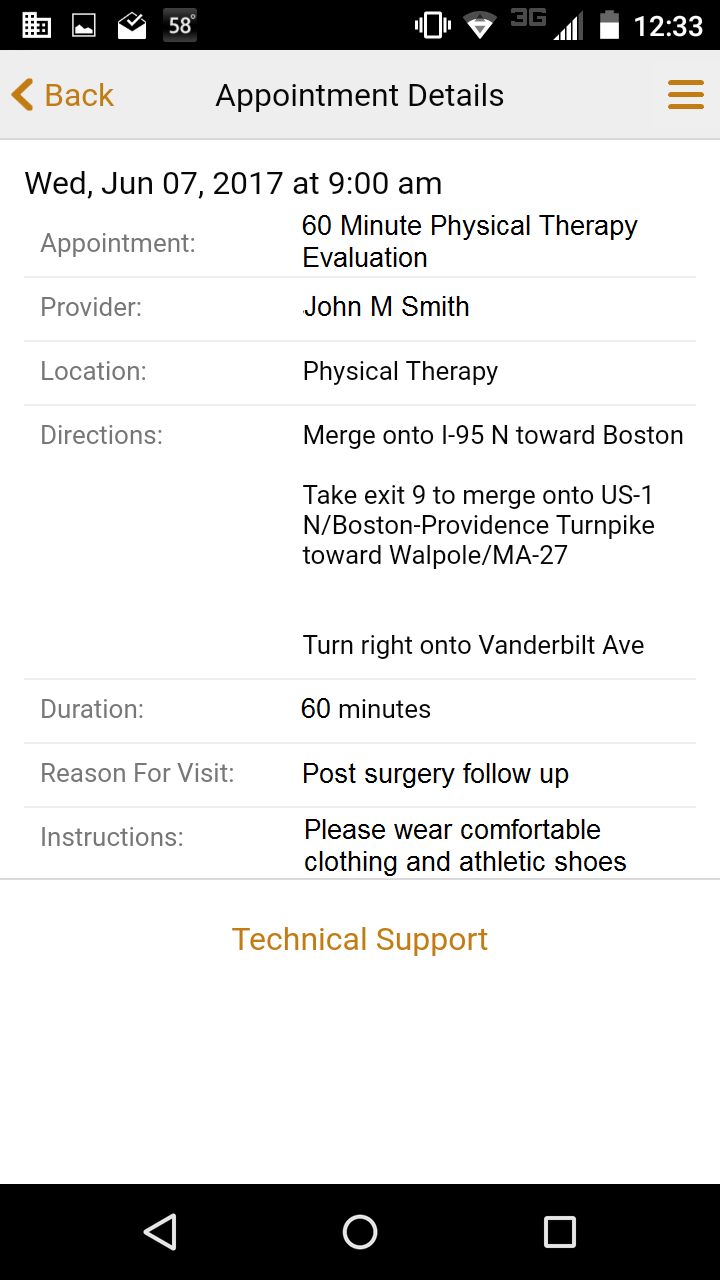
• Request new appointments and see details for upcoming visits
• Pre-register for upcoming appointments
• Review laboratory results and radiology reports
• Track immunizations, allergies, and conditions
• Manage home medications and request prescription renewals
• Reference visit history information and forms, including discharge instructions.
If you already have a Patient Portal account through your healthcare provider, and your provider has enabled access through MHealth, you are ready to begin. If you do not already have a Portal account with a MEDITECH affiliate, visit your healthcare provider’s web page to learn how to get started.