MeeCast TV is a Video Players&Editors application developed by Meecast, but with the best Android emulator-LDPlayer, you can download and play MeeCast TV on your computer.
Running MeeCast TV on your computer allows you to browse clearly on a large screen, and controlling the application with a mouse and keyboard is much faster than using touchscreen, all while never having to worry about device battery issues.
With multi-instance and synchronization features, you can even run multiple applications and accounts on your PC.
And file sharing makes sharing images, videos, and files incredibly easy.
Download MeeCast TV and run it on your PC. Enjoy the large screen and high-definition quality on your PC!
MeeCast is a smart system for multi-media player, base on same network, MeeCast can extend the Box's function by Mobile Phone and share the Mobile Phone's small screen to TV's big screen any time, also you can cast the mobile phone's local media file and website's media file to your TV wirelessly and freely.When you are casting, you can continue using your mobile phone as usual without interrupting the current playback.
*MeeCast Features:
1. Virtual Remote Controller on Mobile Phone for Box(TV)
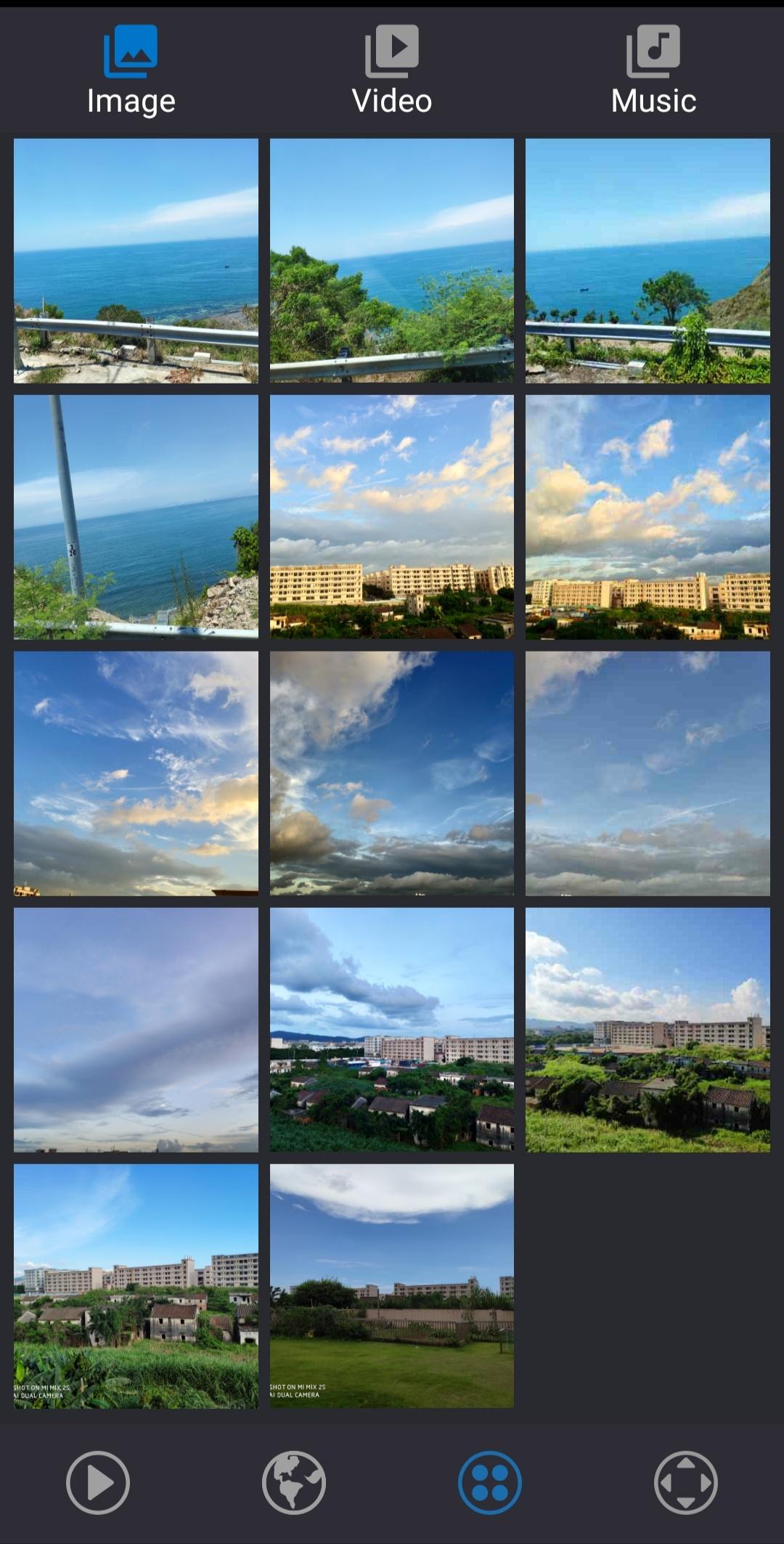
2. Cast the local Video/Picture/Music from Mobile Phone to Box(TV)
3. Cast the internet website's Video/Picture/Music from Mobile to Box(TV)
4. Support DVB2IP/SAT2IP, push the DVB-S2/T2/C/ISDB-T/ATSC live stream to Mobile Phone by IP data
5. Support IP Camera
6. Support DLNA reley
7. Support History and Bookmarker
8. Support Mirror Screen on iPhone/Android Mobile
9. Other functions for STB assistant
*MeeCast Supported STB:
• All STB with MeeCast TV function (GX/Mstar/Montage/Ali)
• All Android STB with MeeCast Client (Amlogic/Allwinner/Rockchip/Hisilicon)
*Tips:
Not all STB support MeeCast TV function, please note your giftbox/user manual/mainmenu with MeeCast icon or contact with your dealer.
*Quick Tips:
1. Make sure your STB is supported MeeCast before using
2. Make sure your mobile phone (Wi-Fi) and STB (Lan/Wi-Fi) are connected over the same Wi-Fi network.
You can find more information from http://www.meecast.com and user guide from http://www.meecast.com/support/
If you have any feedback, please send email to us by support@meecast.com or sales@meecast.com