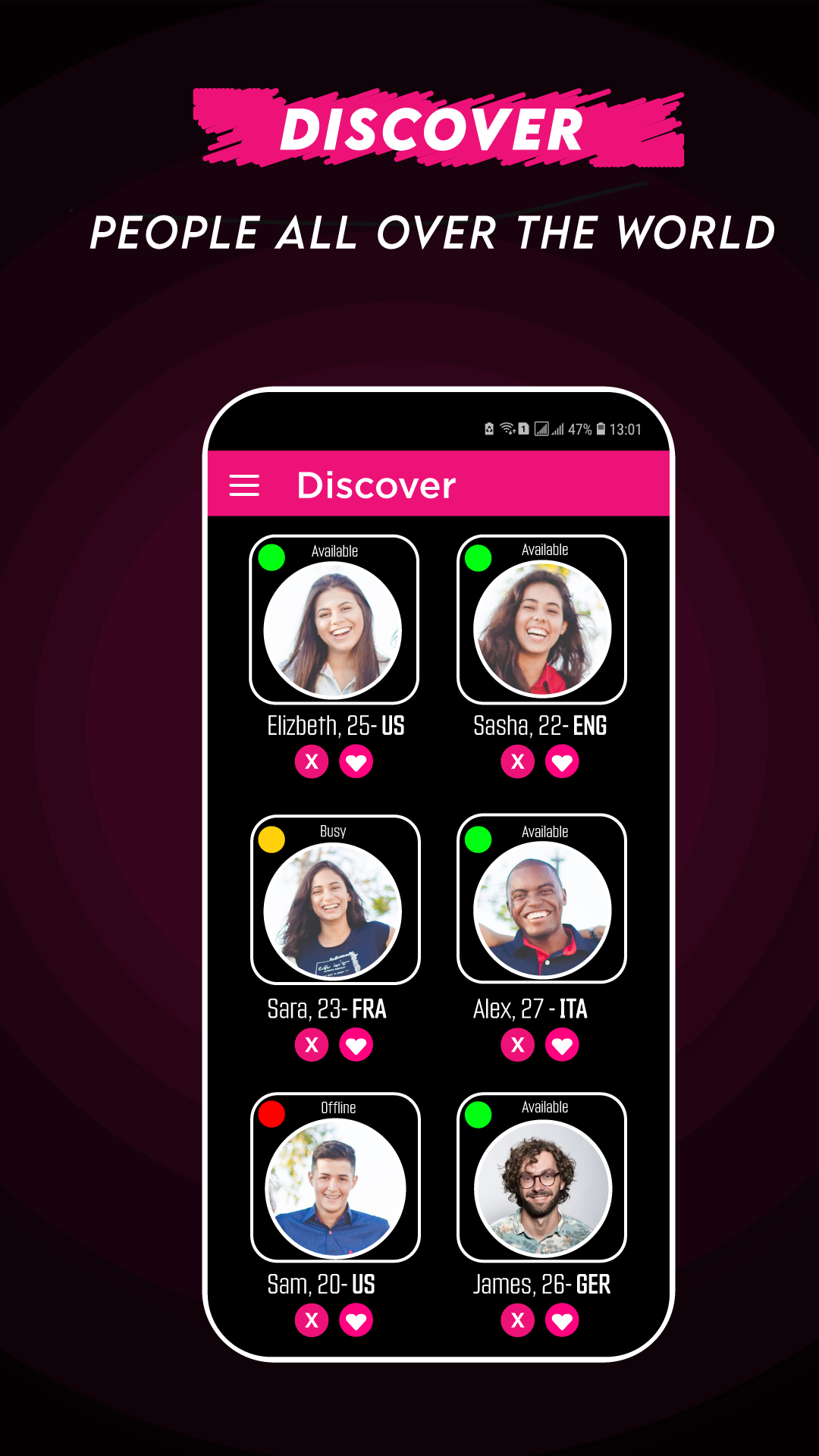
MeetAny – Live Video Call is a Social application developed by MeetAny, but with the best Android emulator-LDPlayer, you can download and play MeetAny – Live Video Call on your computer.
Running MeetAny – Live Video Call on your computer allows you to browse clearly on a large screen, and controlling the application with a mouse and keyboard is much faster than using touchscreen, all while never having to worry about device battery issues.
With multi-instance and synchronization features, you can even run multiple applications and accounts on your PC.
And file sharing makes sharing images, videos, and files incredibly easy.
Download MeetAny – Live Video Call and run it on your PC. Enjoy the large screen and high-definition quality on your PC!
MeetAny – Live Video Call lets you connect instantly with real people through random video chat and live video calls from anywhere in the world. Start a free 1-on-1 video chat, make new friends, and explore global cultures—all inside one safe and easy-to-use app.🌎 Discover & Connect Globally
Tap once to start a random video chat with someone new every time. Whether you’re here to socialize, learn about different countries, or just chat casually, MeetAny offers a fun and friendly way to meet new people online.
◼️ Random video chat with strangers worldwide
◼️ Live video calls and 1-on-1 conversations
◼️ Instant match and connect experience
🎥 High-Quality Live Video Chat
Enjoy clear audio and HD video for real-time communication. Use filters and camera controls for a better chat experience. Every live video call is smooth, secure, and light on data usage.
🔒 Safe, Anonymous & Moderated
MeetAny is a safe platform for everyone. You can report or block users anytime and end calls instantly if you feel uncomfortable. Personal details stay private — no need to share your phone number or social media. Our team actively monitors chats to ensure a secure community for all.
💬 Make Friends via Live Video Calls
Join millions of users who use MeetAny to meet new friends and connect across cultures. You can chat casually, learn languages, or just talk to strangers through free live video calls. Filter connections by country or gender for a personalized video chat with strangers experience.
⚙️ Key Features
◼️ Free random video chat and 1-on-1 live video calls
◼️ Anonymous video chat with optional filters
◼️ Gender and country matching for custom connections
◼️ HD video quality and stable servers for smooth calls
◼️ Instant match feature to start chatting in seconds
◼️ Report / block tools for safe community experience
◼️ Simple UI for quick access to live video chat
🚀 Join Now & Start Chatting
Download MeetAny – Live Video Call to explore the world through live video chat and random video calls. Meet new friends, talk to strangers, and make every conversation meaningful and fun. Enjoy global connection — anytime, anywhere!