MegaReward: Play & Earning is a Tools application developed by VmediaCorp, but with the best Android emulator-LDPlayer, you can download and play MegaReward: Play & Earning on your computer.
Running MegaReward: Play & Earning on your computer allows you to browse clearly on a large screen, and controlling the application with a mouse and keyboard is much faster than using touchscreen, all while never having to worry about device battery issues.
With multi-instance and synchronization features, you can even run multiple applications and accounts on your PC.
And file sharing makes sharing images, videos, and files incredibly easy.
Download MegaReward: Play & Earning and run it on your PC. Enjoy the large screen and high-definition quality on your PC!
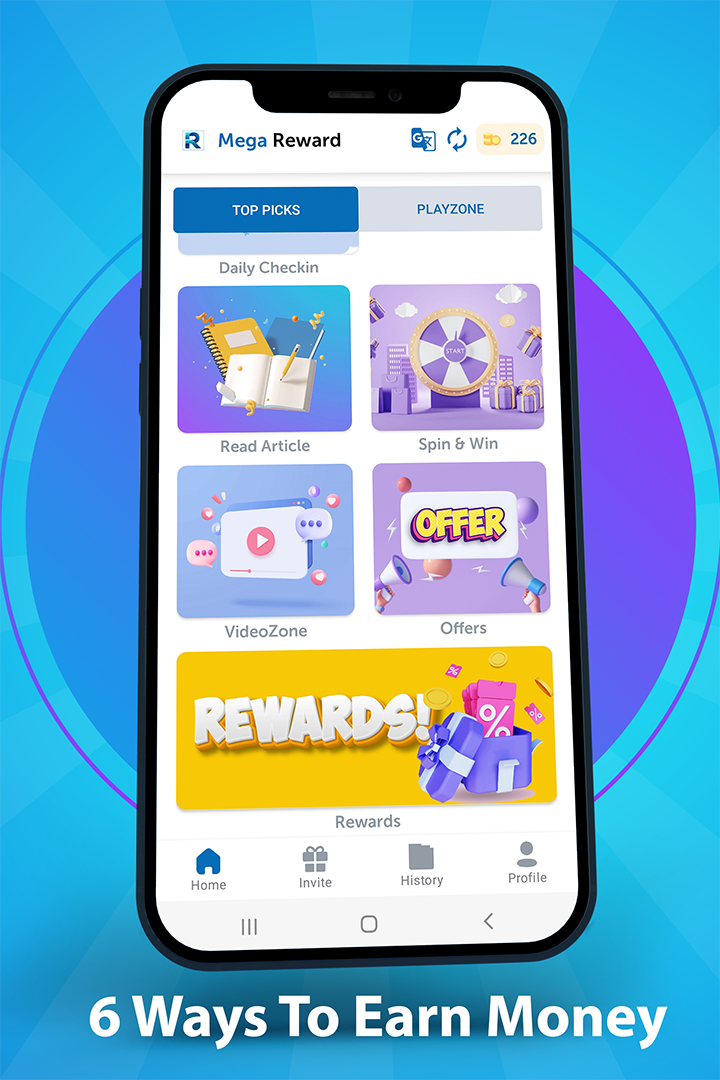
Earn by completing simple tasks inside the app. Easily earn money by watching videos, playing games, trying free apps, giving opinions, testing services, endorsements, free trials.You can earn anytime and from anywhere, there are no complicated missions to visit places or wander around and best of all it’s an easy, quick and fun way to make easy money! Mega Reward is the best rewards app!
Mega Reward app free pays better and faster than other reward apps!
You don't need to pay any fees, you can start making money right away.
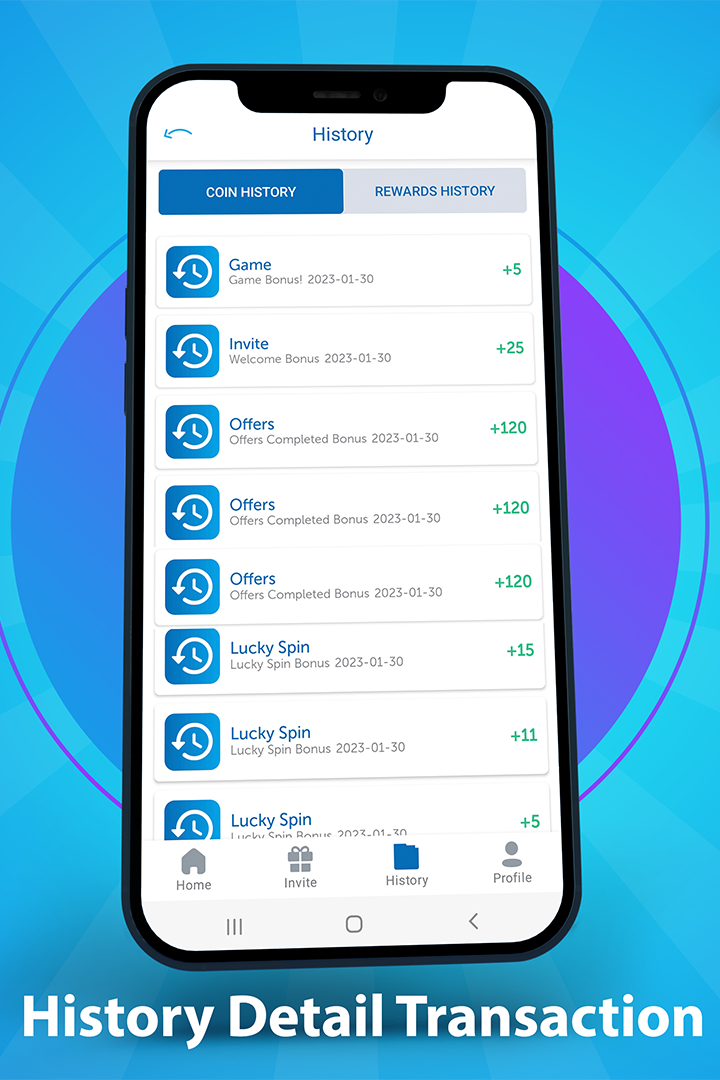
1) Complete tasks to accumulate credit rewards. The tasks vary and can be watching videos, playing games, downloading free apps, completing surveys and many more.
2) Redeem your credit rewards for cash via PayPal...
3) Just enjoy your money!
- Make money by watching videos
- Earn free cash when testing fun new apps
- Play games and earn money
- Test services and get paid
- Daily rewards
NOTE: All tasks, offers, prizes and rewards given by Make Money are not affiliated with Google Inc. The offers are solely sponsored by Mega Reward. All Prizes and or rewards are NOT Google products; and or do they have any association with Google.
Contact us for any queries you have regarding our service. We love to get feedback from our users.
vmediacorp.us@gmail.com