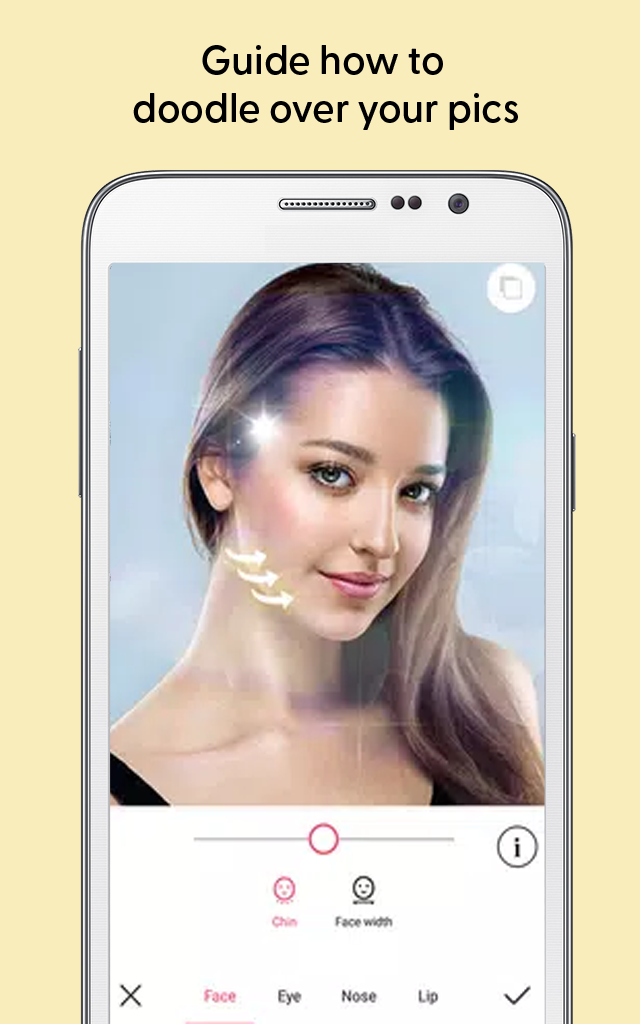
Meitu Photo Video Editor Tips is a Entertainment application developed by srgapps-lab, but with the best Android emulator-LDPlayer, you can download and play Meitu Photo Video Editor Tips on your computer.
Running Meitu Photo Video Editor Tips on your computer allows you to browse clearly on a large screen, and controlling the application with a mouse and keyboard is much faster than using touchscreen, all while never having to worry about device battery issues.
With multi-instance and synchronization features, you can even run multiple applications and accounts on your PC.
And file sharing makes sharing images, videos, and files incredibly easy.
Download Meitu Photo Video Editor Tips and run it on your PC. Enjoy the large screen and high-definition quality on your PC!
If you want to create awesome edits, then the Meitu- Photo & Video Editor app may be the right option for you. Meitu editing app gives you everything you need to create awesome edits.Make your photos stunning and sensational! Whatever your beauty preference, do it all with the Meitu all in one app😉.
Meitu photo and video editor app📹 offers following basic features:
1. Turn your portraits into stunning illustrations.
2. Make your meitu videos at a high-end level with filters, special fonts, stickers and music.
4. Create a cartoon style of your face.
5. Take gorgeous photos and capture lovely videos.
There is also, meitu retouching filter for your skin, you can make it smooth, firm, and even adjust the hue and tone exactly the way you like. If you have scars and acne, you can get rid of them as well. This app also allows you to brighten and alter the size of your eyes.
As well as unlock 🔓 VIP exclusive functions, such as: teeth correction, hair bangs adjustment, wrinkle removal, eye retouch, etc. Meitu will give you a greater and better experience. Download the meitu free app and make all your photos and videos beautiful and shiny. You will look smooth and beautiful.
This application has no connection with the original app. Please, leave us a comment in case of any questions.