

Memini VPN : Warp is a Tools application developed by HexaSoftware, but with the best Android emulator-LDPlayer, you can download and play Memini VPN : Warp on your computer.
Running Memini VPN : Warp on your computer allows you to browse clearly on a large screen, and controlling the application with a mouse and keyboard is much faster than using touchscreen, all while never having to worry about device battery issues.
With multi-instance and synchronization features, you can even run multiple applications and accounts on your PC.
And file sharing makes sharing images, videos, and files incredibly easy.
Download Memini VPN : Warp and run it on your PC. Enjoy the large screen and high-definition quality on your PC!
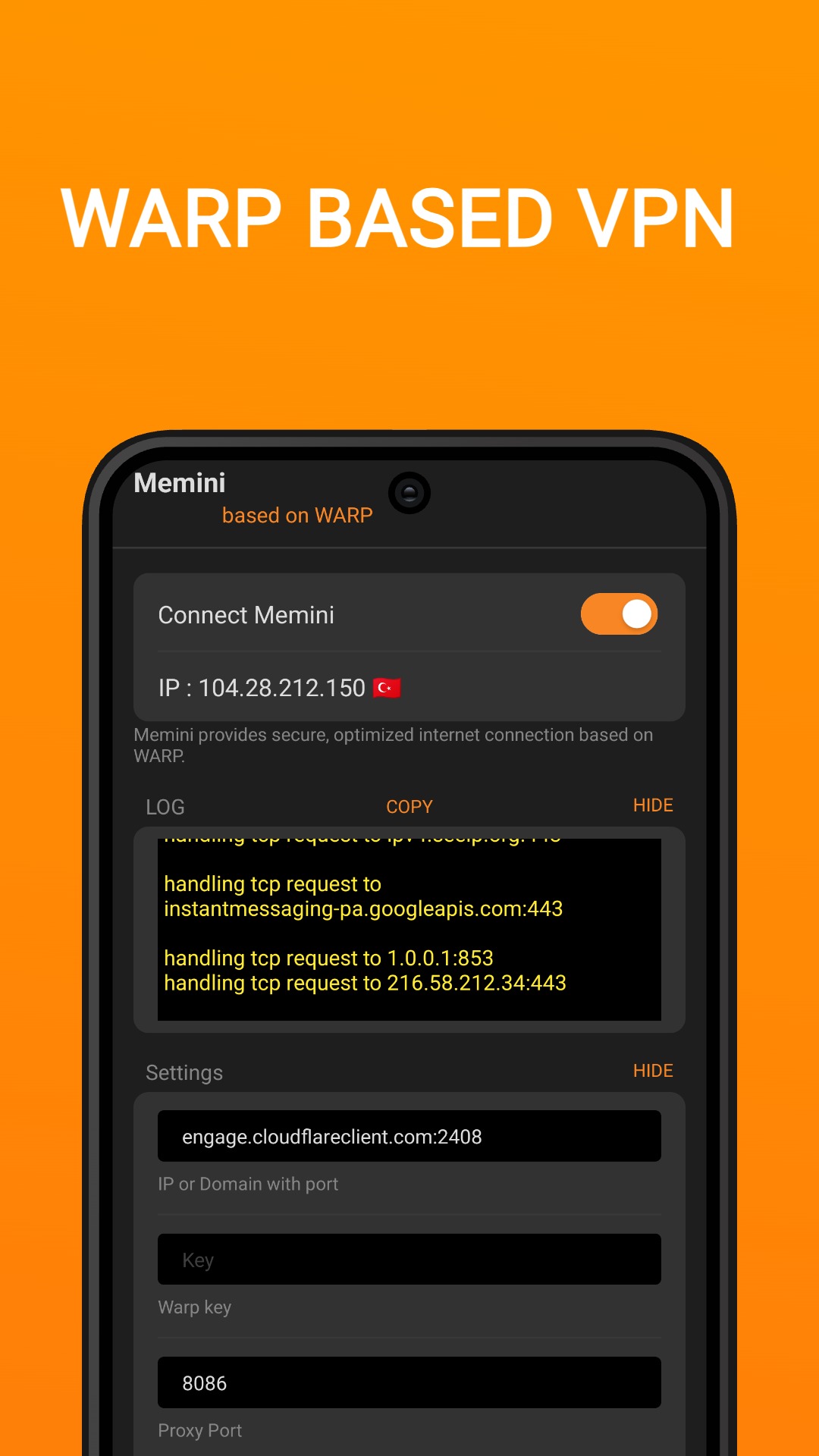
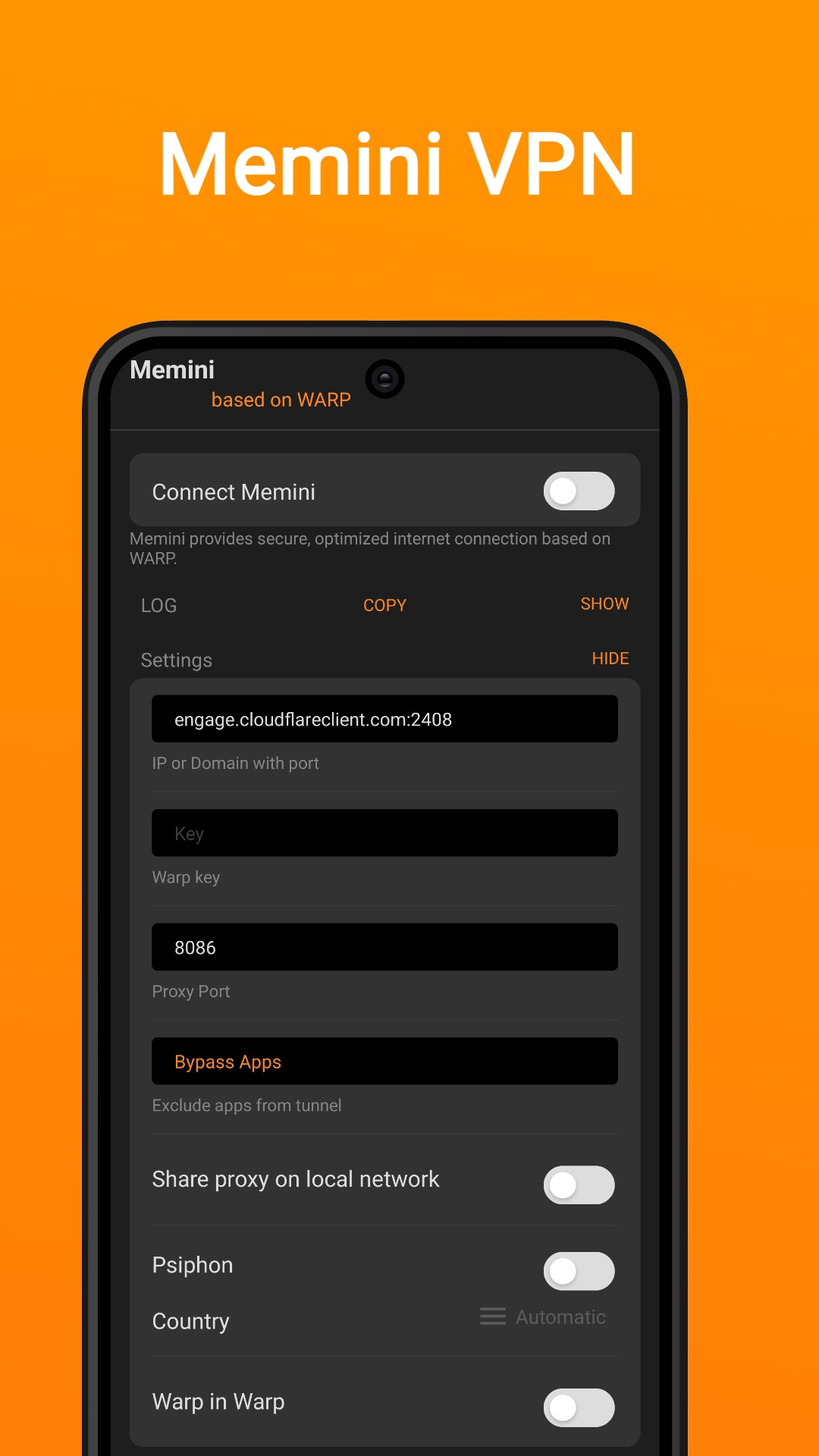
Memini VPN provides secure, optimized internet access through a user-friendly app using warp technology.Simple and Easy Tunneling VPN Over WARP And Psiphon App.
Features:
- Support VPN over psiphon
- Support VPN over WARP
- Support VPN over WARP IN WARP
- Minimalist, no exaggerations
- Low RAM usage.
- Stealth and stable, no need to log in and register, easy to use
- Does not save any user log information
- Wi-Fi Security when using Public Hotspots
- Protect your network IP and privacy security
- Unmatched network speed and performance
Using Memini VPN for tunneling your internet connection does not guarantee to increase your internet speed it always depends on your network provider.