Messenger Lite is a Communication application developed by Meta Platforms, Inc., but with the best Android emulator-LDPlayer, you can download and play Messenger Lite on your computer.
Running Messenger Lite on your computer allows you to browse clearly on a large screen, and controlling the application with a mouse and keyboard is much faster than using touchscreen, all while never having to worry about device battery issues.
With multi-instance and synchronization features, you can even run multiple applications and accounts on your PC.
And file sharing makes sharing images, videos, and files incredibly easy.
Download Messenger Lite and run it on your PC. Enjoy the large screen and high-definition quality on your PC!
A fast and data-efficient messaging app to reach the people in your life.Messenger Lite:
- Installs quickly. It's less than 10MB to download!
- Saves data. It loads fast, runs efficiently and uses less mobile data.
- Works everywhere. Reach people when you're in an area with a slow or unstable internet connection.
With Messenger Lite, you can:
- Contact anyone on Messenger, Facebook or Facebook Lite.
- See when people are active and available to chat.
- Message people one-on-one or in groups to catch up or make plans.
- Send photos, links, or express yourself with stickers.
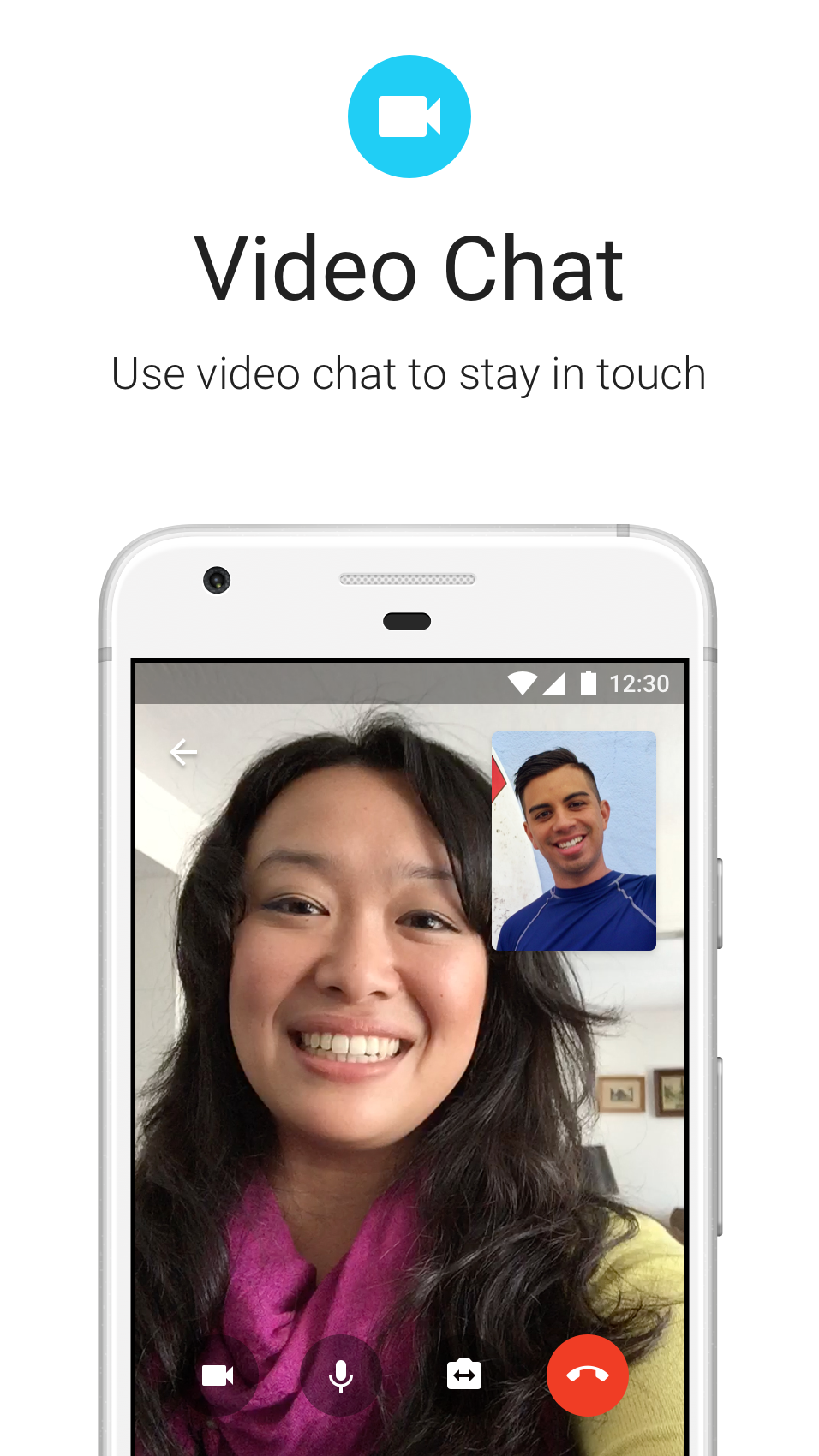
- Make one-on-one voice and video calls for free over Wi-Fi (otherwise standard data charges apply). Talk as long as you want, even with people in other countries!