Metronome EX is a Music&Audio application developed by Enzo A.C. Lee, but with the best Android emulator-LDPlayer, you can download and play Metronome EX on your computer.
Running Metronome EX on your computer allows you to browse clearly on a large screen, and controlling the application with a mouse and keyboard is much faster than using touchscreen, all while never having to worry about device battery issues.
With multi-instance and synchronization features, you can even run multiple applications and accounts on your PC.
And file sharing makes sharing images, videos, and files incredibly easy.
Download Metronome EX and run it on your PC. Enjoy the large screen and high-definition quality on your PC!
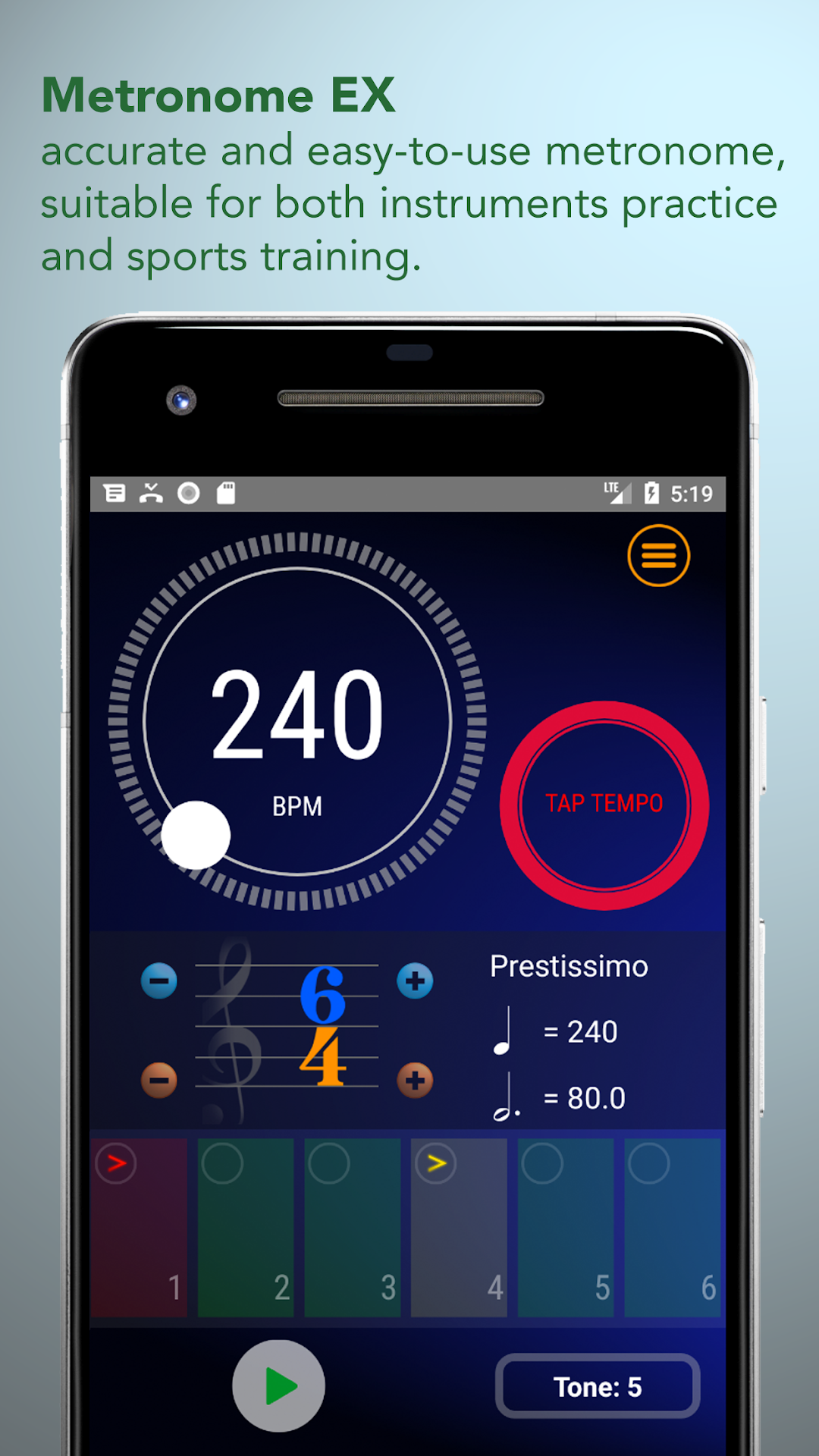
Metronome EX is an easy-to-use ,accurate and free metronome software. It has the following features:- Set fast. You can quickly adjust BPM and beats per bar.
- Intuitive design. As long as you compare the time signature on the sheet music, you can set the rhythm you want correctly.
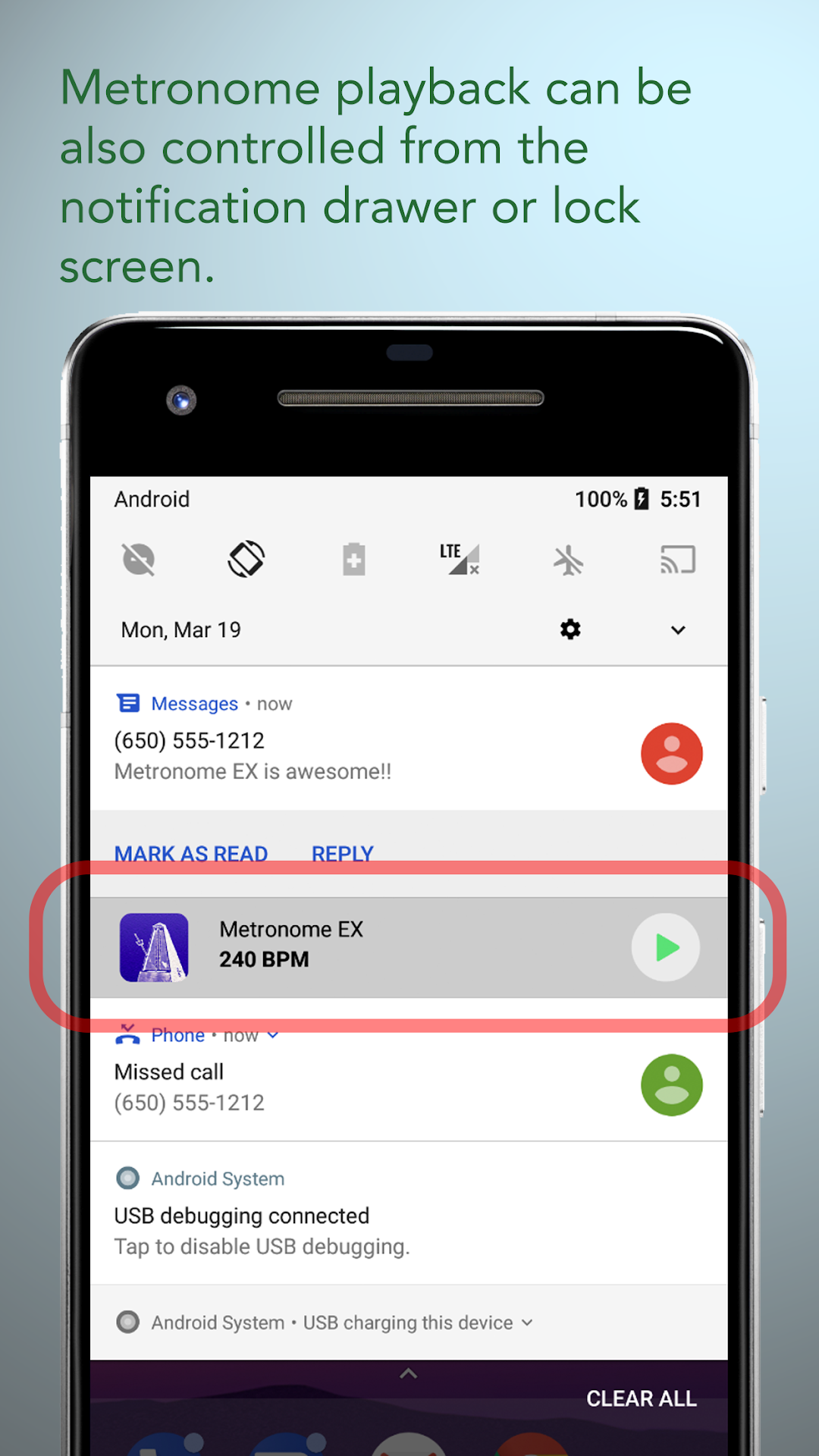
- You can control the metronome playback from the notification drawer or lock screen without having to reopen the APP.
- Its playback can be controlled by the wired or Bluetooth headset button. It is particularly convenient for sports training with headphones. (Most metronome apps do not have this feature).
- Each beat can be set to /accent/semi-accent/normal/mute/. These four different sounds allow you to freely edit the rhythm you want.
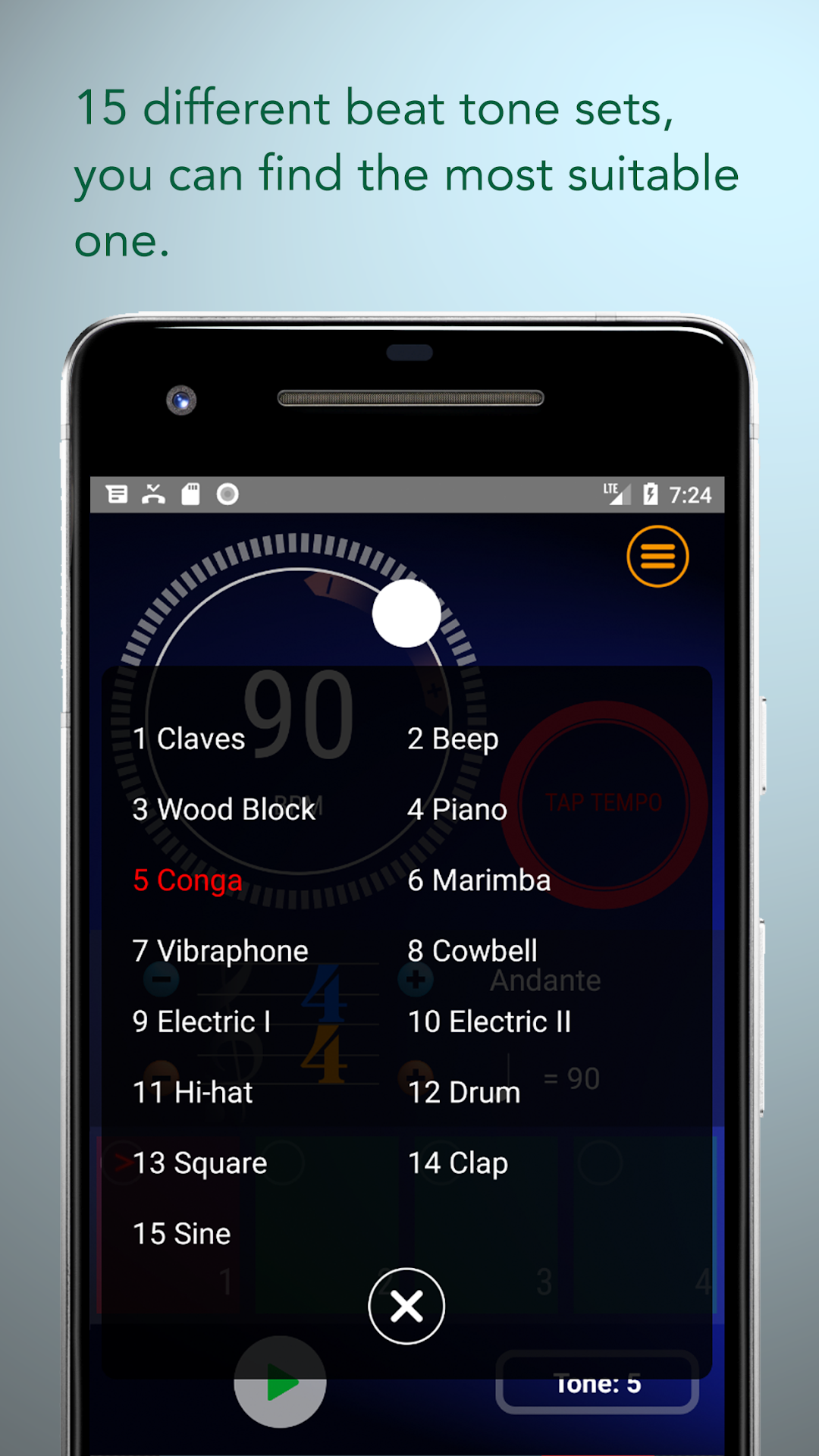
- There are 15 different beat tone sets to choose from, regardless of whether you are practicing a classical piano, violin or rock guitar, you can find the most suitable one.
- Most importantly, it is absolutely accurate!!