Mirror: Emoji maker, Stickers is a Personalization application developed by Mirror AI, but with the best Android emulator-LDPlayer, you can download and play Mirror: Emoji maker, Stickers on your computer.
Running Mirror: Emoji maker, Stickers on your computer allows you to browse clearly on a large screen, and controlling the application with a mouse and keyboard is much faster than using touchscreen, all while never having to worry about device battery issues.
With multi-instance and synchronization features, you can even run multiple applications and accounts on your PC.
And file sharing makes sharing images, videos, and files incredibly easy.
Download Mirror: Emoji maker, Stickers and run it on your PC. Enjoy the large screen and high-definition quality on your PC!
Nice to meet you on the app page of the Mirror AI - advanced 3D avatar maker! Create your own character, cute pics, memes, memoji AR stickers, avatars and big emoji stickers! Build your own personalized emoji keyboard for Android and make your chatting experience more fun.It’s time to add your personal touch to the standard set of keyboard stickers! You can use smart emojis and send your stories to the most popular social networks, chats and messengers. Mirror helps you to create stickers for whatsapp and customized avatars for your phone: Samsung, Huawei, Google Pixel, HTC, Meizu, LG, Sony etc.
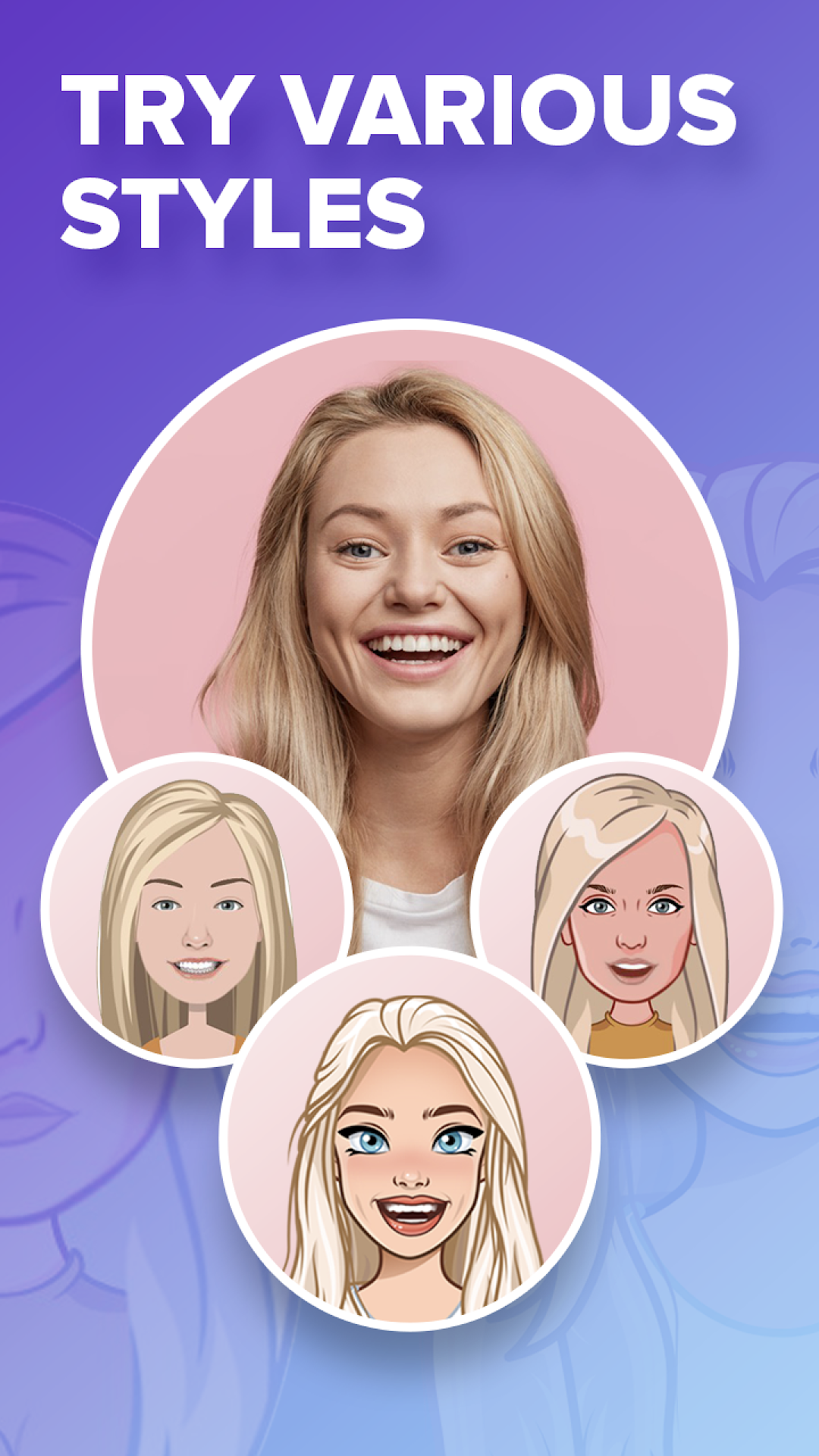
The in-app character maker has a great facial recognition feature. With just one picture Mirror easily creates a personalized big avatar that looks almost as good as the real person. Use your own anime face to show your reactions. You can also try a celebrity packs creator. Make a personal sticker your online signature!
🌟 🌟 🌟 Features of the portrait maker Mirror AI 🌟 🌟 🌟
★ Put anything you want on the Decide Wheel and check unique roulette picks.
Let us help you decide in our special way! Get easy answers with a unique emoji wheel. Sticker making can be much more fun than you think. Spin the wheel and know which ultimate decision to take. Our wheels of fortune are full of surprises, every decision you take shows you options with a cartoon face yourself. It’s better than just a coin flip. Lucky wheel helps you to find the right answer. You can ask any questions. Make your decisions in a fun way. Spin and share results with friends.
★ Try facememoji - emoji maker from your face! Custom personalized avatars can be more effective on social media than traditional photos.
Stand out from the crowd while still being yourself. Use a unique, personalized, cartoon photo of you together with different stickers and emojis. Surprise your friends and followers with colorful stickers and gifs starring you! Go a step further, change your face and use our photo editing tools to insert your avatar into real life photos - all using one powerful app.
★ Personal Emoji Top Stickers Keyboard for Android
Check out personalized animated gifs and keyboard customization! Share bitmoji like stickers to any dialog via Mirror sticker maker: GIF emoji stickers for Whatsapp, Snapchat, Telegram or Twitter. Mirror avatar maker gives you suggestions for Smiley and Emoji prediction so you can express yourself fast. Add in phrases like “I love you” or “Happy birthday!” and send your personal presents for texting.
★ Welcome to the meme emoji generator.
Choose funny memes and send to your friend in any situation. We add new popular meme stickers every month! Our application works with different art styles: pixel art, anime, 3D, line - you can even make a caricature from a picture.
★ Texting is an important part of communication.
Use Face maker to get animated emojis for Android. You will love moving your personal giphy avatar. Send animated faces to messages or social networks to impress your friends with animoji.
★ Customized Personal Text for Emojis.
You can add phrases to your sticker. Send custom smiles and dollify avatars with Mirror smart emojis keyboard for Android!
★ Style and outfit.
There are many applications where you can create your own character and live your second life.
Try a cool meme avatar editor. In a character creator you can change hair styles, makeup and glasses. Customize your own photo with a lot of makeup, cosmetics or funny cute hats, and make personal stickers!
Mirror is a combination of the most popular features - it’s simultaneously a cartoon maker from photos, stickers creator and anime avatar creator. Fun chatting starts with Mirror!
Please contact our faceapp via android@mirror-ai.com