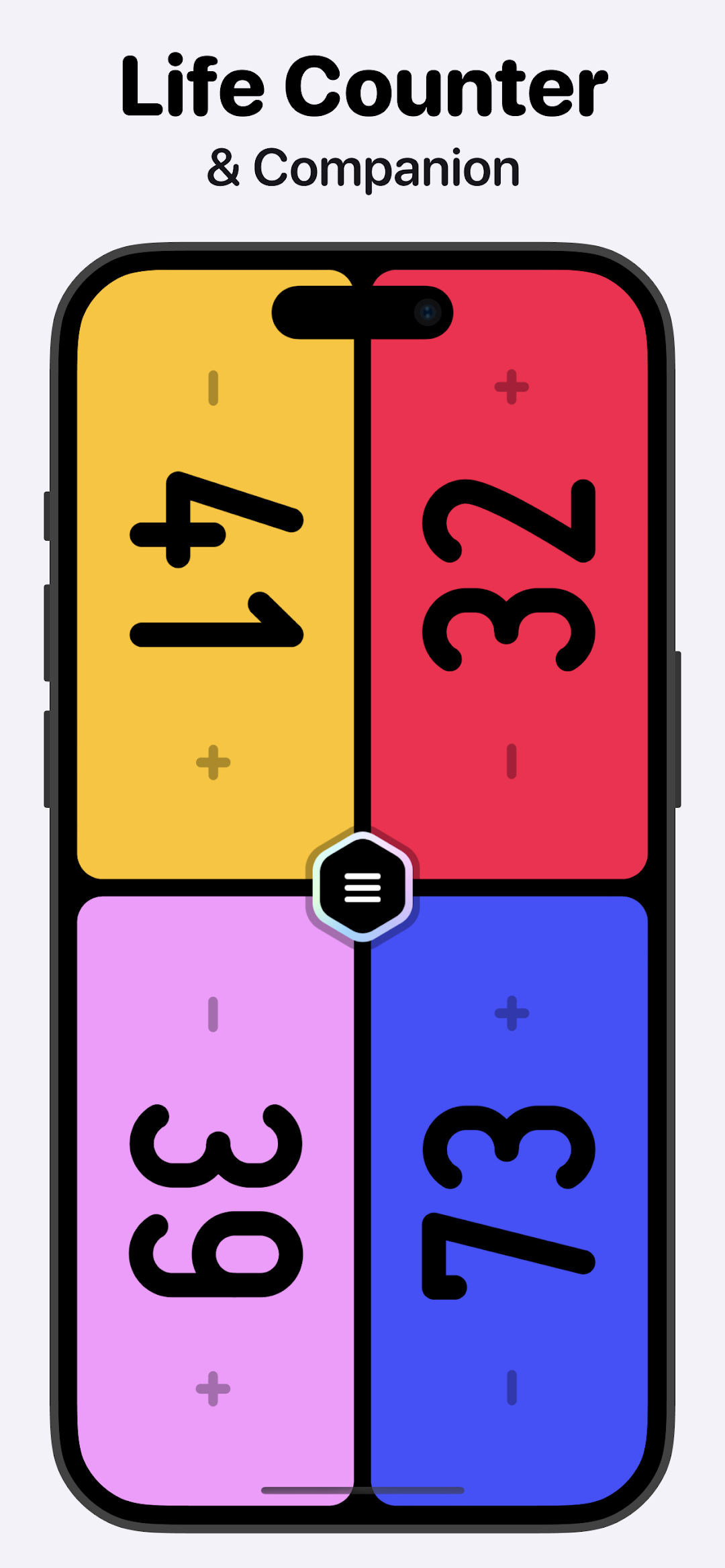
MTG Life Counter App: Lotus is a Tools application developed by Vanilla b.v., but with the best Android emulator-LDPlayer, you can download and play MTG Life Counter App: Lotus on your computer.
Running MTG Life Counter App: Lotus on your computer allows you to browse clearly on a large screen, and controlling the application with a mouse and keyboard is much faster than using touchscreen, all while never having to worry about device battery issues.
With multi-instance and synchronization features, you can even run multiple applications and accounts on your PC.
And file sharing makes sharing images, videos, and files incredibly easy.
Download MTG Life Counter App: Lotus and run it on your PC. Enjoy the large screen and high-definition quality on your PC!
Lotus is your all-around Magic the Gathering Companion app.Key features:
- Track life totals and Commander damage for up to 10 players
- Quick life total adjustments and custom starting health
- Card search with price checking and format legality
- Roll any custom dice (including D4-D20) or flip a coin
- High-roll feature and coin flips
- Track various counters: poison, experience, charge, storm, and more
- Support for partner commanders and Commander Tax
- Initiative and Monarch status tracking
- Game timer with individual turn tracking
- Customize player backgrounds and defeat messages
- Battery-friendly design with sleek dark mode
- Additional game modes: Planechase and Archenemy
The best MTG Life Tracker
We love Magic the Gathering! That's why we built Lotus. Supporting up to 10 players with custom starting health totals, Lotus makes tracking life totals as smooth as a well-oiled Mindslaver lock. Set unique colors or background images for every player, and swipe to track commander damage with ease. Beyond life tracking, Lotus handles everything from Poison counters to Storm count, Energy to Mana, and even keeps tabs on your Commander Tax.
Advanced Game Management
Swipe up or down on player cards to access a full suite of customization options. Set custom backgrounds, enable partner commanders, and manage players directly from their cards. Share your favorite profiles across devices, and when a player falls in battle, bring them back with our streamlined revival system. Plus, add some salt to defeat with customizable defeat messages!
Card Search and Price Checking
Need to check if that spicy tech is format legal? Or maybe you're wondering about the price of that chase rare? Search for any Magic card to instantly see current prices and format legality information.
Additional Game Modes: Planechase and Archenemy
Planechase: Journey through different planes with a full suite of Planechase cards, including the newest Doctor Who planes. The deck shuffles automatically, bringing fresh challenges to each game.
Archenemy: Unite against a common foe or take on the villain's role with integrated Archenemy Schemes, including the latest cards from Duskmourn: House of Horror.
Game Timer and Turn Tracking
Keep your games moving with our integrated game timer and turn tracker. Whether you're in a casual Commander game or racing against the clock in a tournament, Lotus helps ensure smooth gameplay without slow play.
Battery-friendly MTG Companion
The app is designed to be energy-efficient with a dark mode that conserves your battery during those epic Commander sessions. Plus, there are no ads, so you can focus on your game without distractions.
Free MTG Companion App
Lotus is completely free—no ads, no in-app purchases, and no hidden fees. Just enjoy a fully featured Magic the Gathering life counter and companion app built by players, for players.
We'd love your feedback!
If you have any feedback, please let us know! Your input helps us make Lotus even better and keeps it as your go-to Magic the Gathering life counter and companion app.
This app contains unofficial Fan Content permitted under the Fan Content Policy of Wizards of the Coast. This app is not approved or endorsed by Wizards. Portions of the materials used are property of Wizards of the Coast. © Wizards of the Coast LLC.