Music Player - MP3 Music App is a Music&Audio application developed by Mido Music, but with the best Android emulator-LDPlayer, you can download and play Music Player - MP3 Music App on your computer.
Running Music Player - MP3 Music App on your computer allows you to browse clearly on a large screen, and controlling the application with a mouse and keyboard is much faster than using touchscreen, all while never having to worry about device battery issues.
With multi-instance and synchronization features, you can even run multiple applications and accounts on your PC.
And file sharing makes sharing images, videos, and files incredibly easy.
Download Music Player - MP3 Music App and run it on your PC. Enjoy the large screen and high-definition quality on your PC!
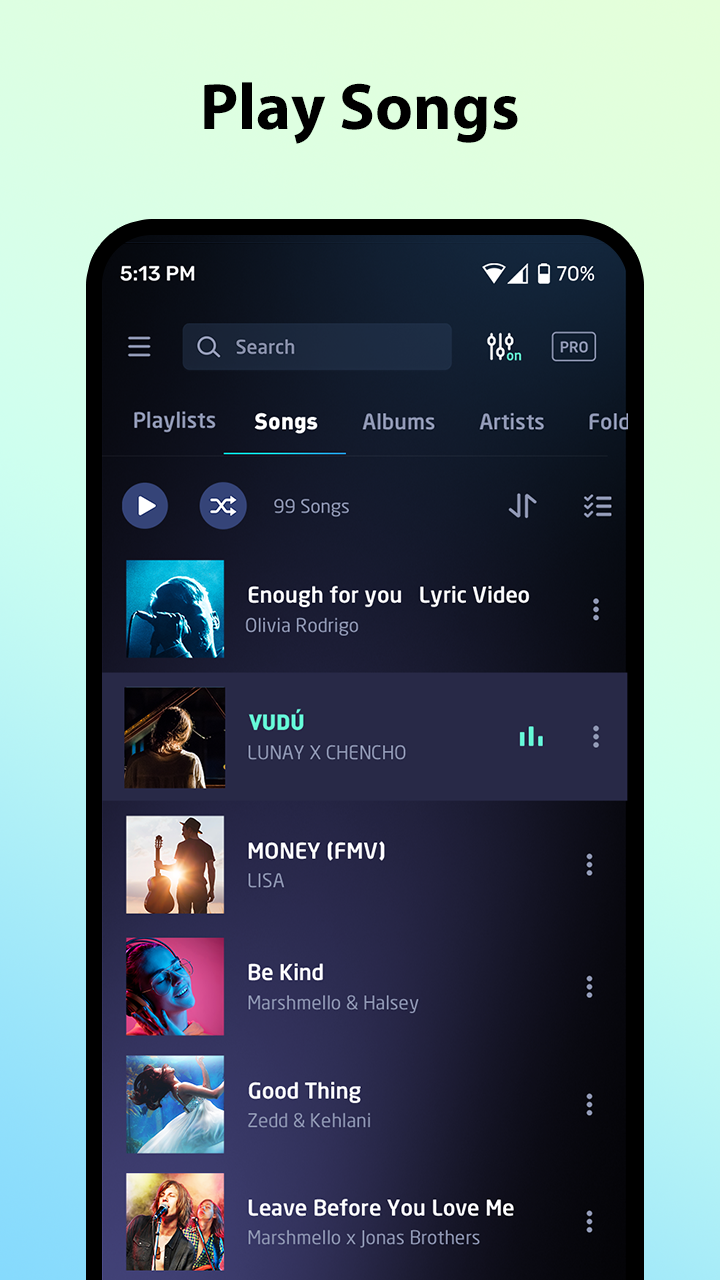
🎵 Mido Music Player - MP3 Music App – Your Offline Sound Companion!Looking for a reliable and stylish offline music player? Mido music player mp3 player is fast and powerful, designed for true music lovers! With support for all major audio formats, beautiful themes, customizable playlists, and a built-in equalizer, this offline mp3 player turns every moment into a musical journey.
🎧 All-in-One MP3 Player App
The free music player for android is more than just an offline mp3 player. It supports all popular audio formats including MP3, M4A, WAV, FLAC, AAC, MIDI, APE, and more. You no longer need multiple music apps — this single music player app does it all!
🔎 Quick & Smart Song Search
Search your music library by artist, album, genre, folder, or simply type a keyword to instantly find the song you're looking for. This music player app makes it super easy to locate your favorite tunes in seconds.
📝 Import & Edit Lyrics
Add lyrics to your songs and edit them anytime. Whether you're singing along or learning new tracks, Mido audio player makes it simple and fun with full lyrics support.
🎵 Customizable Playback Screen
Every user has a different vibe — and Mido gets that! Enjoy different playback screen styles and switch between layouts to suit your mood while listening.
🎚️ Powerful Equalizer & Audio Effects
Boost your music with a 5-band equalizer, bass booster, 3D audio, and a virtualizer. Tweak the sound just how you like it — from deep bass to sparkling highs!
🎨 Stylish Themes & Flexible Playback Modes
Choose from a variety of beautiful themes. Play songs in order, shuffle mode, or loop. Use "Add to Queue" to create a custom playback flow — your playlist, your rules.
🎧 Headphone & Lock Screen Controls
Control free music easily from your headphone buttons or lock screen. Play, pause, or skip tracks without even unlocking your phone. True hands-free experience!
🕒 Smart Sleep Timer
Fall asleep with your favorite songs. Set a timer and let the free music stop automatically after a set duration. Perfect for late-night listening!
🗂️ Playlist Management & Tag Editor
Create and manage unlimited playlists. Add songs based on your mood, genre, or occasion. Edit song info, album art, and artist name to organize your music perfectly.
🔊 Best Offline Music Player Experience
No Wi-Fi? No problem! Mido is your free offline music player — play music wherever you are. Whether commuting, traveling, or working out, this offline mp3 player is always ready to play.
🎉 Download Mido Music Player - MP3 Music App Now!
Rediscover your favorite songs, explore new vibes, and enjoy total control with this elegant mp3 player app. Try Mido free music player today! 🎧📲
Note:
Music Player - MP3 Music App is for playing local music and audio files offline. It's not a music downloader.