MX Player Online: OTT & Videos is a Entertainment application developed by Amazon Mobile LLC, but with the best Android emulator-LDPlayer, you can download and play MX Player Online: OTT & Videos on your computer.
Running MX Player Online: OTT & Videos on your computer allows you to browse clearly on a large screen, and controlling the application with a mouse and keyboard is much faster than using touchscreen, all while never having to worry about device battery issues.
With multi-instance and synchronization features, you can even run multiple applications and accounts on your PC.
And file sharing makes sharing images, videos, and files incredibly easy.
Download MX Player Online: OTT & Videos and run it on your PC. Enjoy the large screen and high-definition quality on your PC!
The Official Amazon MX Player App offers latest shows like Aashram, Dharavi Bank, Roohaniyat, TV Shows, Web Series & Online Movies, Telugu Movies, Hindi Movies, Turkish Dramas, Korean Dramas in Hindi, Live TV & more for Free!!!Amazon MX Player Online, a child app of Amazon MX Player, brings to you FREE video streaming with more than 1.5 Million+ hours of content including MX Originals & Exclusive Shows, Free Movies, TV Shows, & International dramas.
Watch the latest & regional movies, popular shows free, KDramas in Hindi, Online Movies in Hindi, Kannada, Telugu that will keep you entertained in a single Amazon MX Player Online App anytime!
🔥Popular Movies & Shows Now Streaming- World Famous Lover, Yevadu, Coolie No. 1, Queen, Bhaukaal 2, Campus Diaries, Hello Mini, Roohaniyat, Dr. Romantic, Put Your Head on My Shoulders, Day Dreamer & more.
Why Amazon MX Player Online App?
►OTT Platform: Amazon MX Player Online is a powerful video player that plays online videos with all the gestures that you already love!
►Online Streaming: Best in class Shows, Online Movies, International Dramas for FREE. Install the Amazon MX Player Online app & relish the world filled with drama, thrills, action, romance, comedy & excitement
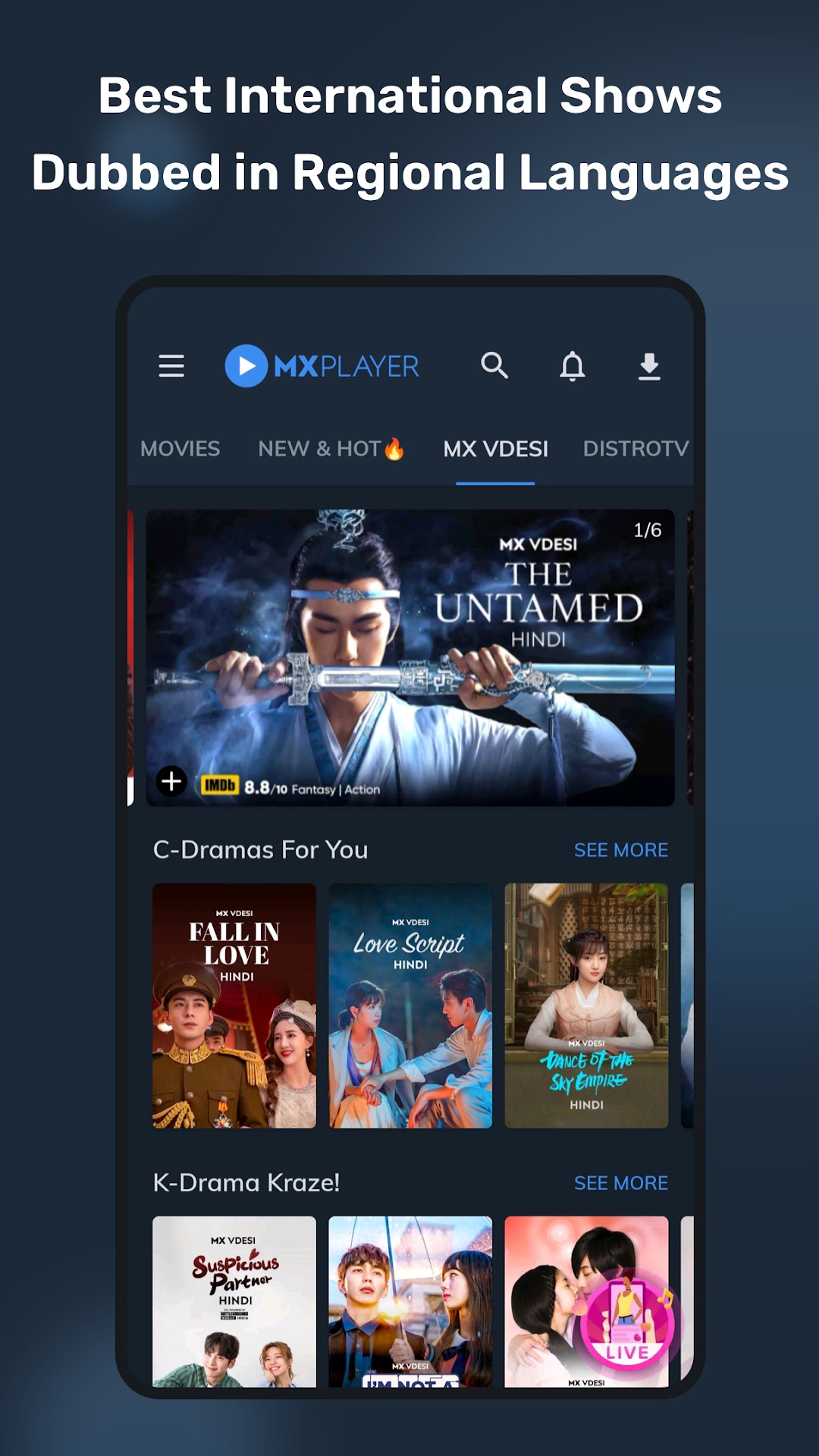
►Best International Content Dubbed: Watch Turkish drama, Hollywood movies, Korean Dramas free in Hindi, Pakistani TV shows, Chinese drama, more premium TV series from across the globe in a click dubbed in many languages
►Regional Content: It's not just Hindi & English with Amazon MX Player Online. Discover a huge catalog of web series and movies in Hindi, Tamil, Telugu, Kannada, Malayalam, Punjabi, Bengali, Gujarati, Bhojpuri & more languages
►Download Movies tab makes it easy for you to manage your downloaded content and find new content with a single tap
►MX Originals: Wait no more, our Original shows will meet all your entertainment needs! Stream MX Originals like Campus Diaries, Hello Mini, Dharavi Bank, Bhaukaal, Queen, Aashram, Shiksha Mandal etc.
►Live TV Channels: Stay updated with the breaking news with News Live TVs like ABP News, India TV & more channels in English, Hindi & other regional languages, Sports News & trending news in videos
Amazon MX Player Online App Features
* Enjoy Picture-in-Picture mode while watching your favorite online videos. Continue watching even when you’re outside the app.
* Easily find the videos you haven’t finished watching from the Watch History.
* Now watch content from your Favorite Actors by tapping thumbnails below the video player & browse related content with the newly introduced keywords.
* MX Player Online offers content in your favorite spoken language, access App Language and Content-Language from the Navigation Drawer
* Introducing My Favorites, an easy way to access your favorite songs
* You can now control playback speed and video quality when streaming videos
* Binge-watchers can now skip intro and end credits
About "Draw over other apps" permission: This permission is required to block system buttons when input blocking is activated on the playback screen
About "Pair with Bluetooth devices" permission: This permission is required to improve AV sync when Bluetooth headset is connected
About "Disable screen lock" permission: This permission is required to remove screen lock temporarily when Kids lock mode is used. Nevertheless, a secure screen lock will not be disabled
About "Control vibration", "Prevent device from sleeping" permissions: These permissions are required for media playback on some devices
Some contents are provided by YouTube services & API, follow these:
https://www.youtube.com/t/terms
https://www.youtube.com/yt/copyright/
https://www.youtube.com/yt/policyandsafety/