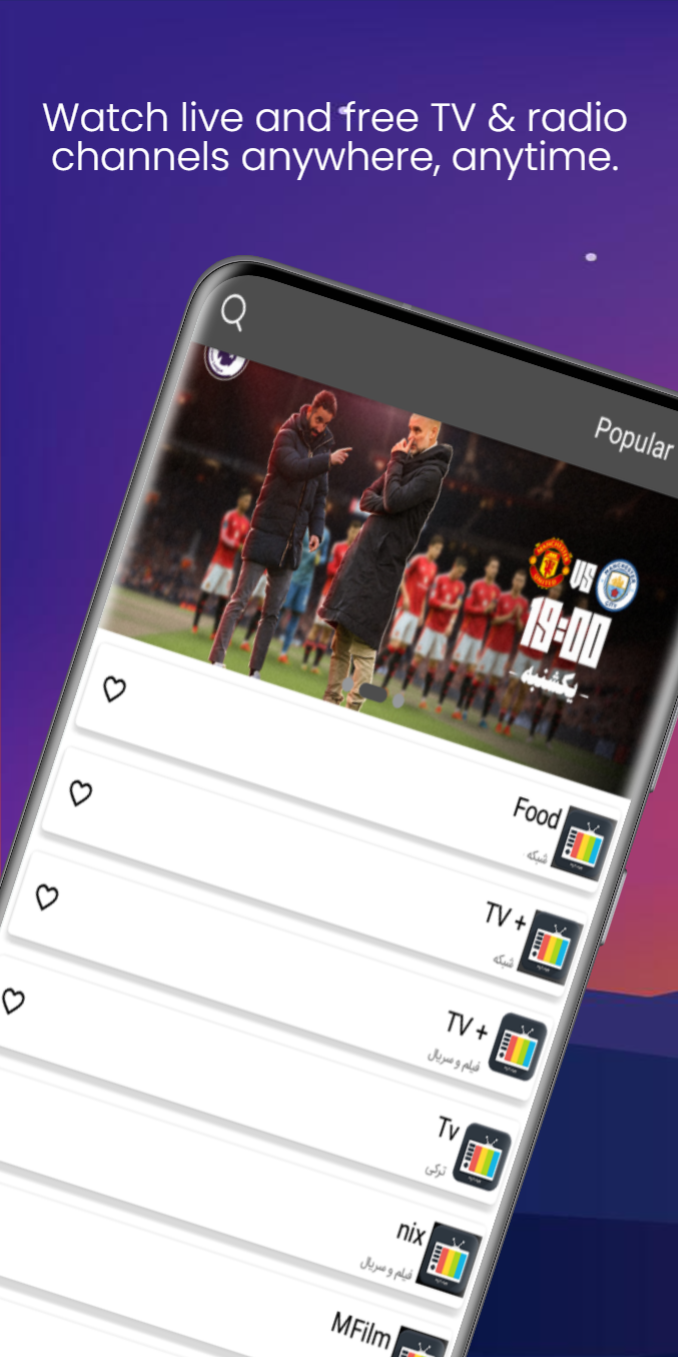
My Online TV and Satellite is a Entertainment application developed by FA-Apps, but with the best Android emulator-LDPlayer, you can download and play My Online TV and Satellite on your computer.
Running My Online TV and Satellite on your computer allows you to browse clearly on a large screen, and controlling the application with a mouse and keyboard is much faster than using touchscreen, all while never having to worry about device battery issues.
With multi-instance and synchronization features, you can even run multiple applications and accounts on your PC.
And file sharing makes sharing images, videos, and files incredibly easy.
Download My Online TV and Satellite and run it on your PC. Enjoy the large screen and high-definition quality on your PC!
Watch live and free TV and radio channels directly on your phone. Explore categorized, up-to-date national and international networks with just a tap!Enjoy live sports, music, movies, documentaries, and news
Access national, regional, and international channels
Listen to top radio stations from around the world
Clean interface with organized channel categories
Works with most internet connections (Wi-Fi & mobile data)
Channels include:
National TV channels (e.g. Nasim, Channel 3, sports networks)
Religious and cultural stations
Movie & series channels
International fashion and music channels
Persian-language satellite-style entertainment
Popular global radio stations
Disclaimer: This app only provides publicly available streams and does not host or promote any copyrighted or restricted content.