

My Piano - Record & Play is a Music&Audio application developed by Trajkovski Labs, but with the best Android emulator-LDPlayer, you can download and play My Piano - Record & Play on your computer.
Running My Piano - Record & Play on your computer allows you to browse clearly on a large screen, and controlling the application with a mouse and keyboard is much faster than using touchscreen, all while never having to worry about device battery issues.
With multi-instance and synchronization features, you can even run multiple applications and accounts on your PC.
And file sharing makes sharing images, videos, and files incredibly easy.
Download My Piano - Record & Play and run it on your PC. Enjoy the large screen and high-definition quality on your PC!
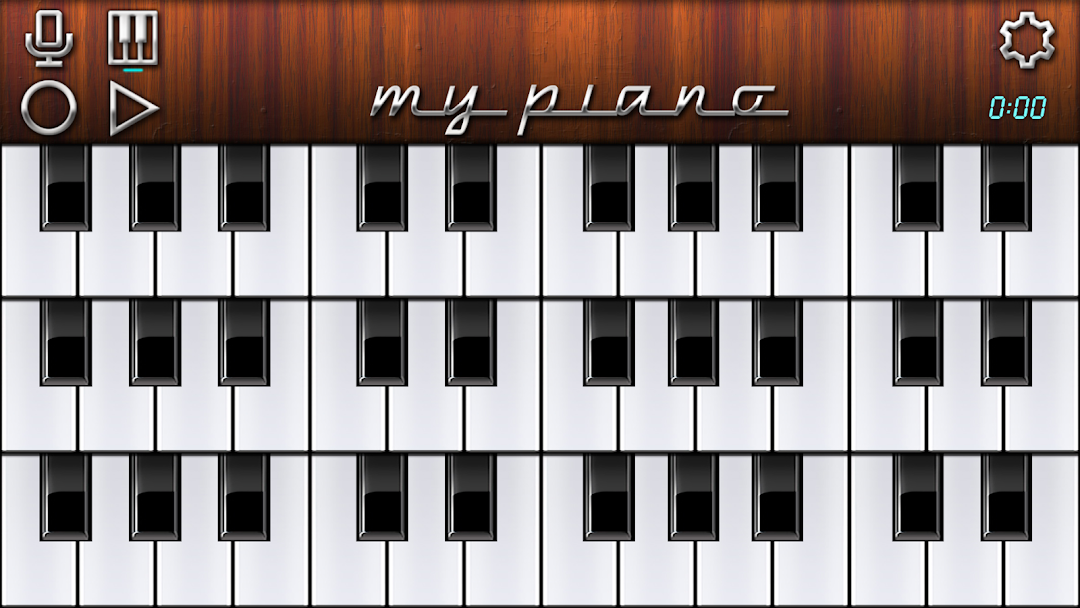
My Piano is a virtual piano keyboard featuring a recorder, sampler and 16 real sounding instruments:• Grand Piano
• Home Piano
• Electric Piano
• Rhodes Piano
• Organ
• Synthesizer
• Bass
• Vibraphone
• Violin
• Saxophone
• Guitar
• Harp
• Harpsichord
• Accordion
• Sitar
• Xylophone
It also has 6 sound effects:
• Delay (Echo)
• Reverb
• Flanger
• Chorus
• Tremolo
• Vibrato
The integrated recorder and sampler enables you to record and play with your own voice or loaded sample file. Your performance can also be recorded, played back, saved and exported. Create and save your song ideas while on the go or just have fun.
Other options include: 2, 4 or 6 octaves on screen, split keyboard mode, velocity, pitch bend, key bending, full MIDI support, MIDI over WiFi and perfect studio quality sound.
No full-screen ads and interruptions, just play and enjoy!