myGuard VPN is a Productivity application developed by WedevSystem, but with the best Android emulator-LDPlayer, you can download and play myGuard VPN on your computer.
Running myGuard VPN on your computer allows you to browse clearly on a large screen, and controlling the application with a mouse and keyboard is much faster than using touchscreen, all while never having to worry about device battery issues.
With multi-instance and synchronization features, you can even run multiple applications and accounts on your PC.
And file sharing makes sharing images, videos, and files incredibly easy.
Download myGuard VPN and run it on your PC. Enjoy the large screen and high-definition quality on your PC!
myGuard VPN encrypts your internet connection so that third parties can’t track your online activity, making it more secure than a typical proxy, making your Internet's safety and secure, especially when you are using public Wi-Fi.Staying in private on any network, even Wi-Fi hotspots and sharing your referral code to your friends for reward points and you will be able to claim your points as gifts. In this app you can connect any country server on only one click and easily unblock those ego-restricted websites and gain access.
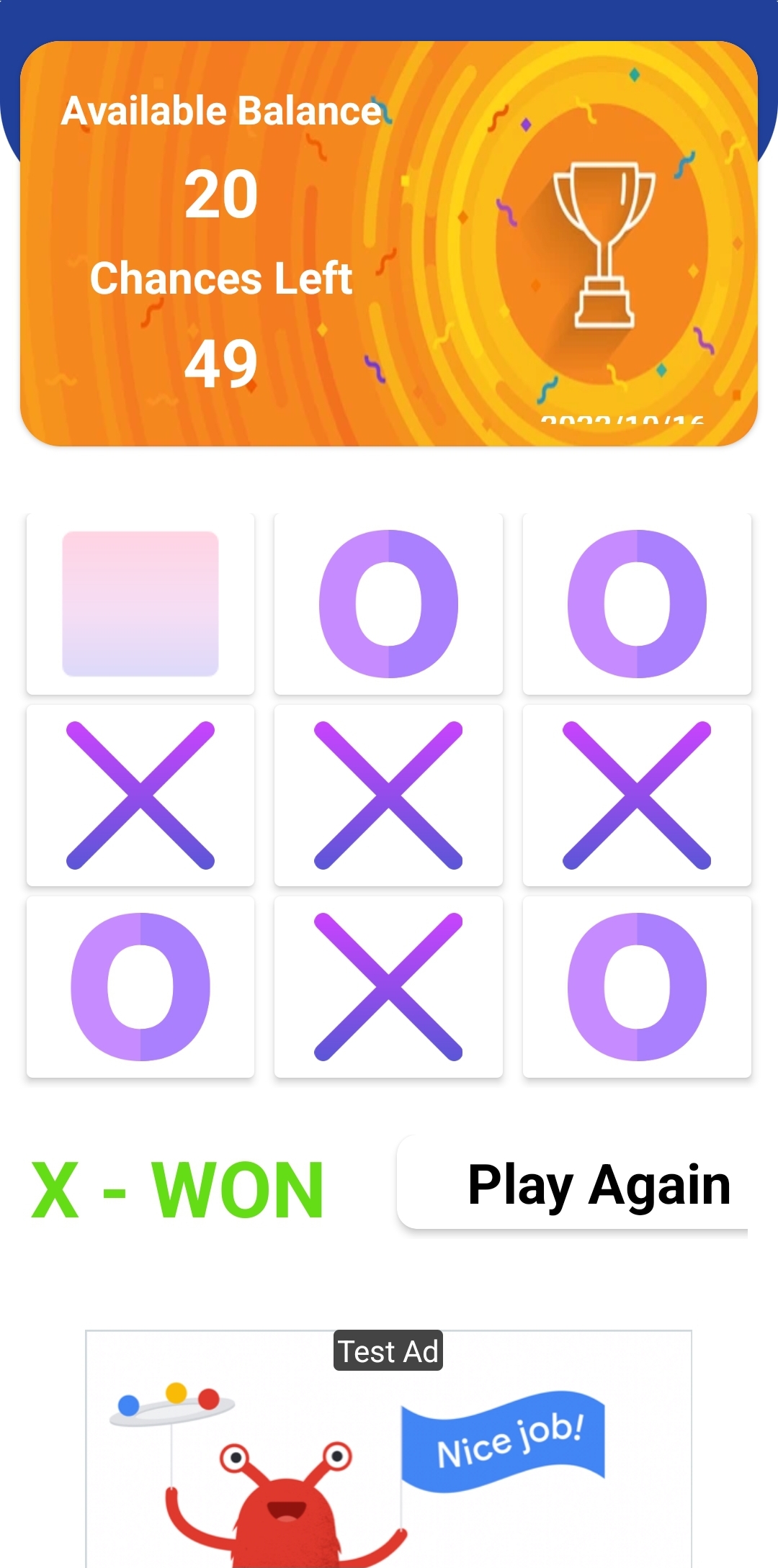
Also included reward the Points by playing Tic-Tac Toe, Spin the Wheel and Daily check-in for the extra Points. You can earn coins in numerous ways or you can exchange Coins to get full Unlimited access to VPN servers.
Fast and secure VPN with unlimited bandwidth and just simply click the location that you want then you can access the Internet securely and anonymously.