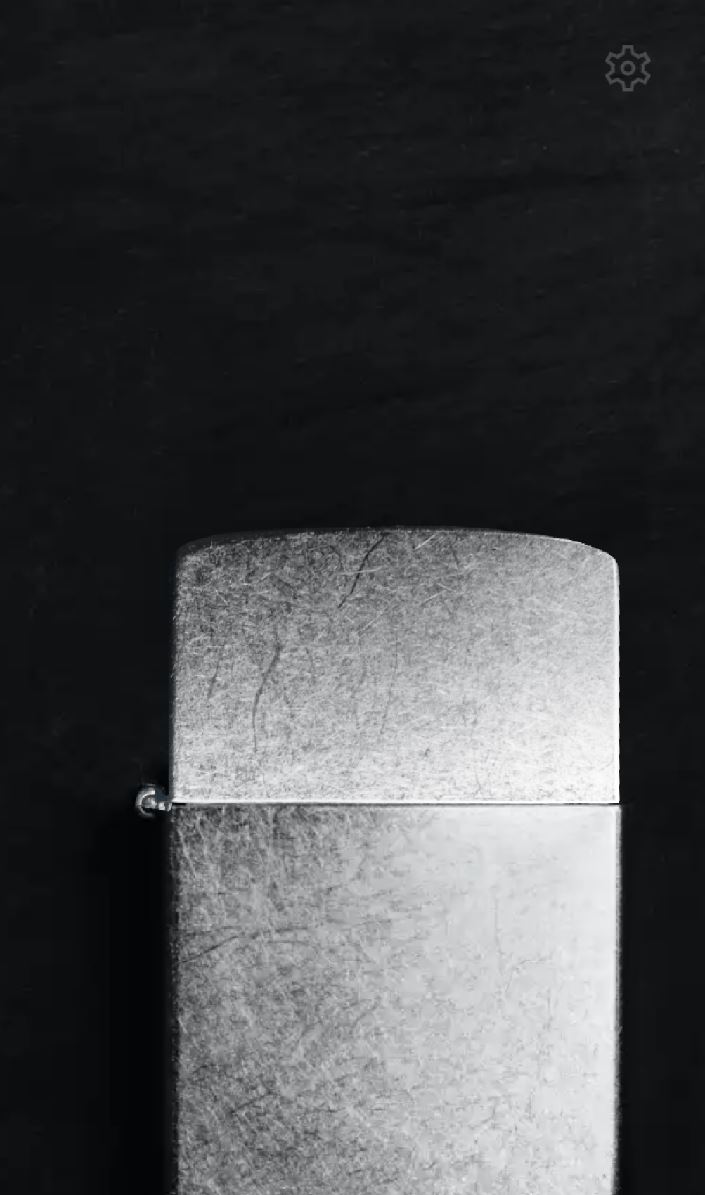
Lighter Simulator is a Entertainment application developed by pixelwide, but with the best Android emulator-LDPlayer, you can download and play Lighter Simulator on your computer.
Running Lighter Simulator on your computer allows you to browse clearly on a large screen, and controlling the application with a mouse and keyboard is much faster than using touchscreen, all while never having to worry about device battery issues.
With multi-instance and synchronization features, you can even run multiple applications and accounts on your PC.
And file sharing makes sharing images, videos, and files incredibly easy.
Download Lighter Simulator and run it on your PC. Enjoy the large screen and high-definition quality on your PC!
Introducing the Lighter Simulator - the most realistic virtual lighter experience on the Play Store! Feel the authenticity of a Zippo lighter right at your fingertips. Our Lighter Simulator stands out with its dynamic flame that reacts as you tilt your smartphone, replicating the real-world experience. Whether you're a collector, enthusiast, or simply curious, adjust the flame intensity and immerse yourself in the unparalleled realism our Lighter Simulator offers. Download now and ignite the virtual spark of realism!