News Channel 5 Nashville is a News&Magazines application developed by The E.W. Scripps Company, but with the best Android emulator-LDPlayer, you can download and play News Channel 5 Nashville on your computer.
Running News Channel 5 Nashville on your computer allows you to browse clearly on a large screen, and controlling the application with a mouse and keyboard is much faster than using touchscreen, all while never having to worry about device battery issues.
With multi-instance and synchronization features, you can even run multiple applications and accounts on your PC.
And file sharing makes sharing images, videos, and files incredibly easy.
Download News Channel 5 Nashville and run it on your PC. Enjoy the large screen and high-definition quality on your PC!
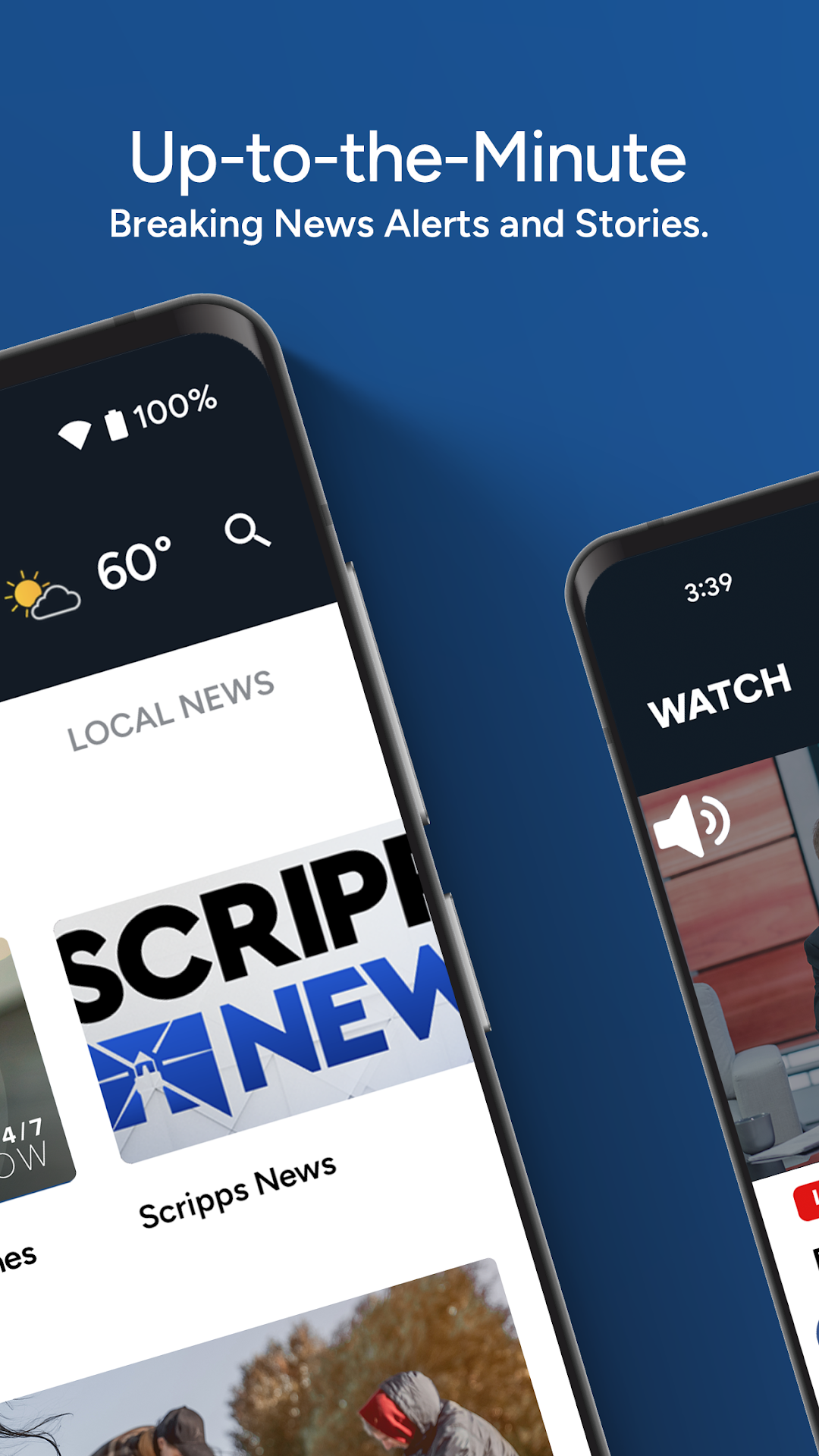
NewsChannel 5 Nashville gives you up-to-the-minute local news, breaking news alerts, 24/7 live streaming video, accurate weather forecasts, severe weather updates, and in-depth investigations from the local news station you know and trust.Connect to your community through our local news app. We're celebrating what makes our community great, giving you context to understand local issues and sharing solutions to help you solve problems.
LOCAL NEWS:
• Get up-to-the-minute breaking news alerts and stories.
• Tap 'Top News' to read the most important news of the day as curated by our local news teams.
• Tap 'Most Recent' to read the news stories published most recently.
• Get full support for Dark Mode and Light Mode based on your device preference.
LOCAL VIDEO:
• Watch our 24/7 live streaming news channel.
• Watch video on demand clips from recent newscasts.
• You're in control over what you want to watch and when.
LOCAL WEATHER:
• Get daily video weather updates from your trusted local weather team.
• Stay up to date with hourly and daily weather forecasts.
• View interactive weather radar to help you track rain, snow and storms.
• Get weather conditions and forecasts for your location.
We're committed to continually improving your experience in our app. Please let us know how we're doing by leaving a review in the Google Play Store.