Oppo A78 Launcher is a Personalization application developed by Official Themers, but with the best Android emulator-LDPlayer, you can download and play Oppo A78 Launcher on your computer.
Running Oppo A78 Launcher on your computer allows you to browse clearly on a large screen, and controlling the application with a mouse and keyboard is much faster than using touchscreen, all while never having to worry about device battery issues.
With multi-instance and synchronization features, you can even run multiple applications and accounts on your PC.
And file sharing makes sharing images, videos, and files incredibly easy.
Download Oppo A78 Launcher and run it on your PC. Enjoy the large screen and high-definition quality on your PC!
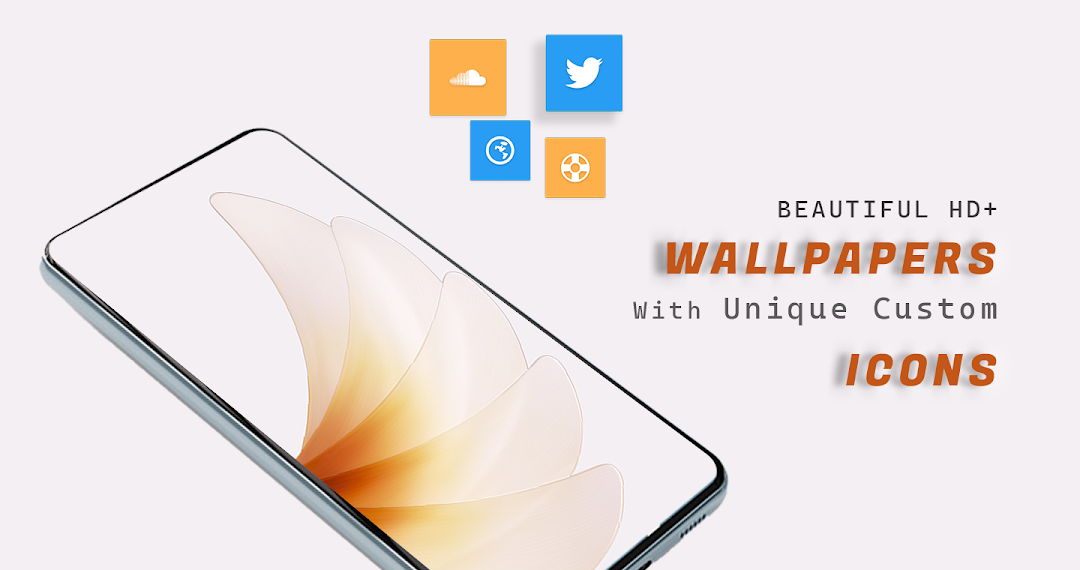
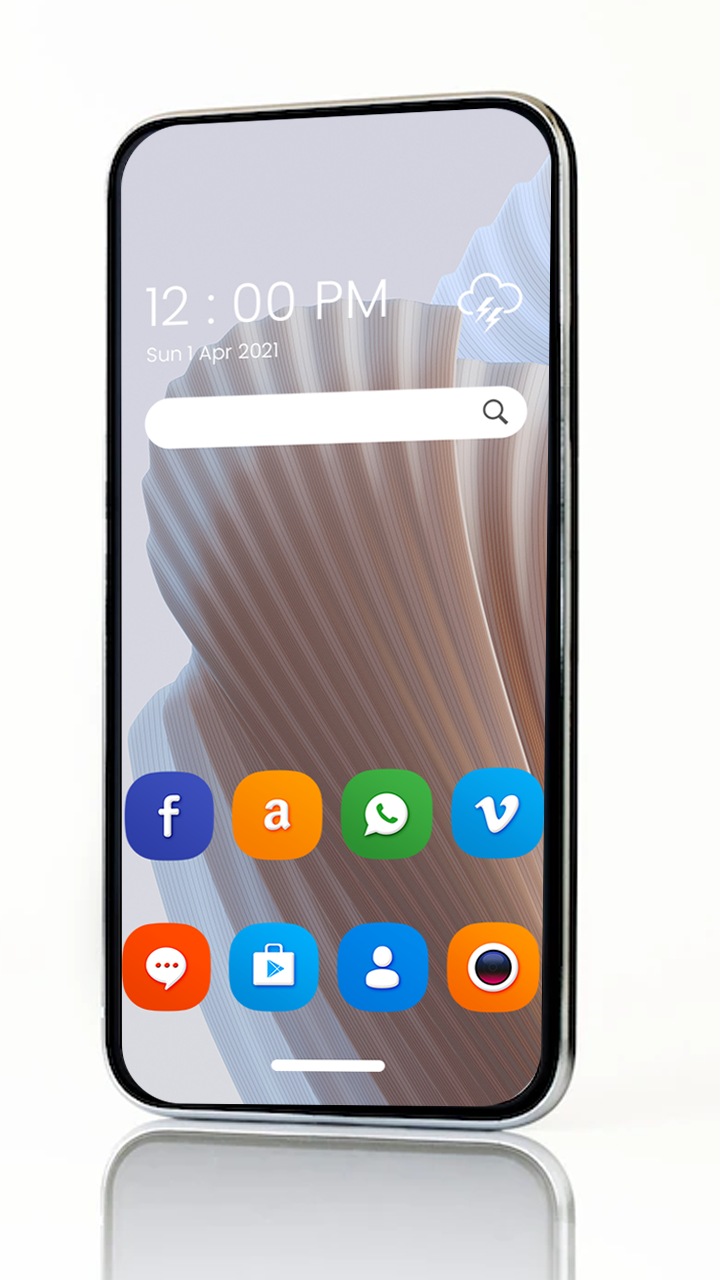
Theme for Oppo A78 have contains some good wallpapers, and beautiful custom icon to make phone like using Oppo A78. If you are in search of good results and good look for your smart phone so this app will fulfill all your desires.Wallpaper and theme for Oppo A78 is especially for you if you are not happy in default themes. This app aims to provide you some good sort of wallpapers and themes to make your phone like Oppo A78.
This app is a bear of resemblance to the user interface of your phone made by Samsung. By using one click it will enable you to get the original and stock wallpapers and also themes of Oppo A78. It provides the most viewed and top rated wallpapers and themes for your phone. Beside this you can even download specific wallpaper which is the most desirable to you. The contained wallpapers and themes in this app can make your phone look good and attractive as what customers are willing for it. Actually this app themes and wallpapers are basically made on the basis of the demands of user. The aim of the developers is to utilize all their very best efforts to delivers the most suitable and most desirable requirements for all the smart phone users.
For Applying theme you need to install one of the below launcher.
=> Adw Launcher
=> Next Launcher
=> Action Launcher
=> Nova Launcher
=> Holo Launcher
=> Go Launcher
=> KK Launcher
=> Aviate Launcher
=> Apex Launcher
=> Tsf shell Launcher
=> line Launcher
=> Lucid Launcher
=> Mini Launcher
=> Zero Launcher
Note: All wallpapers property are remains the copyright of its respective owners.
Note: Applying Theme, Launcher installation is must.