Outgoing Fake Call is a Entertainment application developed by BISSI STUDIO, but with the best Android emulator-LDPlayer, you can download and play Outgoing Fake Call on your computer.
Running Outgoing Fake Call on your computer allows you to browse clearly on a large screen, and controlling the application with a mouse and keyboard is much faster than using touchscreen, all while never having to worry about device battery issues.
With multi-instance and synchronization features, you can even run multiple applications and accounts on your PC.
And file sharing makes sharing images, videos, and files incredibly easy.
Download Outgoing Fake Call and run it on your PC. Enjoy the large screen and high-definition quality on your PC!
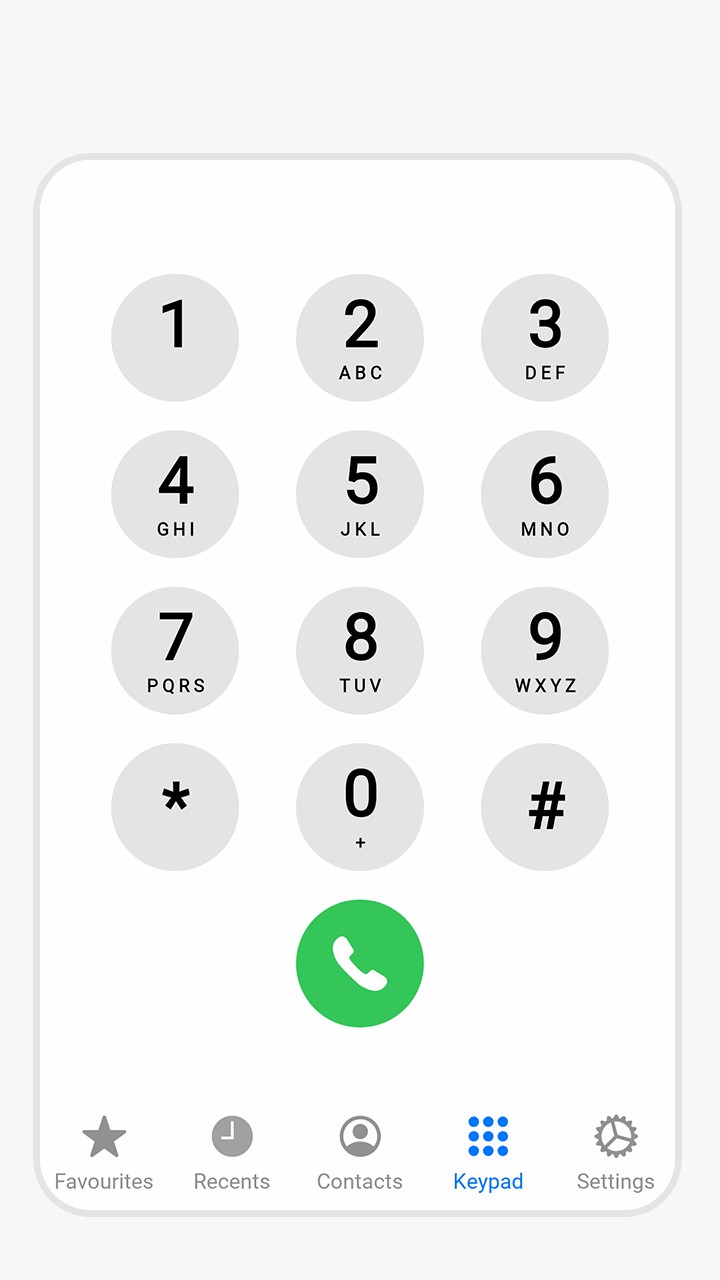
Dial out to a fake person. Create a conversation, type a number and dial out as you would normally do using your phone's dialer. But instead of a real person, your phone will answer to you and have a fake conversation with it.you could also give your phone to a friend, ask him to call to an already activated faked number and have fun.
App Features:
1- type phone number or select from your contacts
2- use voice synthesis to create a fake conversation. use menu to load a sample one. use ? to get help on creating the conversation
3- activate fake out calling. if you change the name or phone number while fake out calling is active then de-activate and activate again.
4- once you activate fake out calling, any calls to the selected number will be faked until you come back to the application and de-activate
5- use your dialer (or whatever other way you make calls) to dial to the fake caller