

Owlet Dream is a Health&Fitness application developed by Owlet Baby Care, Inc., but with the best Android emulator-LDPlayer, you can download and play Owlet Dream on your computer.
Running Owlet Dream on your computer allows you to browse clearly on a large screen, and controlling the application with a mouse and keyboard is much faster than using touchscreen, all while never having to worry about device battery issues.
With multi-instance and synchronization features, you can even run multiple applications and accounts on your PC.
And file sharing makes sharing images, videos, and files incredibly easy.
Download Owlet Dream and run it on your PC. Enjoy the large screen and high-definition quality on your PC!
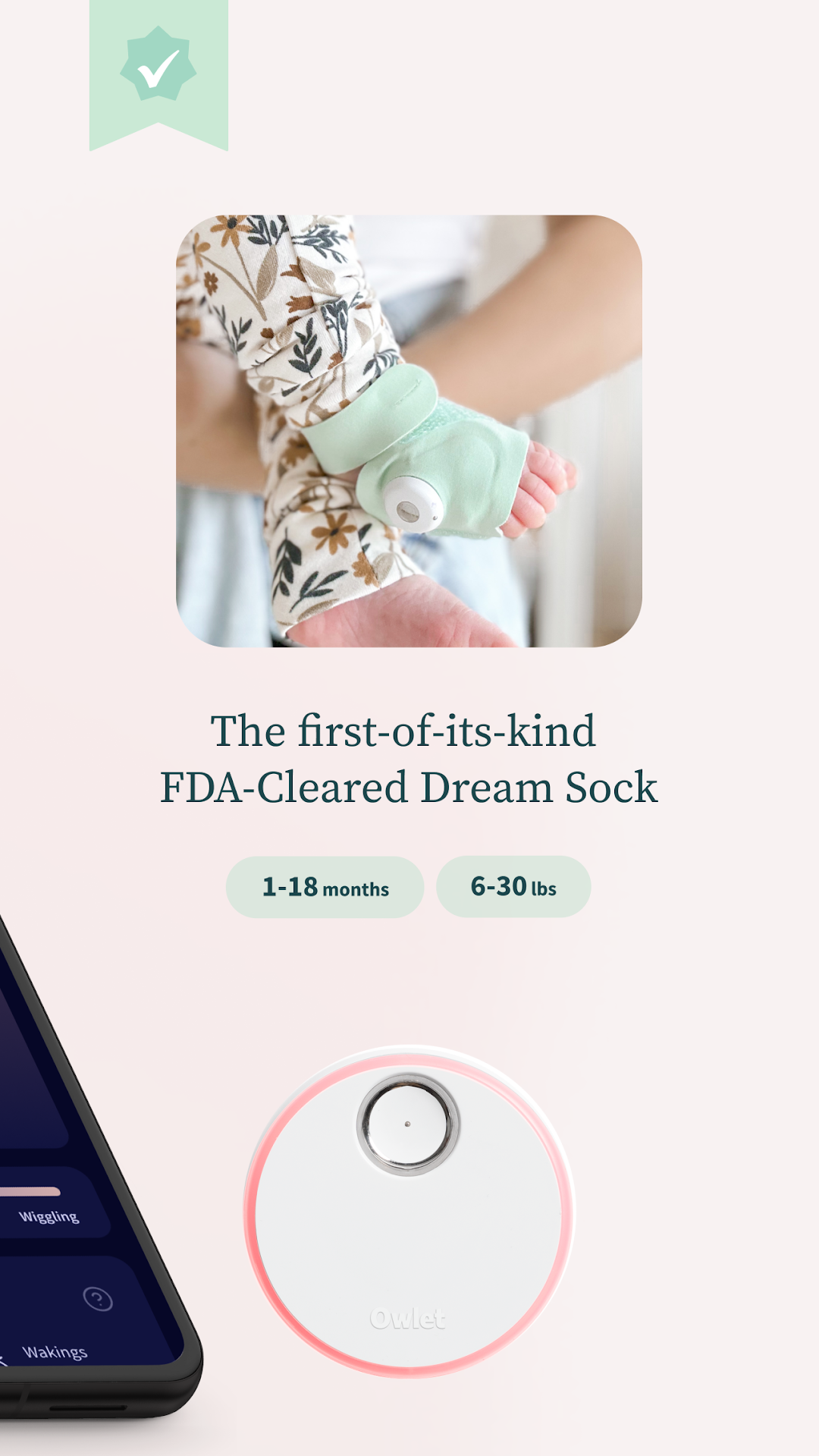
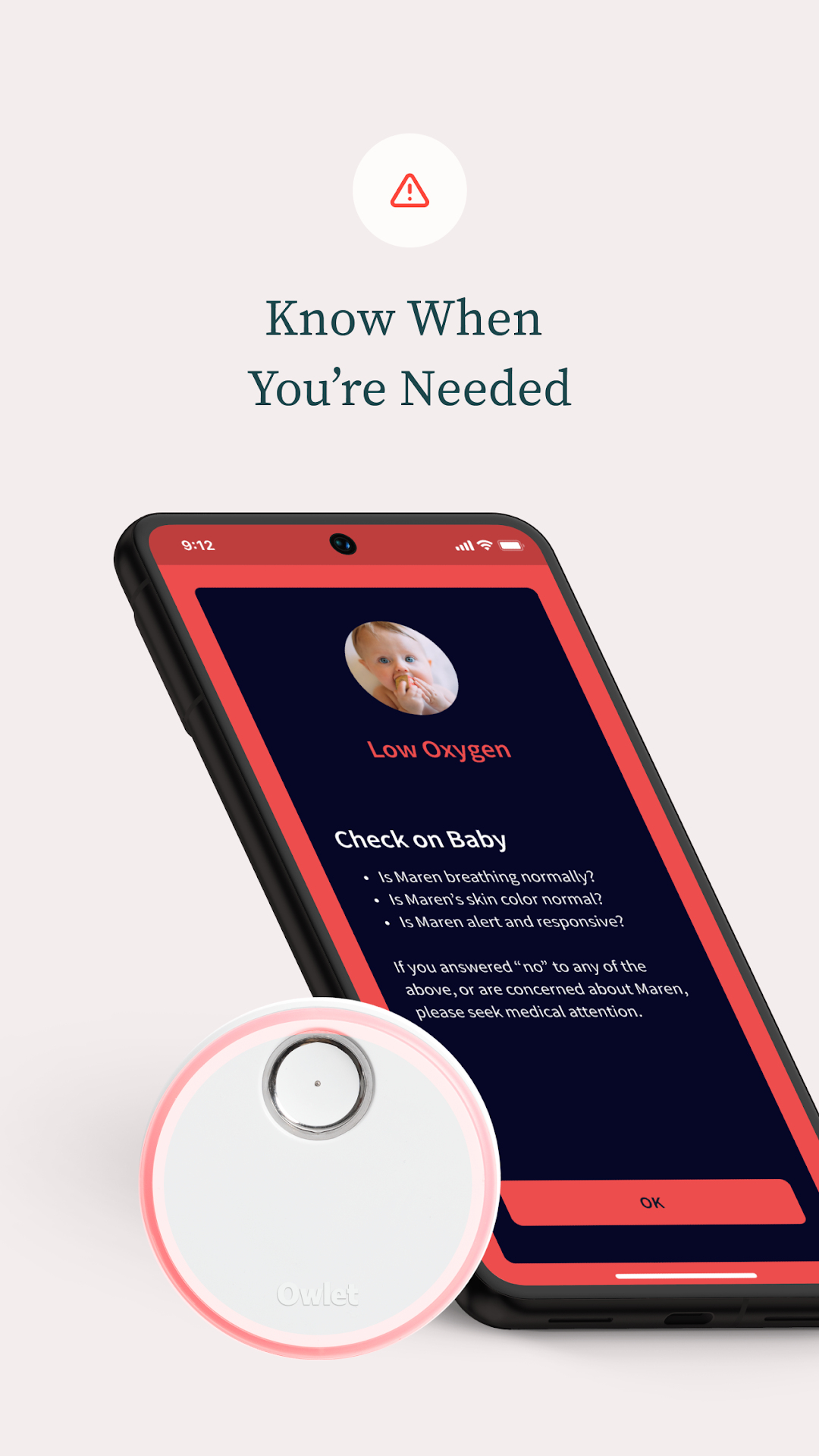
Owlet Dream is the companion app to the latest models of Owlet’s award-winning connected sock and camera. Our team is constantly updating the Dream app to receive new features and functionality that help make parenting less stressful.Compatible Products:
- Owlet FDA-Cleared Dream Sock®
- Owlet Cam®
- Owlet Cam® 2
- Dream Sight™
- Owlet Dream Duo™ (Dream Sock + Dream Sight™)
- Owlet Dream Duo 2 (Dream Sock + Cam 2)
Owlet: Your Trusted Partner in Infant Care
At Owlet, our commitment is to provide parents and caregivers with the tools they need for peace of mind. The Owlet Dream App, with its integration of the FDA-cleared Dream Sock® and new features, is a testament to that promise. We're continuously working to enhance your experience and support the health and safety of your precious little one.
Disclaimer: Owlet products offer a connected nursery experience designed to learn from the data collected to help you understand. They are not intended to diagnose, treat or cure any disease or other conditions, including but not limited to Sudden Infant Death Syndrome (SIDS). Medical decisions should never be made using Owlet data. Owlet products do not replace the care and oversight you provide as a caregiver.
The medical hardware paired with the Dream app has obtained the following regulatory clearances: FDA clearance, UKCA Marking, and CE Marking. These clearances extend to regions that recognize and accept these certifications.
---
Terms of Use (EULA): https://owletcare.com/pages/terms-and-conditions
Privacy Policy: https://owletcare.com/pages/privacy