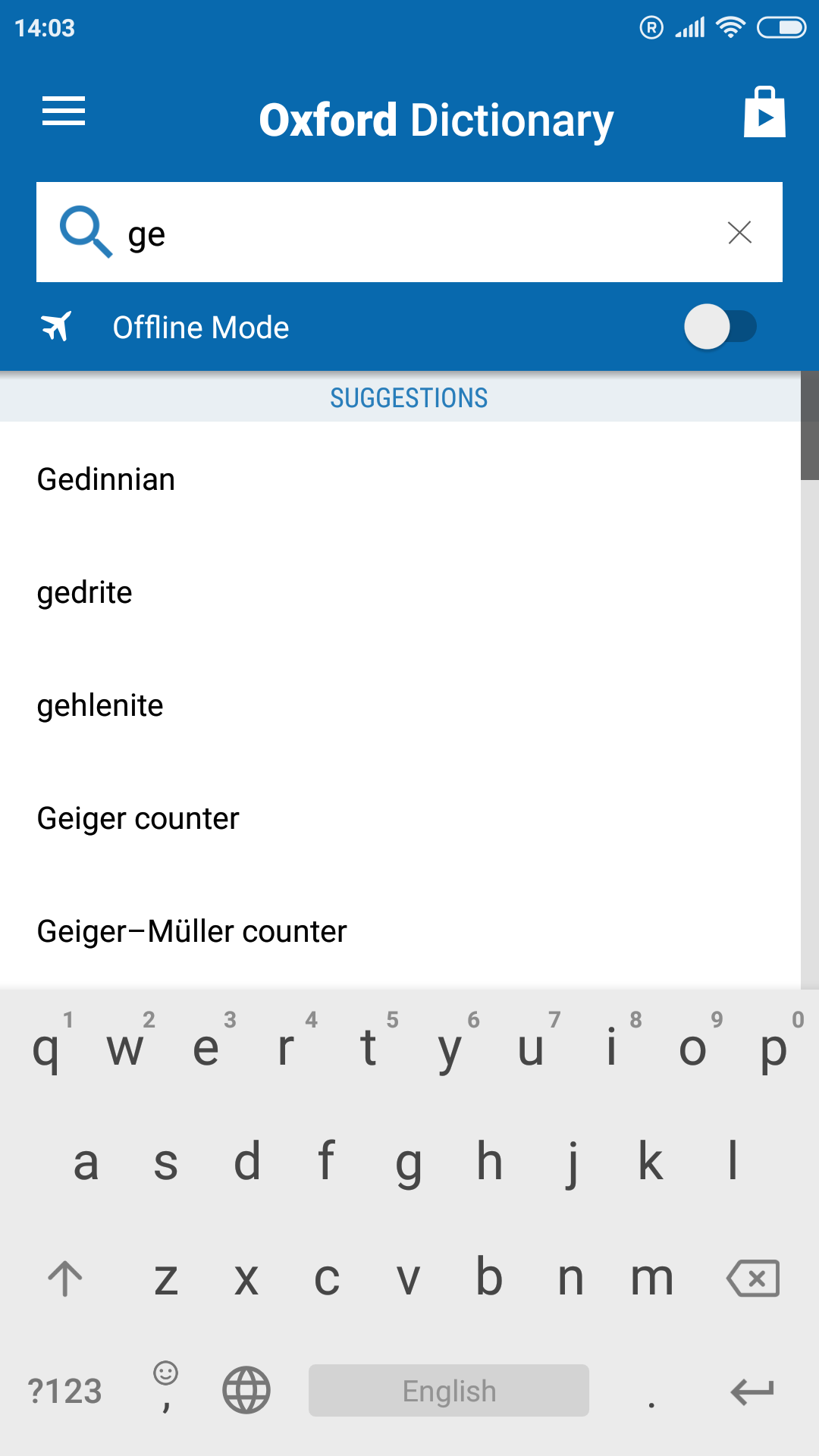
Oxford Dictionary of Geology is a Books&Reference application developed by MobiSystems, but with the best Android emulator-LDPlayer, you can download and play Oxford Dictionary of Geology on your computer.
Running Oxford Dictionary of Geology on your computer allows you to browse clearly on a large screen, and controlling the application with a mouse and keyboard is much faster than using touchscreen, all while never having to worry about device battery issues.
With multi-instance and synchronization features, you can even run multiple applications and accounts on your PC.
And file sharing makes sharing images, videos, and files incredibly easy.
Download Oxford Dictionary of Geology and run it on your PC. Enjoy the large screen and high-definition quality on your PC!
The fourth edition of Oxford Dictionary of Geology and Earth Sciences contains over 7,500 clear and concise entries on all aspects of geology and earth sciences, including planetary science, volcanology, palaeontology, and mineralogy.Over 130 line drawings complement the definitions and useful appendices include a revised geological time scale, stratigraphic units, lunar and Martian time scales, wind-strength scales, and SI units. Fully revised and updated, with over 150 new entries and numerous web links, this is the ideal reference for students of geography, geology, earth sciences, and related disciplines.
NEW! Now with the addition of a convenient Home page, a sleeker and more intuitive visual layout, as well as innovations in the speed of searches you can delve right in faster and easier than ever!
Also includes advanced search and language tools that have become the staple of quality language apps from MobiSystems, Inc.
SEARCH TOOLS - effortlessly find words thanks to a clear, functional, and easy-to-use interface.
Intelligent search integrates several tools to match or suggest what you are looking for:
• Search autocomplete helps find words quickly by displaying predictions as you type
• Keyword lookup allows you to search within compound words and phrases
• An automatic ‘Fuzzy filter’ to correct word spelling, as well as ‘Wild card’ ('*' or '?') to replace a letter or entire parts of a word
• Camera search looks up words in the camera viewfinder and displays results
• Use our Voice search when you don't know how an entry is spelled
• Share word definitions via installed apps on your device
• Swipe-to-delete functionality in the Recent and Favorites menus.
LEARNING TOOLS - engaging features that help you further enhance your vocabulary.
• ‘Favorites’ feature to create custom folders with lists of words from the extensive library
• ‘Recent’ list to easily review looked-up words
• ‘Word of the day’ section to expand your vocabulary daily
• Home screen widget provides random words at a glance
• Split screen support for Android 7 allowing you to use the dictionary simultaneously with other apps.
***This is a fully functional 30-day trial version***
Get MORE by purchasing the full version of the Oxford Dictionary of Geology and Earth Sciences:
• Permanently unlock the complete features list
• Offline mode - look up words without an internet connection
• Premium Support – Get expedited support for any app-related issues
• Ad-free