Pexels: HD+ videos & photos is a Photography application developed by Pexels, but with the best Android emulator-LDPlayer, you can download and play Pexels: HD+ videos & photos on your computer.
Running Pexels: HD+ videos & photos on your computer allows you to browse clearly on a large screen, and controlling the application with a mouse and keyboard is much faster than using touchscreen, all while never having to worry about device battery issues.
With multi-instance and synchronization features, you can even run multiple applications and accounts on your PC.
And file sharing makes sharing images, videos, and files incredibly easy.
Download Pexels: HD+ videos & photos and run it on your PC. Enjoy the large screen and high-definition quality on your PC!
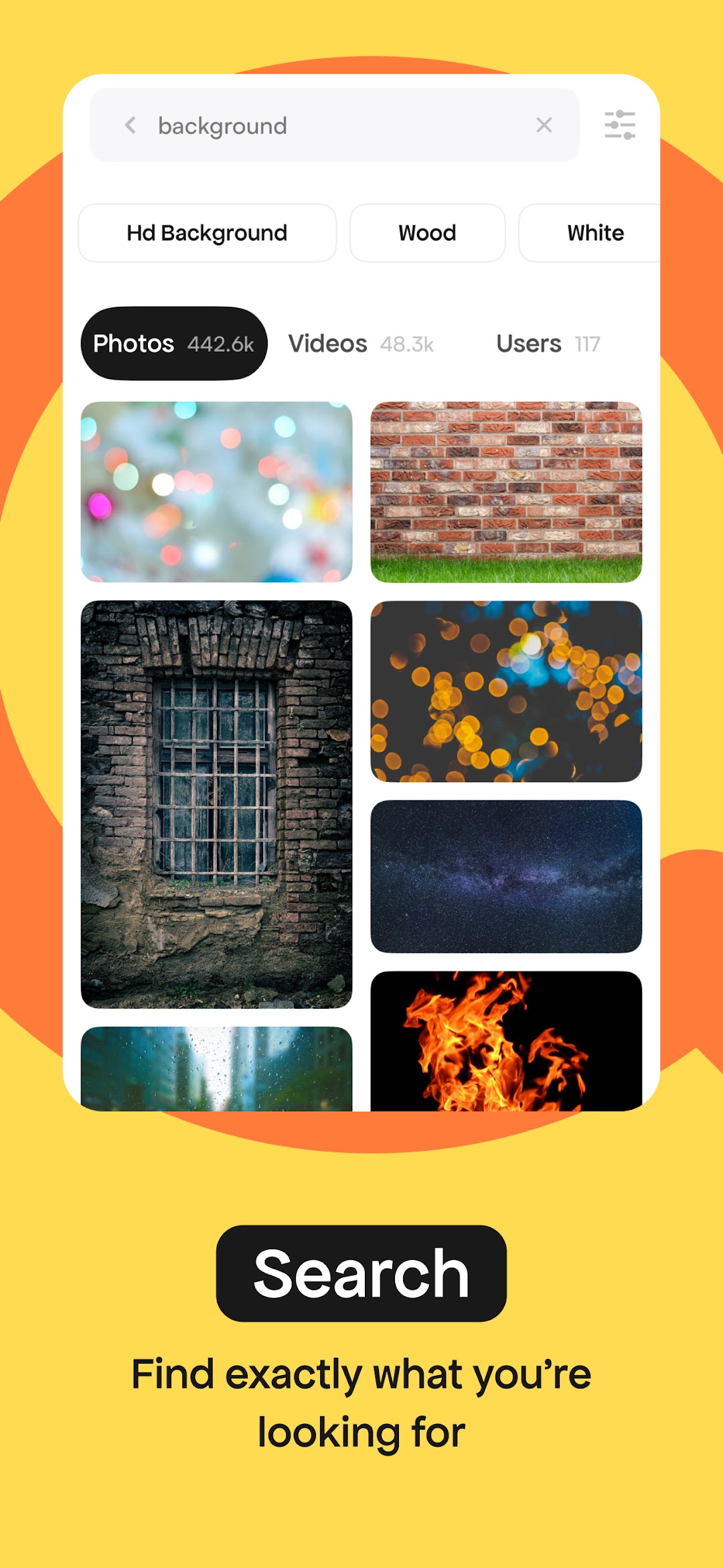
The Pexels app gives you unlimited access to over 3 million free, high-resolution photos and videos. Our beautiful library is donated by a global community of talented photographers who share their work for everyone to use freely. And you can be part of that community. Use Pexels photos and videos as wallpapers, in presentations, on social media, or wherever you choose!The most diverse free photos and videos
Powered by an algorithm and curated by our team, you’ll find inclusive, diverse and true photography with every search.
We’re constantly improving our results and library, so if we missed the mark, let us know and we’ll fix it.
A daily dose of inspiration
With fresh, new photos and videos added every day, find your inspiration by browsing the top trending images or curated collections.
Pexels is for everyone
Grab your phone or camera and join us. Upload your photos to reach millions and see the positive impact your work can have. Not only can you track your success as your photos get viewed and downloaded, you’ll also get to hear from the people using your imagery all around the world—from major publications to meaningful non-profits.
Plus, we’ll connect you with the global community of Pexels photographers to help you level up your skills and stay inspired.
Give back to artists
After downloading, choose to support the photographers who make Pexels possible by donating to their PayPal or saying thanks on social media.
Create a collection
Organize and share your favorite photos and videos with the collect tool. With a Pexels account, you can save your work on both mobile and desktop.