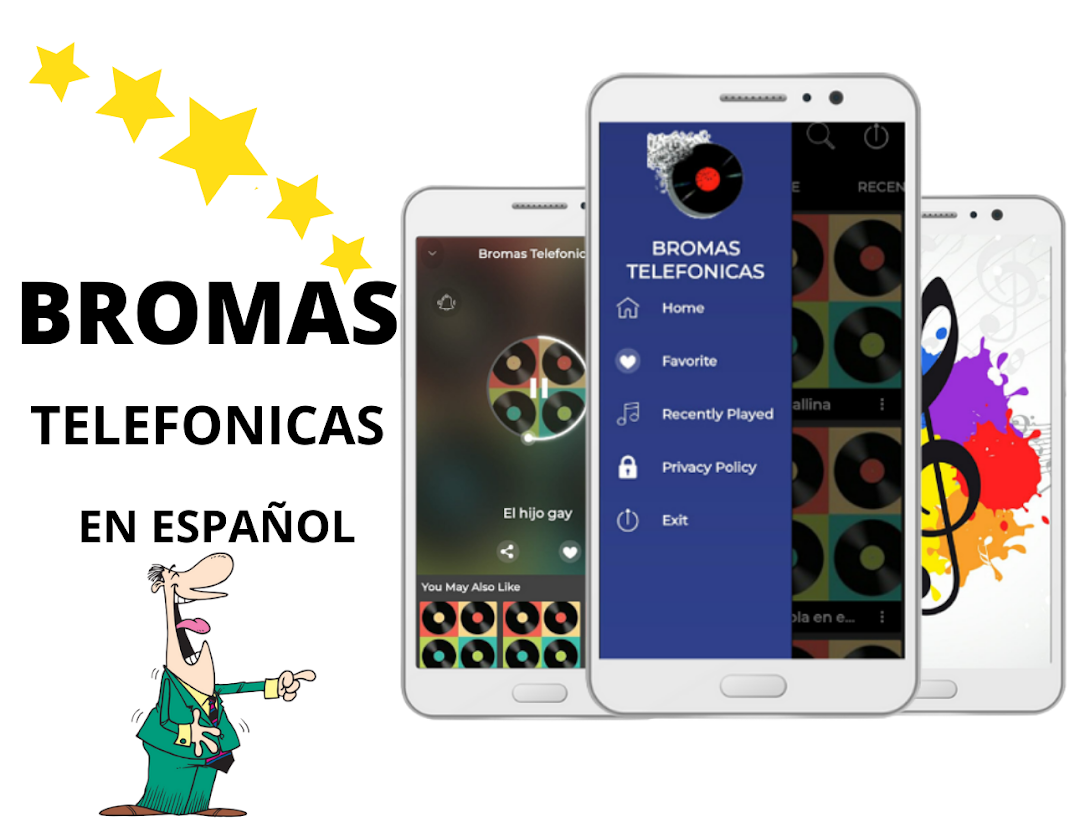
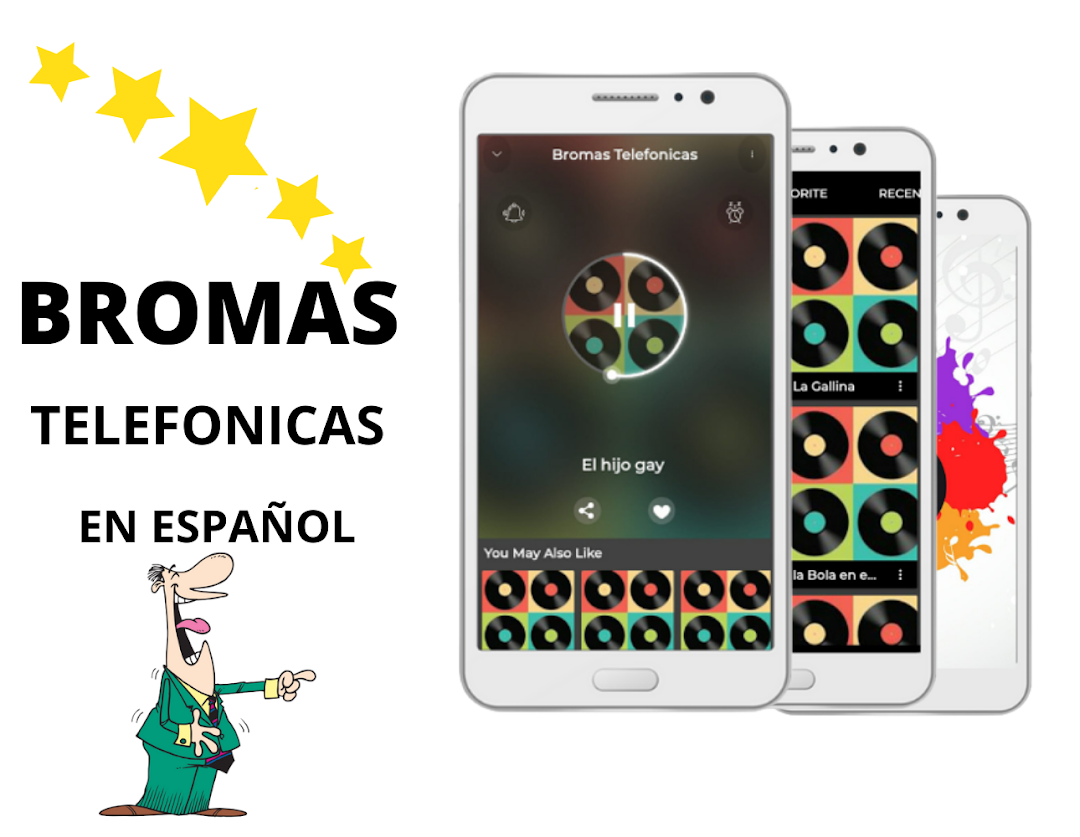
phone pranks is a Music&Audio application developed by appsmusic, but with the best Android emulator-LDPlayer, you can download and play phone pranks on your computer.
Running phone pranks on your computer allows you to browse clearly on a large screen, and controlling the application with a mouse and keyboard is much faster than using touchscreen, all while never having to worry about device battery issues.
With multi-instance and synchronization features, you can even run multiple applications and accounts on your PC.
And file sharing makes sharing images, videos, and files incredibly easy.
Download phone pranks and run it on your PC. Enjoy the large screen and high-definition quality on your PC!
In this application you will die of laughter listening to the telephone jokes in Spanish, we are sure that your friends and family will also do so when they listen to them.Listen to the funniest reactions, as many times as you want without limit
If you have any problems or suggestions for improvement write an email and it will be a pleasure to help you.