GFX Tool Player BGMI 90 FPS is a Tools application developed by GoldenApps2000, but with the best Android emulator-LDPlayer, you can download and play GFX Tool Player BGMI 90 FPS on your computer.
Running GFX Tool Player BGMI 90 FPS on your computer allows you to browse clearly on a large screen, and controlling the application with a mouse and keyboard is much faster than using touchscreen, all while never having to worry about device battery issues.
With multi-instance and synchronization features, you can even run multiple applications and accounts on your PC.
And file sharing makes sharing images, videos, and files incredibly easy.
Download GFX Tool Player BGMI 90 FPS and run it on your PC. Enjoy the large screen and high-definition quality on your PC!
This tool provides 60 and 90 fps frame rate to give a smooth gaming experience to the gamers.Features
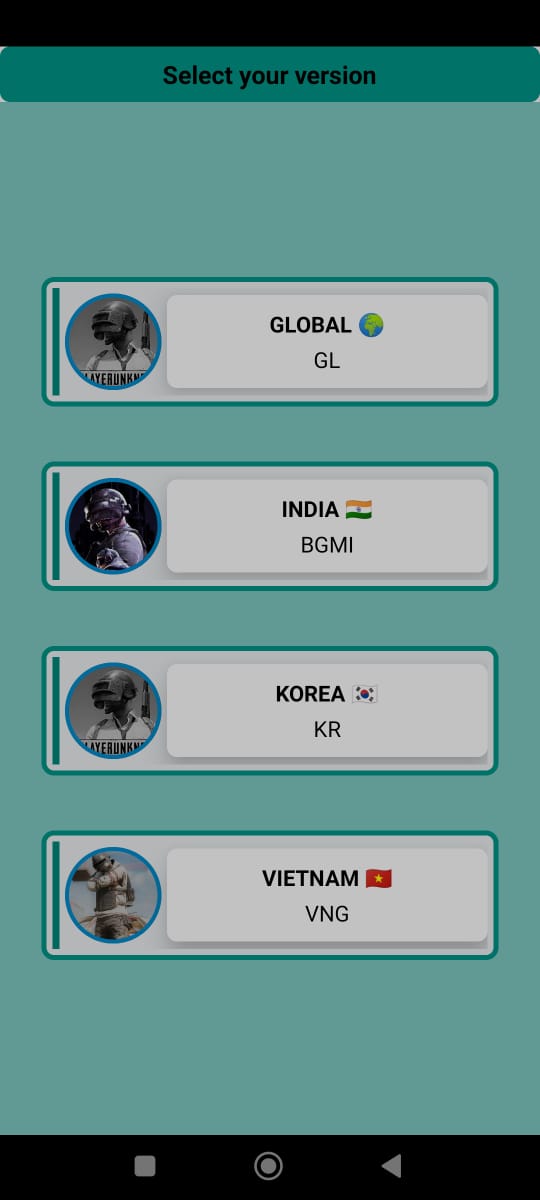
• All version supported including global and etc.
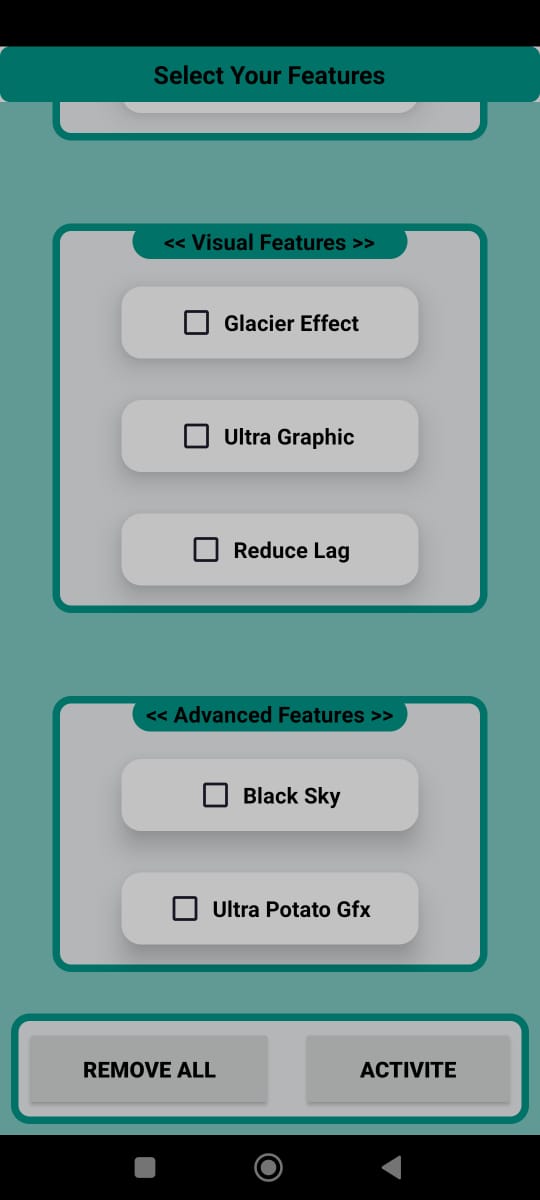
• Unlock fps level including 90fps
• Gaming booster for optimize cache memory
• Potato graphics supported for lower device
• Lag free and smooth gaming experience
How to access this tool
• open the app .
• You must give permissions to accses data folder.
• After unlocked all setting file you can select the graphics, frame rate, version and all other options according to your own.
• Then click on start button and run the game.
• To reset the setting just press remove button and play game normaly.
All images in this app are copyright free but we have violated your intellectual property rights or any other agreement, please contact us by e-mail mahamadsaid75@gmail.com, we will immediately take the necessary measures.
Any problems or issues with the app please write your opinion in the comment section