POCO Launcher 2.0 - Customize, is a Personalization application developed by Xiaomi Inc., but with the best Android emulator-LDPlayer, you can download and play POCO Launcher 2.0 - Customize, on your computer.
Running POCO Launcher 2.0 - Customize, on your computer allows you to browse clearly on a large screen, and controlling the application with a mouse and keyboard is much faster than using touchscreen, all while never having to worry about device battery issues.
With multi-instance and synchronization features, you can even run multiple applications and accounts on your PC.
And file sharing makes sharing images, videos, and files incredibly easy.
Download POCO Launcher 2.0 - Customize, and run it on your PC. Enjoy the large screen and high-definition quality on your PC!
POCO Launcher - Our app is a fast and lightweight launcher designed especially for Android phones. High performance and gorgeous design will give your device a boost of confidence. Play with Home screen wallpapers, themes, and animations; personalize your device to make it truly unique.🏆 One of the 15 best Android apps released in 2018 (Android Authority)
👍 Key features
🏠 Minimalist design - Following in footsteps of Material Design, POCO Launcher puts all your apps in the App drawer, keeping the Home screen neat and clean.
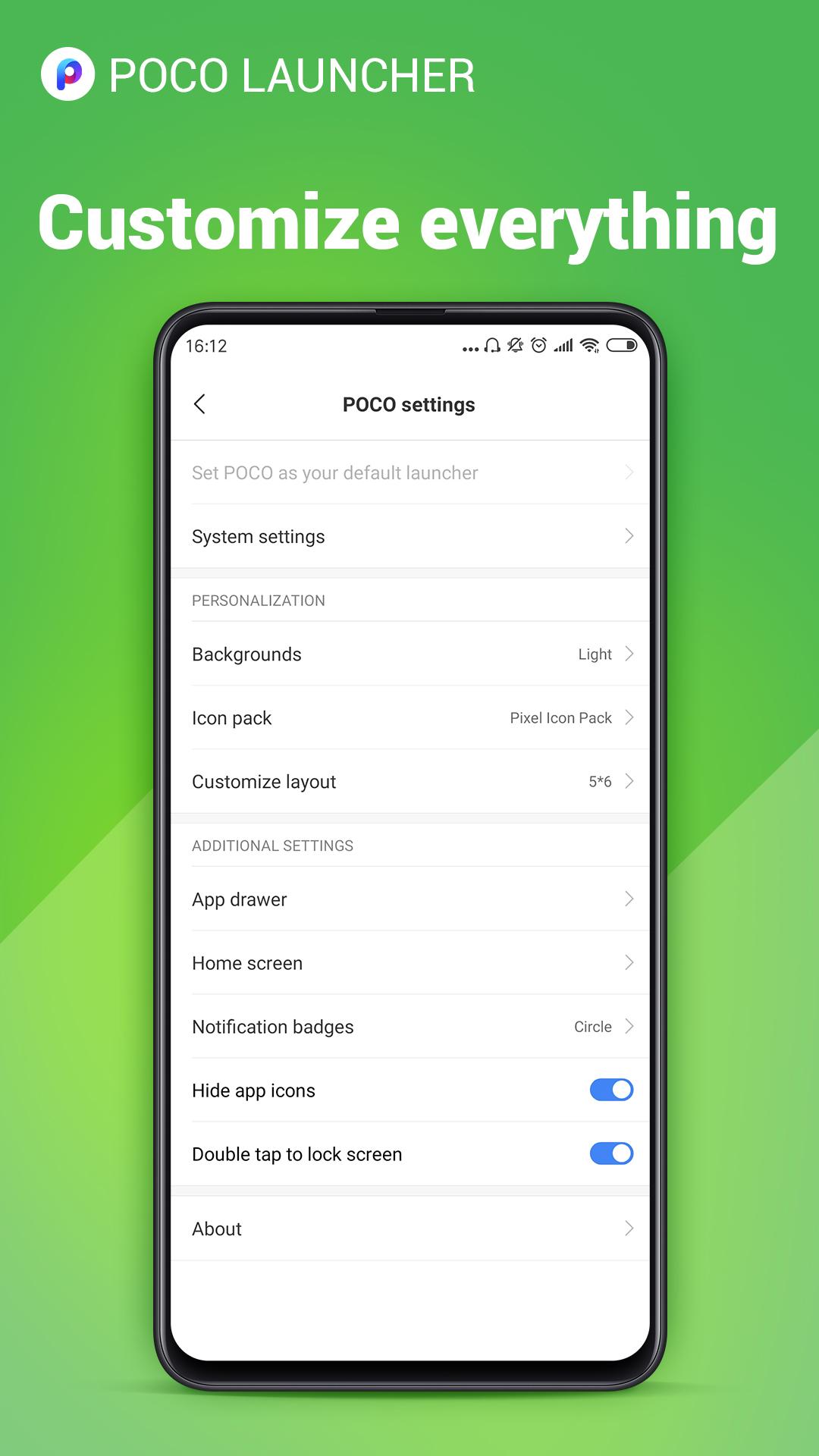
🌟 Personalization - Resize the Home screen layout and app icons. Apply customized wallpapers, themes, and animations. Use third party icon packs to give your device a new look.
🔎 Convenient search - App suggestions, icon color categories, and lots of other customizable features allow you to find what you need much faster.
🎯 Manage apps - Group apps by category automatically or create custom groups to always keep important things just a tap away.
🔐 Privacy - Keep your apps private by hiding their icons.
🚀 Fast and smooth - POCO Launcher is optimized for breakneck speeds! Simple and fast, it works like a charm. Forget about slow system animations!
What's new:
🔥 Dark mode rolls out
🔥 You can change the style of notification badges(Dots or Count) if your device is running Android 8.0 or later.
🔥 You can double tap the screen to lock device now.
🔥 Show more local results in search(type less!)
🔥 Lock home screen icons.
🔥 We extended functional support for various phone models.
🔥 POCO Launcher is fully compatible with Android Q now.
💕💕💕 Thank you for choosing POCO Launcher! Don't forget to leave us a review if you like our app. Also, feel free to drop us a line if you have any questions: poco-global@xiaomi.com