PvP Skins for Minecraft is a Tools application developed by Crone, but with the best Android emulator-LDPlayer, you can download and play PvP Skins for Minecraft on your computer.
Running PvP Skins for Minecraft on your computer allows you to browse clearly on a large screen, and controlling the application with a mouse and keyboard is much faster than using touchscreen, all while never having to worry about device battery issues.
With multi-instance and synchronization features, you can even run multiple applications and accounts on your PC.
And file sharing makes sharing images, videos, and files incredibly easy.
Download PvP Skins for Minecraft and run it on your PC. Enjoy the large screen and high-definition quality on your PC!
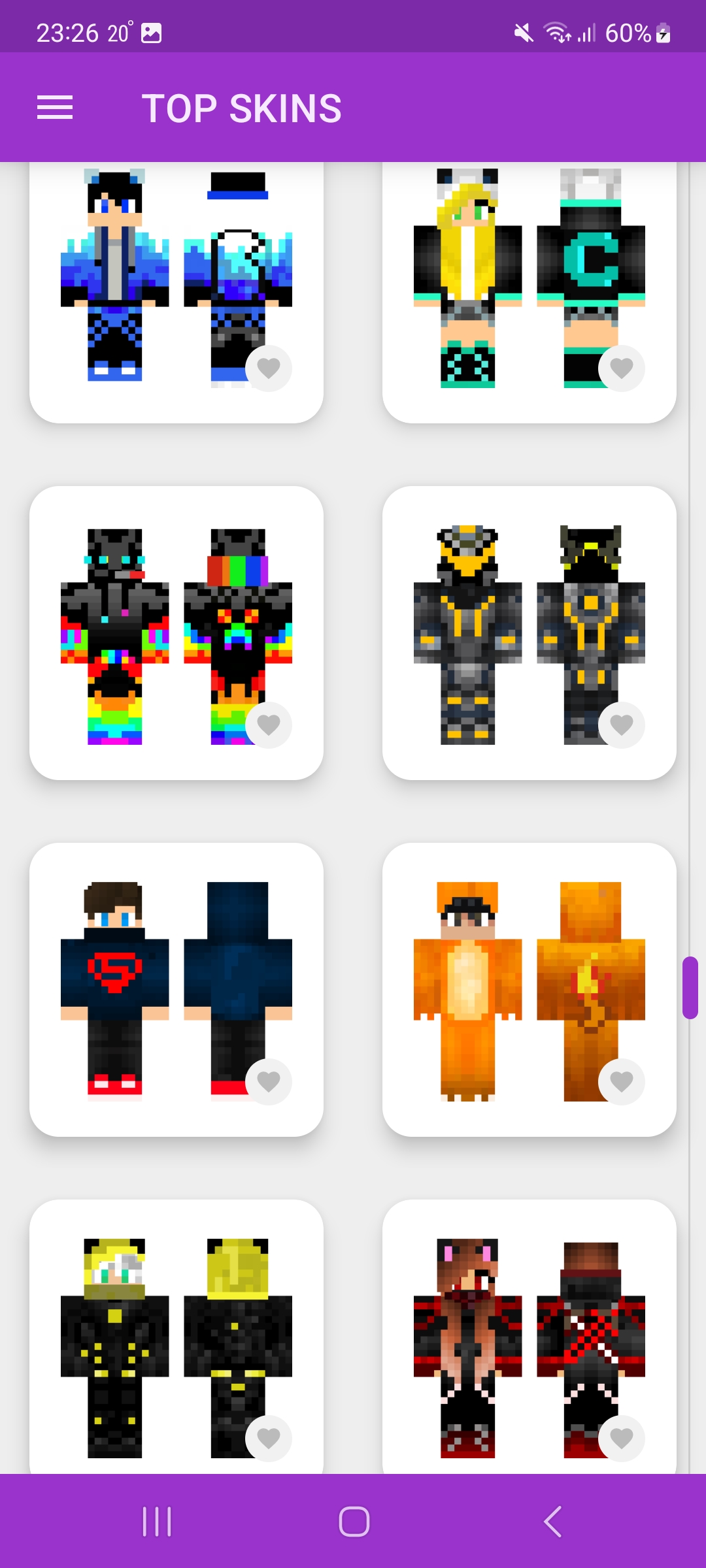
11000 PvP skins for Minecraft PE with skins editor.This modification for Minecraft will help you change skins.
A biggest collection of skins for minecraft players! Special collection for PvP! Here you can download skins for free and install on servers!
Skins have a resolution of 64x64! This is app use not only for Minecraft but also for: Craftsman, LokiCraft and Mastercraft and for other sandbox games!
We have various skins of monsters, huggy wuggy, among, cartoons, characters, youtubers, noobs, mobs, streamers, superheroes, animals, sonics, militaries, robots, assassins, freddy, anime, camouflage, etc.
Everyone can find a skin according to their hobbies and character!
Installing and downloading skins fast as possible.
The application has detailed instructions for installing skins!
You can edit the skin through an external skin editor(Skins Editor for Minecraft by Crone) specially designed for this application, which is downloaded separately you can change every pixel and change the details of the skins for yourself.
App has section of TOP 100 most popular skins this is updating daily
APP FEATURES:
+ Bright and beautiful design
+ Dark theme
+ Downloading to gallery
+ Preview skins in 3D
+ Installation in the game and Trial Version
+ Button Add to Favorites
+ Skins statistics popularity
+ Works for all versions of Minecraft
Choose this application and customize your look for yourself! Be the most fashionable on the server and tell your friends about this app!
This is an unofficial application for Minecraft Pocket Edition. This application is not affiliated in any way with Mojang AB. The Minecraft Name, the Minecraft Brand and the Minecraft Assets are all property of Mojang AB or their respectful owner. All rights reserved. In accordance with http://account.mojang.com/documents/brand_guidelines