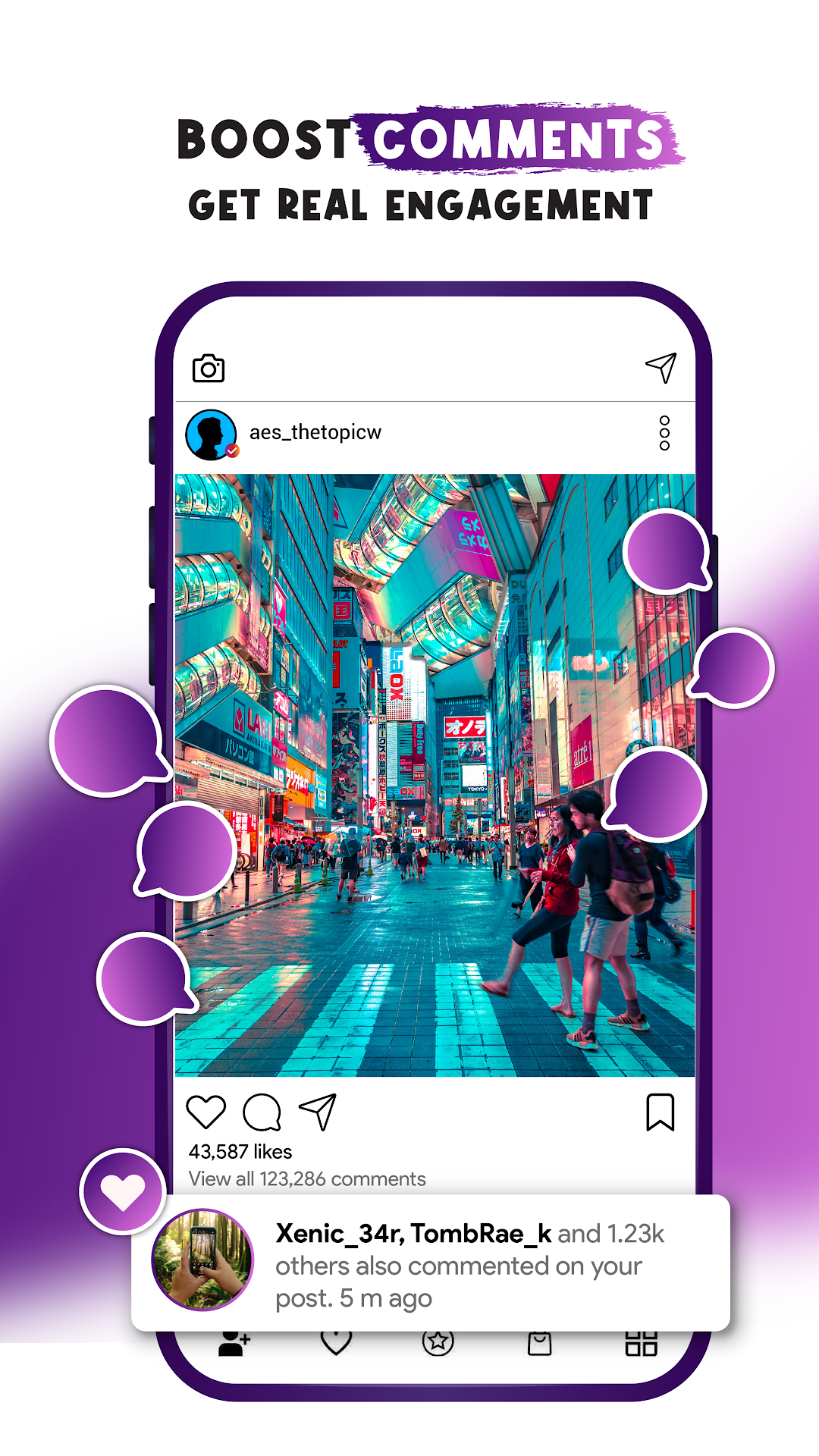
Real Followers Plus is a Social application developed by Back Boys, but with the best Android emulator-LDPlayer, you can download and play Real Followers Plus on your computer.
Running Real Followers Plus on your computer allows you to browse clearly on a large screen, and controlling the application with a mouse and keyboard is much faster than using touchscreen, all while never having to worry about device battery issues.
With multi-instance and synchronization features, you can even run multiple applications and accounts on your PC.
And file sharing makes sharing images, videos, and files incredibly easy.
Download Real Followers Plus and run it on your PC. Enjoy the large screen and high-definition quality on your PC!
Insta-ll followers and likes app and boost your social following.Wanna get real followers and likes on your account? Wanna become a wonderful social media influencer?
Real Followers Plus is here to fulfill your desire for thousands of likes and comments on your profile. This real followers app helps you to get free followers, likes, and comments very fast. Increasing your following, getting more likes, and comments on your posts are the only ways to gain popularity on social media. This boost followers app is exactly doing it for you.
Real Followers + is the best choice for you to become popular on social networks and it makes your post quickly viral. Thus, this real like booster gets more likes and hearts for your posts. Using this app, you can get more followers and instant likes. You can also follow or like others and vice versa to grow your profile easily and quickly and so boost likes, followers, and comments on your account. Hence it makes you popular.
How can we use this app?
Insta ll the Real Followers Plus app and log in with your account.
Get real followers with earned coins.
Gain likes and comments with earned coins.
Insta ll this Follow Booster app to get followers and instant likes and thus become popular on social networks.