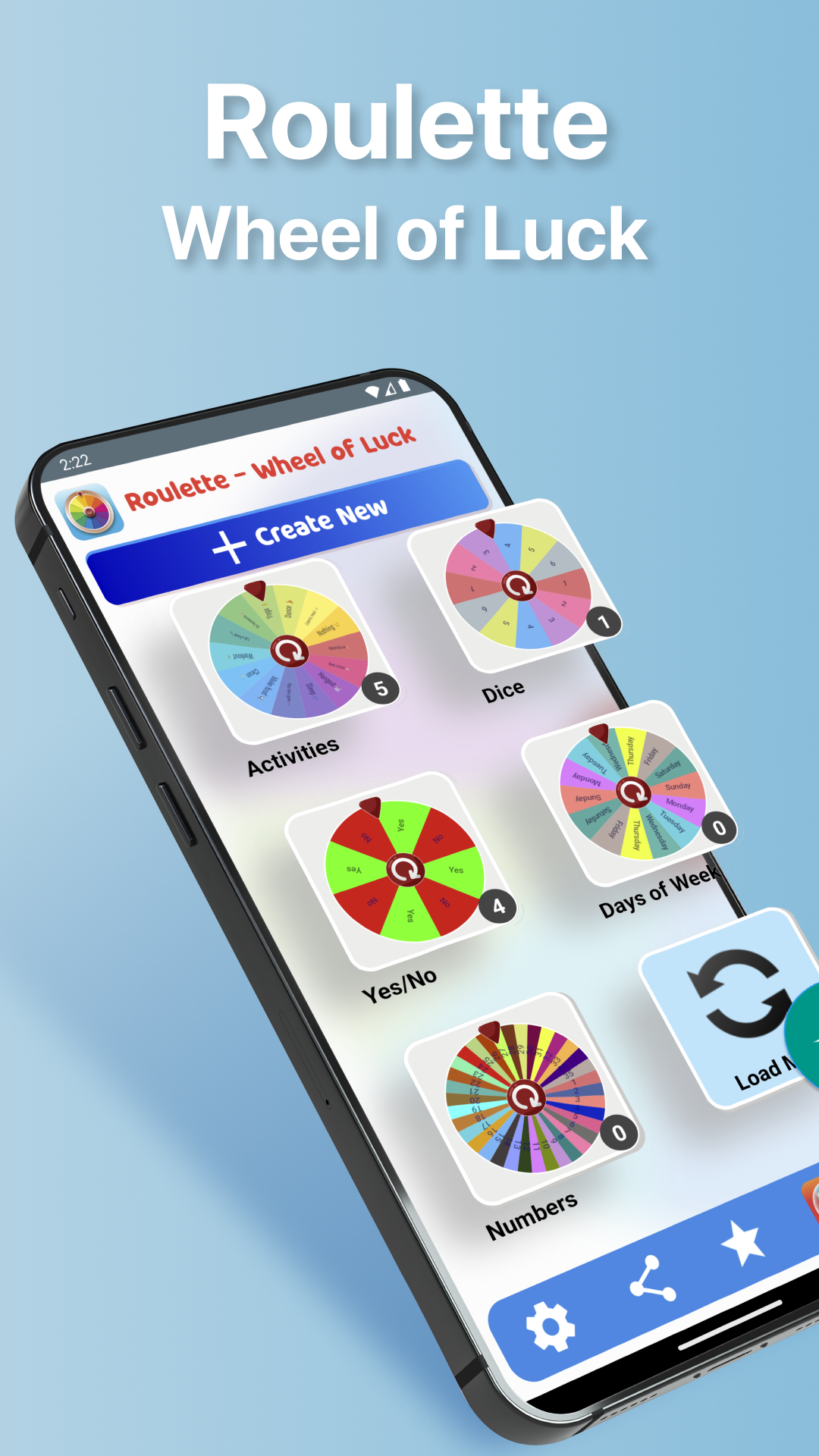
Wheel of Luck is a Entertainment application developed by Apps n Blue, but with the best Android emulator-LDPlayer, you can download and play Wheel of Luck on your computer.
Running Wheel of Luck on your computer allows you to browse clearly on a large screen, and controlling the application with a mouse and keyboard is much faster than using touchscreen, all while never having to worry about device battery issues.
With multi-instance and synchronization features, you can even run multiple applications and accounts on your PC.
And file sharing makes sharing images, videos, and files incredibly easy.
Download Wheel of Luck and run it on your PC. Enjoy the large screen and high-definition quality on your PC!
Challenging friends? Having hard time making decisions? Don’t know what to choose? Roulette - Wheel of Luck helps you with an easy, simple and fun way to make random decisions.Just complete the list and spin the Roulette - Wheel of Luck and you will get your random result.
Here are some features in Roulette - Wheel of Luck:
- You can add up to 100 choices in the Roulette Wheel.
- Roulette Store to download new wheels ideas in different categories (Games , Fun , Travel , Sports , Movies , etc...) .
- New Wheels are added Daily to Roulette Store.
- Easy to add Emoji's with text in each slice.
- Random Result Every Time you Spin the Roulette Wheel.
- You can choose to keep order in list or shuffle items in Wheel.
- Easy to add, edit and delete items in the list.
-You can select a theme for you roulette.
- Select specific color for every item in roulette.
- Select one of Many Interesting, funny and simple sounds to play when roulette result appear.
- Choose how many times to repeat names in roulette.
- All created roulette's are auto saved.
- Roulette Wheel Result are saved and you can view statistics (Spin Counter , Last Used, Last Result).
- You can choose to remove the winner after the wheel spin or keep it in roulette.
- Keep Track of Roulette Results History
- Many customization's options to create the roulette wheel of your own.
- Translated to More Than 10 Languages (English, Portuguese, French, Arabic, Spanish, etc...).
- Turn on/ off Result Sound and you can choose result sound from a list.
We have many options to customize your roulette and here are some:
- Control roulette wheel spinning speed(5 level of speed).
- Ability to Change Font in all Roulette Screens
- Change App Background color.
- Change Roulette Result Background.
For any suggestions for Roulette - Wheel of Luck app, please feel free to email us at :
contact@appsnblue.com
Disclaimer: Roulette - Wheel of Luck app does not offer real money gambling or an opportunity to win real money or prizes. Intended for entertainment only.