

RTL SDR AIS Driver is a Tools application developed by ebcTech, but with the best Android emulator-LDPlayer, you can download and play RTL SDR AIS Driver on your computer.
Running RTL SDR AIS Driver on your computer allows you to browse clearly on a large screen, and controlling the application with a mouse and keyboard is much faster than using touchscreen, all while never having to worry about device battery issues.
With multi-instance and synchronization features, you can even run multiple applications and accounts on your PC.
And file sharing makes sharing images, videos, and files incredibly easy.
Download RTL SDR AIS Driver and run it on your PC. Enjoy the large screen and high-definition quality on your PC!
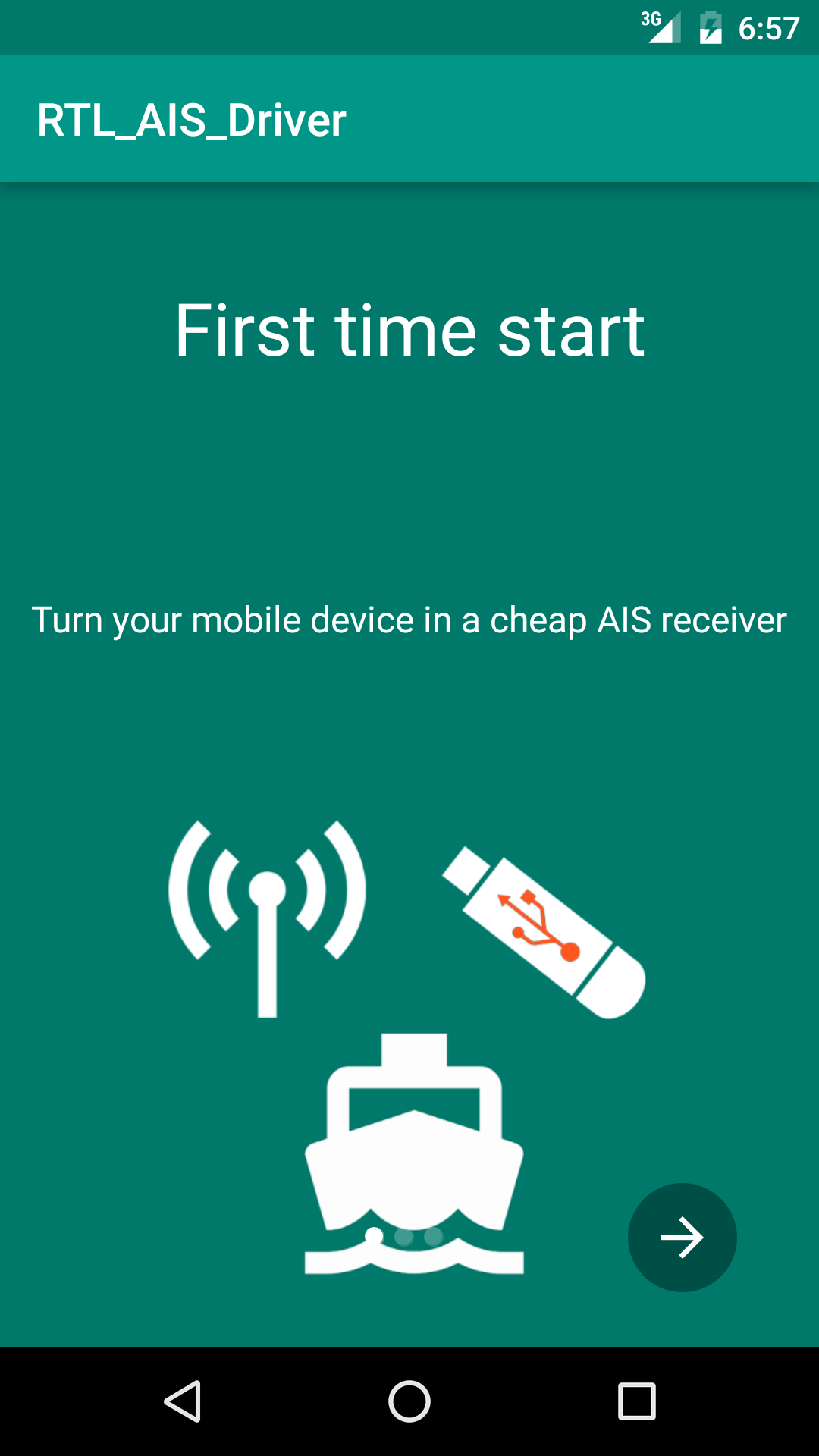
Please report bugs to info@ebcTech.euDVB-T dongles based on the Realtek RTL2832U, R820T (RTL SDR) can be used as a cheap AIS receiver.
The app is decoding the VHF signales received via the USB dongle.
This driver could be used by third party applications to implement AIS processing.
Keep in mind that this application on its own may not be very useful as it is just a driver.
In this Driver app a small demo apllication is included to test your dongle.
Supported dongles:
-- Any so called RTL SDR dongel,
TUTORIAL
https://www.ebctech.eu/rtl-sdr-ais-receiver/
Full version of the app
https://play.google.com/store/apps/details?id=eu.ebctech.ais_share
DISCLAIMER:
RECEIVING OF AIS DATA VIA VHF RADIO AND MODIFYIED SOFTWARE/RADIO MAY BE ILLEGAL IN YOUR COUNTRY.
NEVER USE THIS APP FOR NAVIGATION PURPOSE