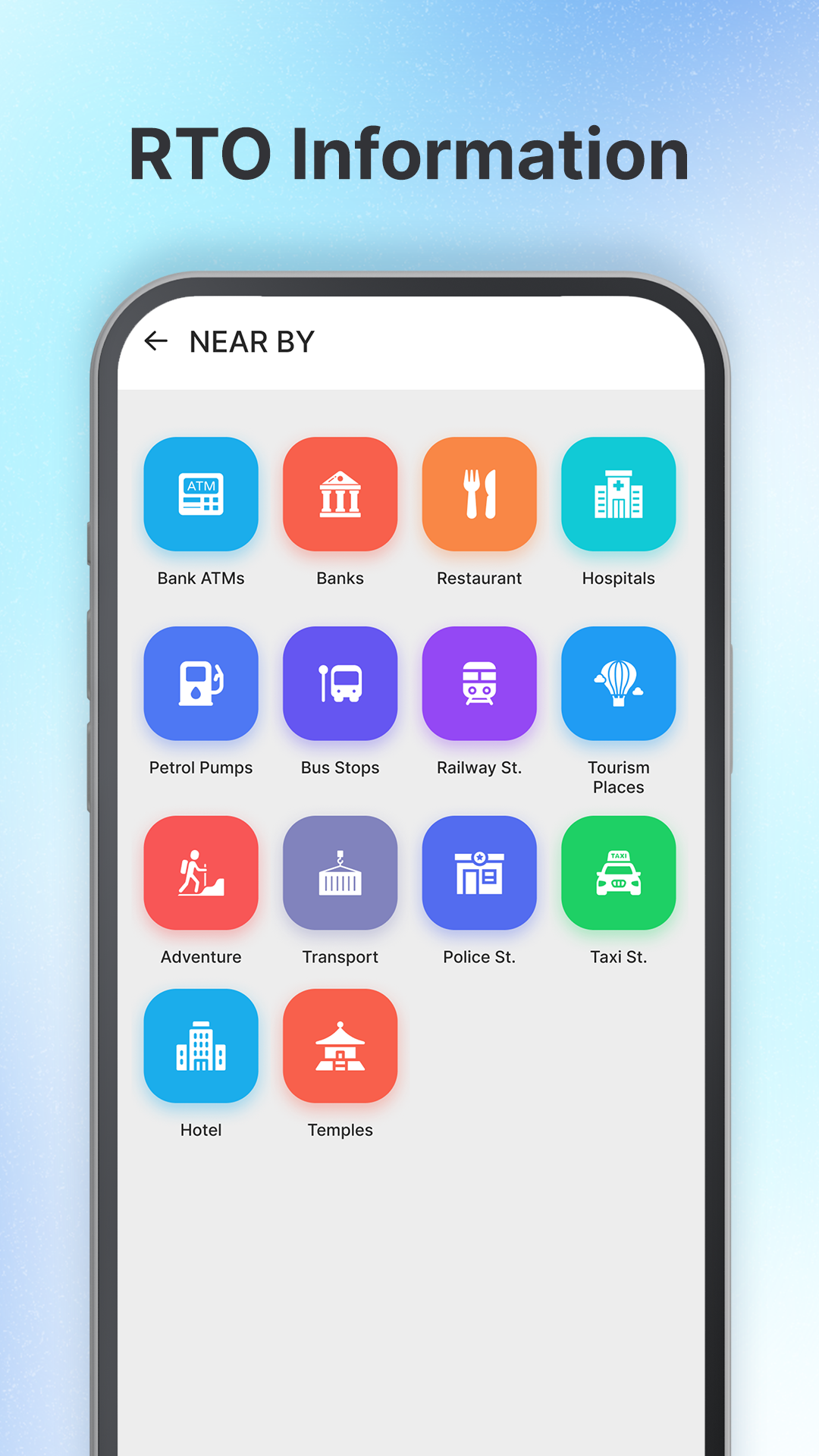
RTO Vehicle Information App is a Tools application developed by Golden Storm System, but with the best Android emulator-LDPlayer, you can download and play RTO Vehicle Information App on your computer.
Running RTO Vehicle Information App on your computer allows you to browse clearly on a large screen, and controlling the application with a mouse and keyboard is much faster than using touchscreen, all while never having to worry about device battery issues.
With multi-instance and synchronization features, you can even run multiple applications and accounts on your PC.
And file sharing makes sharing images, videos, and files incredibly easy.
Download RTO Vehicle Information App and run it on your PC. Enjoy the large screen and high-definition quality on your PC!
RTO Vehicle information is a one stop solution for all your vehicle related information.RTO Vehicle Information app gives you information of Vehicle owners like name, insurance info, challans info etc.
With our app, you can easily access vital information about your vehicle, including registration details, insurance information, and PUC details so that you can check whether your insurance or PUC is active or not. You can also gereal-time updates on your vehicle's challan status, making it easier to keep track of any fines or penalties.
With RTO app you get daily updates of Petrol and Diesel prices.
Our app also provides you with detailed information about the licence application process, as well as helpful tips and advice for passing your RTO exam.
With this app you have many more to discover, if you have any suggestion for us then please write us at our contact information.
Disclaimer:
We are not linked with any RTO or government authority. All vehicle details shown in the app are publicly available on the official Parivahan website (https://parivahan.gov.in/parivahan/). This app only helps users access that data easily in one place.