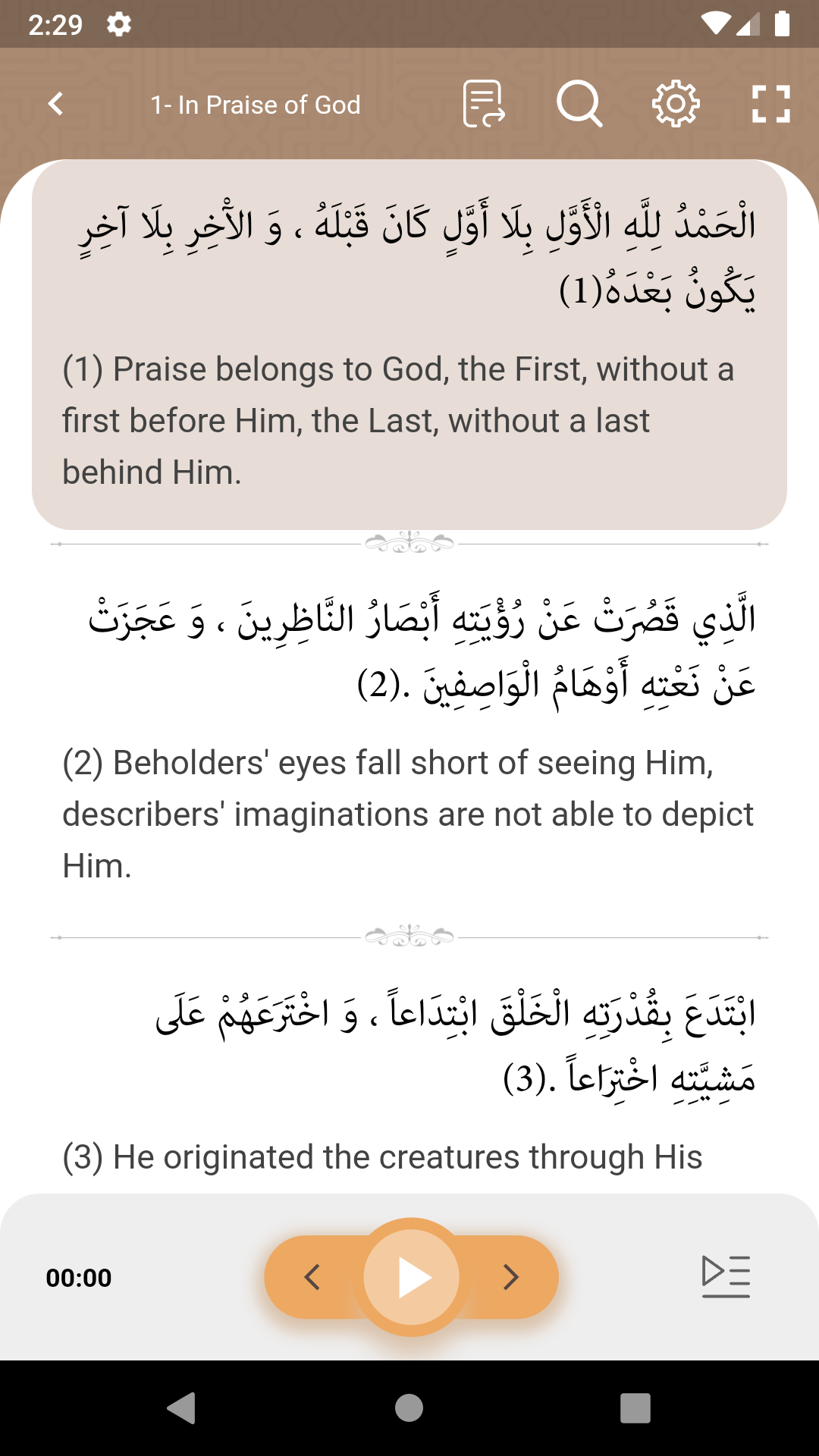
Sahifa Sajjadiyya is a Books&Reference application developed by Noor Mobile Apps, but with the best Android emulator-LDPlayer, you can download and play Sahifa Sajjadiyya on your computer.
Running Sahifa Sajjadiyya on your computer allows you to browse clearly on a large screen, and controlling the application with a mouse and keyboard is much faster than using touchscreen, all while never having to worry about device battery issues.
With multi-instance and synchronization features, you can even run multiple applications and accounts on your PC.
And file sharing makes sharing images, videos, and files incredibly easy.
Download Sahifa Sajjadiyya and run it on your PC. Enjoy the large screen and high-definition quality on your PC!
IntroductionSaheefa Kamila Sajjadiyya contains some of the prayers of the fourth Imam of the Shiites, ‘Ali ibn al-Husayn, also known as Zayn al-Abideen (lit. the adornment of the worshippers), and al-Sajjad (lit. one frequently prostrating himself before his Lord) in the form of fifty-four du‘as (prayers), has provided a rich treasure of divine knowledge and [methodology of] man’s relationship with God, Exalted is He. This book has always been seriously considered by many true scholars and mystics, to the point that it has been called the Psalms of Muhammad’s Household. The present App which deals with du‘a (prayer/supplication), has been designed and developed by Computer Research Center of Islamic Sciences.
An Introduction to Saheefa Sajjadiyya App
This application (App) is prepared free of charge for the esteemed users of mobile phones with Android operating system. In this version, in addition to the text of Saheefa Kamila Sajjadiyya; various translations and commentaries of the text are provided. Other capabilities such as content search, subject list, dictionary and page audio, etc. have also been provided for the users. All content of the App is displayed online and with an Internet connection, but users can use the text, translations, two commentaries and a dictionary offline after disconnecting from the network. In addition, the recitation audio file of the page can be played offline after downloading.
App content
The different parts of the Saheefa Sajjadiyya App are:
The text of Saheefa Kamila Sajjadiyya:
including fifty-four prayers with translation and recitation.
Translation and commentary:
including translations of the book into Persian, and its explanations in Persian and Arabic.
Thematic Index:
Thematic Index of Saheefa Sajjadiyya in two separate sections of Arabic and Persian.
Dictionary:
It provides sub each sentence of Saheefa Sajjadiyya the definition of the words contained therein.
Part of the rich content of this program has been prepared in Computer Research Center of Isfahan Islamic Seminary
Search
Search is possible in the Thematic Index and the Arabic text and scripture of Saheefa Sajjadiyya. You can also search for titles of the du‘as, their texts as well as the content of translation and commentary.