Saya - Games&Party&Chat is a Entertainment application developed by CUBE NETWORKS, but with the best Android emulator-LDPlayer, you can download and play Saya - Games&Party&Chat on your computer.
Running Saya - Games&Party&Chat on your computer allows you to browse clearly on a large screen, and controlling the application with a mouse and keyboard is much faster than using touchscreen, all while never having to worry about device battery issues.
With multi-instance and synchronization features, you can even run multiple applications and accounts on your PC.
And file sharing makes sharing images, videos, and files incredibly easy.
Download Saya - Games&Party&Chat and run it on your PC. Enjoy the large screen and high-definition quality on your PC!
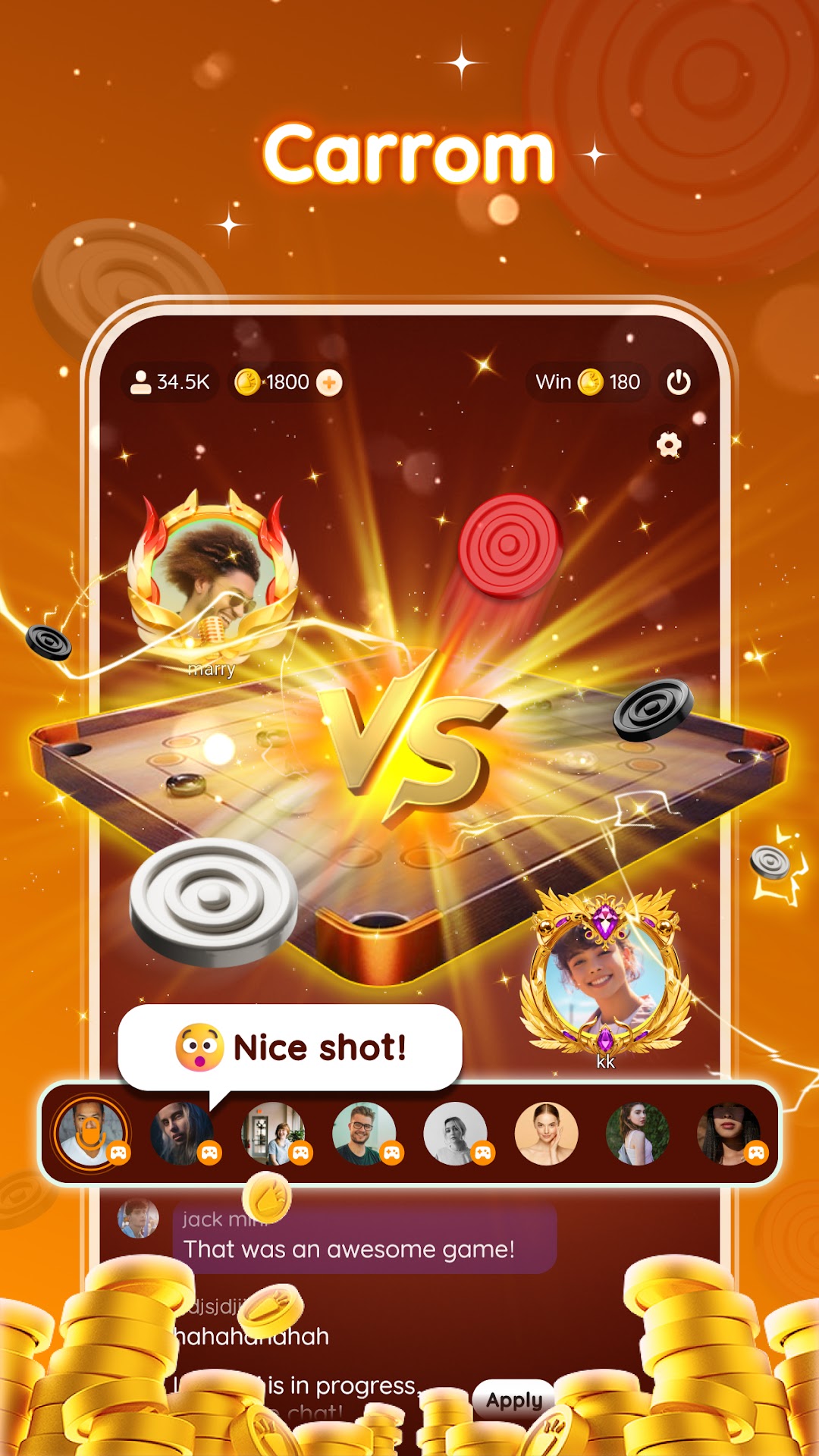
Saya - Online Board Games, Endless Fun!Saya is the online board game app that everyone loves! Bringing you the hottest casual board games paired with voice interaction. Enjoy refreshed classic games, collect unique items, and unlock fantastic mythical creatures! Relax and enjoy hours of joyful gaming.
Interactive Games with More Fun.
Ludo: Classic returns! Challenge your strategy and luck.
Domino: Test your intelligence and skills, and enjoy puzzle-filled fun!
UNO: Play cards, trigger exciting reversals, and show off stunning moves!
Monster Crush: Swipe and eliminate obstacles—fun at your fingertips!
More Ways to Play, Endless Excitement.
Collect and Merge: Gather shards to create rare achievements and unlock avatar frames and more rewards!
Mythical Rides: Unlock spectacular mounts! Dominate the game arena and capture everyone's attention!
Interactive Items: Tons of playful props that keep the fun and laughter going!
Play together in Saya and fill your moments with joy!