
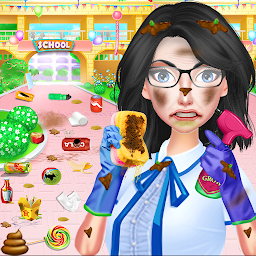


School Cleanup - Cleaning Game is a Entertainment application developed by Crazy Bull Studio, but with the best Android emulator-LDPlayer, you can download and play School Cleanup - Cleaning Game on your computer.
Running School Cleanup - Cleaning Game on your computer allows you to browse clearly on a large screen, and controlling the application with a mouse and keyboard is much faster than using touchscreen, all while never having to worry about device battery issues.
With multi-instance and synchronization features, you can even run multiple applications and accounts on your PC.
And file sharing makes sharing images, videos, and files incredibly easy.
Download School Cleanup - Cleaning Game and run it on your PC. Enjoy the large screen and high-definition quality on your PC!
School Cleanup - Cleaning Game right now and start School Cleanup, some of the best School Cleaning Games for free you’ve ever seen! Play this clean up game with many different cleaning activities such as first of all place all messy things at proper place and throw rubbish items in to dustbin. Then cleaning activity will start with removing spider nets, remove dust from walls by using water spray and towel. And at last clean floor by mop. This cleaning game includes rearrange the furniture, jigsaw puzzles, place toys and other things back on their place, restore walls etc.


