Selfie Camera - Beauty Camera is a Photography application developed by KX Camera Team, but with the best Android emulator-LDPlayer, you can download and play Selfie Camera - Beauty Camera on your computer.
Running Selfie Camera - Beauty Camera on your computer allows you to browse clearly on a large screen, and controlling the application with a mouse and keyboard is much faster than using touchscreen, all while never having to worry about device battery issues.
With multi-instance and synchronization features, you can even run multiple applications and accounts on your PC.
And file sharing makes sharing images, videos, and files incredibly easy.
Download Selfie Camera - Beauty Camera and run it on your PC. Enjoy the large screen and high-definition quality on your PC!
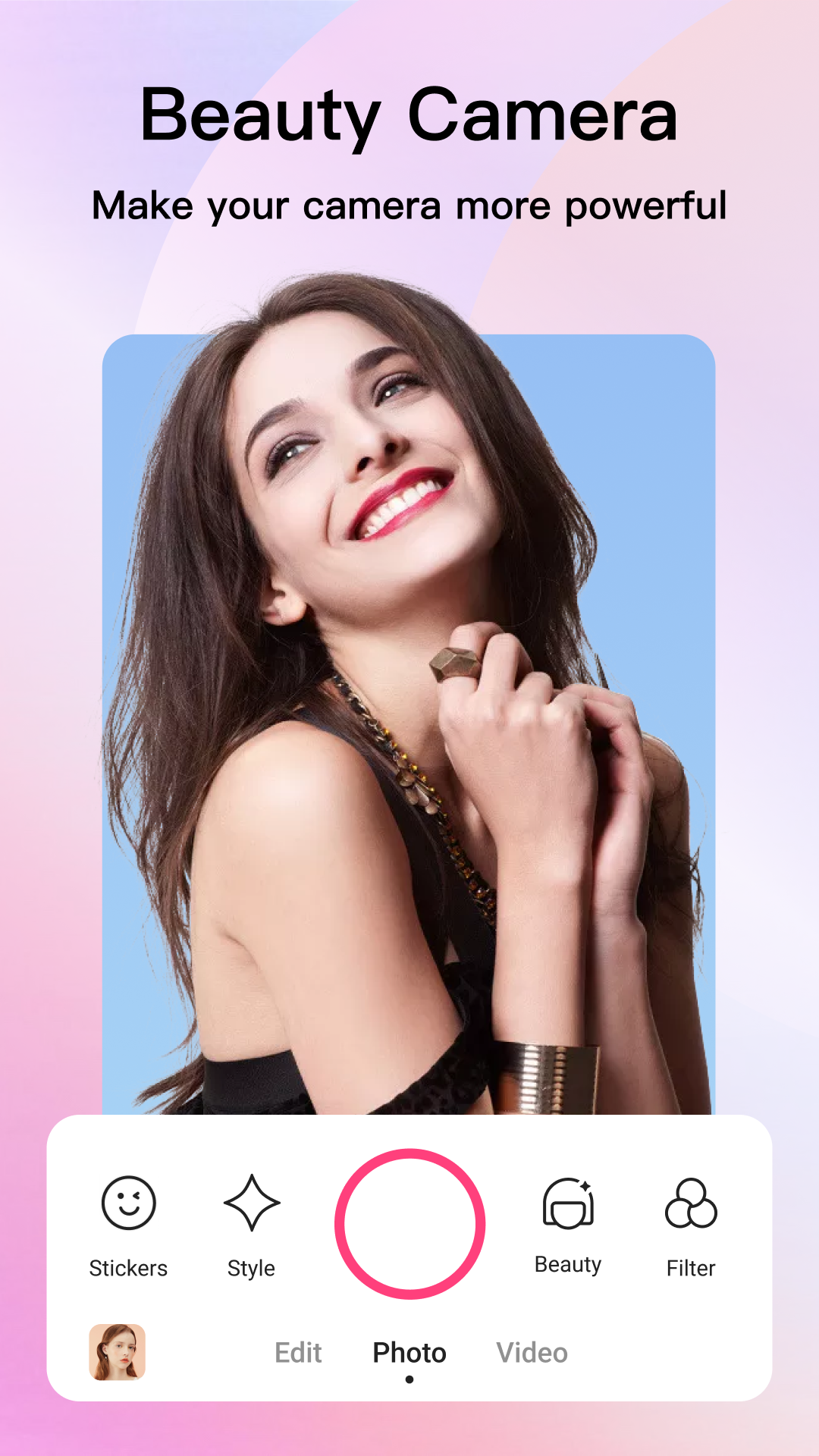
Selfie Camera PrettyMe provides a brand new shooting experience for you with its powerful yet free filters and online stickers. It uses various beauty methods to improve your pictures and videos to the greatest extent. ✨😊 Beauty Selfie Camera PrettyMe
- Shooting photo and video
- Shoot with free stickers and filters
- Online stickers of different themes
- Natural beauty, extreme beauty and precision beauty
- Beautify: Apply beauty filters & styles instantly for selfies
- Smooth: Smooth tool helps to refine your pores and smoothen your skin for a perfect complexion.
- Reshape: Reshape tool enables you to touch-up your eyes, nose, cheek, and more
😊 Best face app & Makeup filters for Sweet selfies
* Remove acne and blemish, smooth skin, whiten teeth, slim face...
* Enlarge eyes & remove dark circle
* Cheek thin, cheek narrow, refined cheekbones...
* Contour & highlight makeover cheekbone & nose
* Foundation & blush, one-tap face tune
* Erase & edit eyebrow arch, thickness, position, color
* Contact lenses for all colors
* Eye shadow edit, try various styles of eye makeup
* Mascara & eyelash extension
* Lipstick & lip gloss, Matte, metallic, shine
😊 Amazing Poster Maker & Filmstrip
- Select photos into a cool collage using free preset templates and layouts.
- Edit collage with filters, stickers, text, and more.
💯 One-stop shooting and editing with this popular selfie camera app will be way more convenient and can make your shooting experience interesting. Having this selfie camera means you can enjoy a beauty camera, photo editor, photo poster & filmstrip maker at the same time.
Try Selfie camera PrettyMe, free to use!