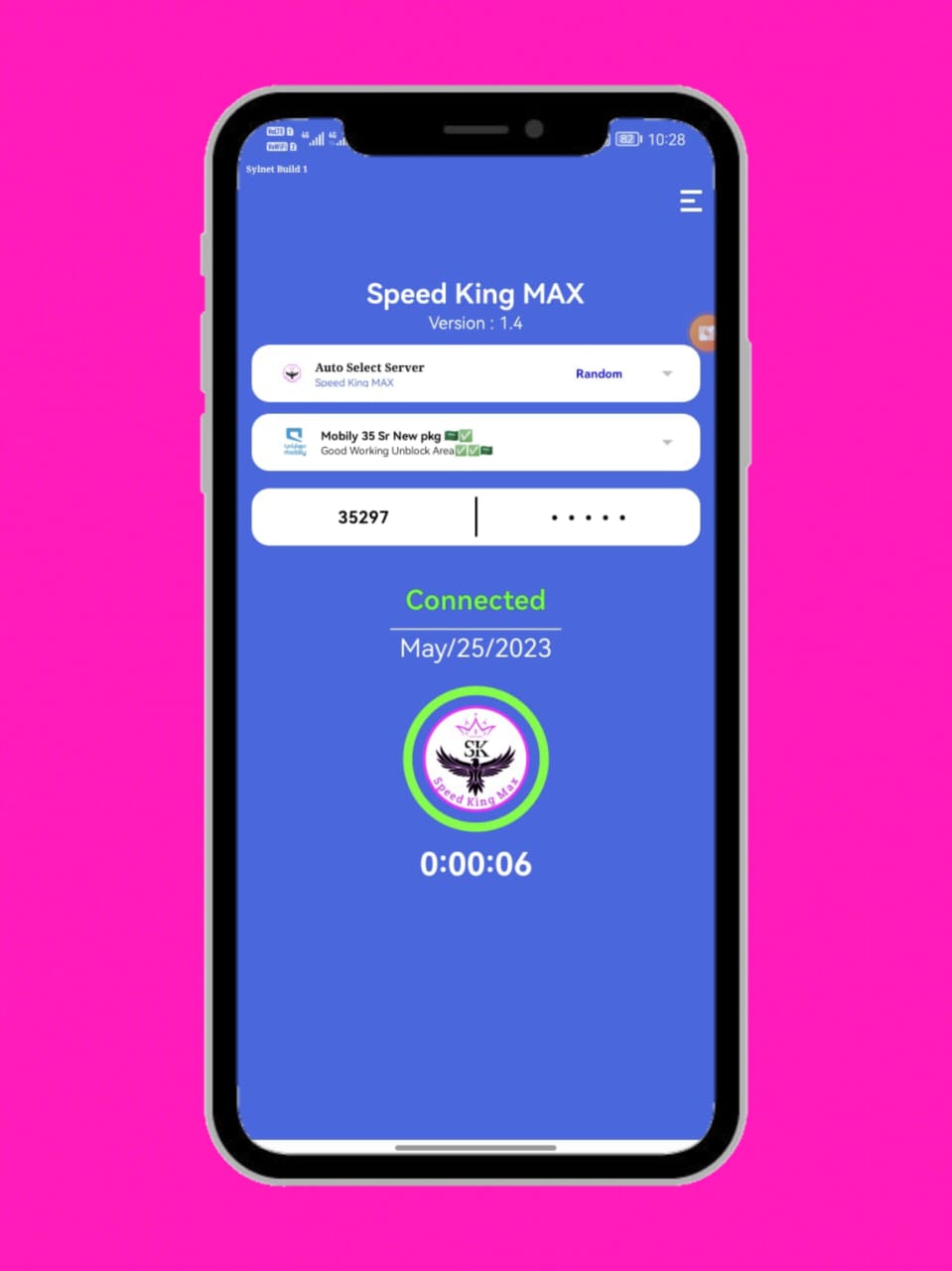
Speed King MAX - Unlimited VPN is a Tools application developed by Imran IT, but with the best Android emulator-LDPlayer, you can download and play Speed King MAX - Unlimited VPN on your computer.
Running Speed King MAX - Unlimited VPN on your computer allows you to browse clearly on a large screen, and controlling the application with a mouse and keyboard is much faster than using touchscreen, all while never having to worry about device battery issues.
With multi-instance and synchronization features, you can even run multiple applications and accounts on your PC.
And file sharing makes sharing images, videos, and files incredibly easy.
Download Speed King MAX - Unlimited VPN and run it on your PC. Enjoy the large screen and high-definition quality on your PC!
Speed King MAX protects your internet session and helps your access content that is restricted by your ISP, this works because your data is securely transported through our very fast and secure servers that have unlimited access to the web, which also means that your real IP address is hidden from the webWiFi 3G,4G,5G and all mobile data carriers are supported
✪ Tweaks for different network settings.
✪ one tap to connect
✪ easy update
✪ Unlimited bandwidth
✪ unrestricted access to any website
✪ fast streaming experience
✪ Unblock website and WhatsApp imo call
✪ Free internet setting
➤ Contact support email:
fahimnetwork10@gmail.com