

Subwoofer bass booster amplify is a Music&Audio application developed by coolrepairapps, but with the best Android emulator-LDPlayer, you can download and play Subwoofer bass booster amplify on your computer.
Running Subwoofer bass booster amplify on your computer allows you to browse clearly on a large screen, and controlling the application with a mouse and keyboard is much faster than using touchscreen, all while never having to worry about device battery issues.
With multi-instance and synchronization features, you can even run multiple applications and accounts on your PC.
And file sharing makes sharing images, videos, and files incredibly easy.
Download Subwoofer bass booster amplify and run it on your PC. Enjoy the large screen and high-definition quality on your PC!
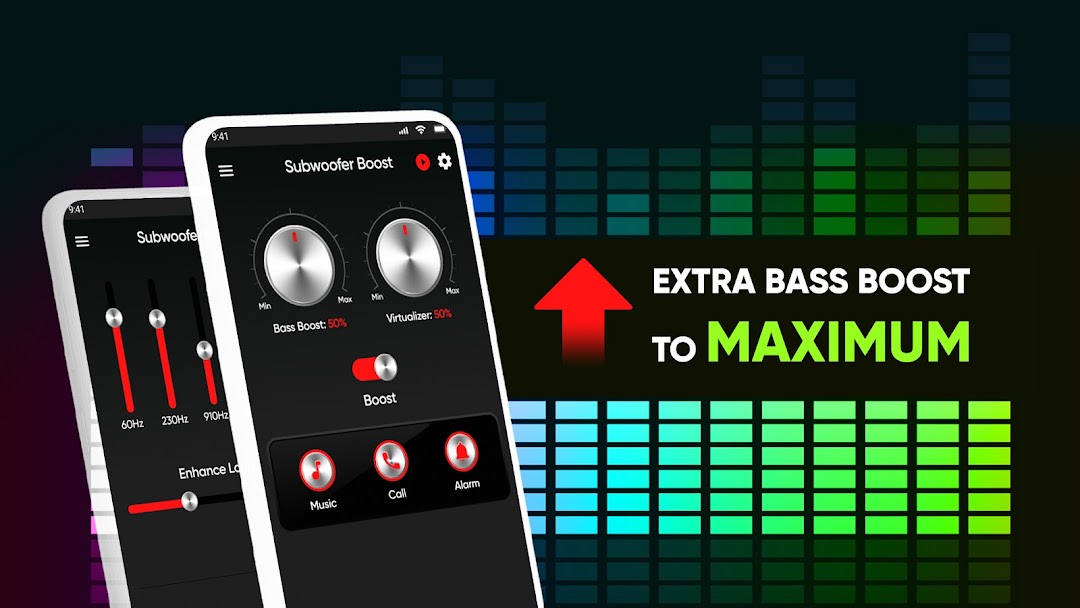
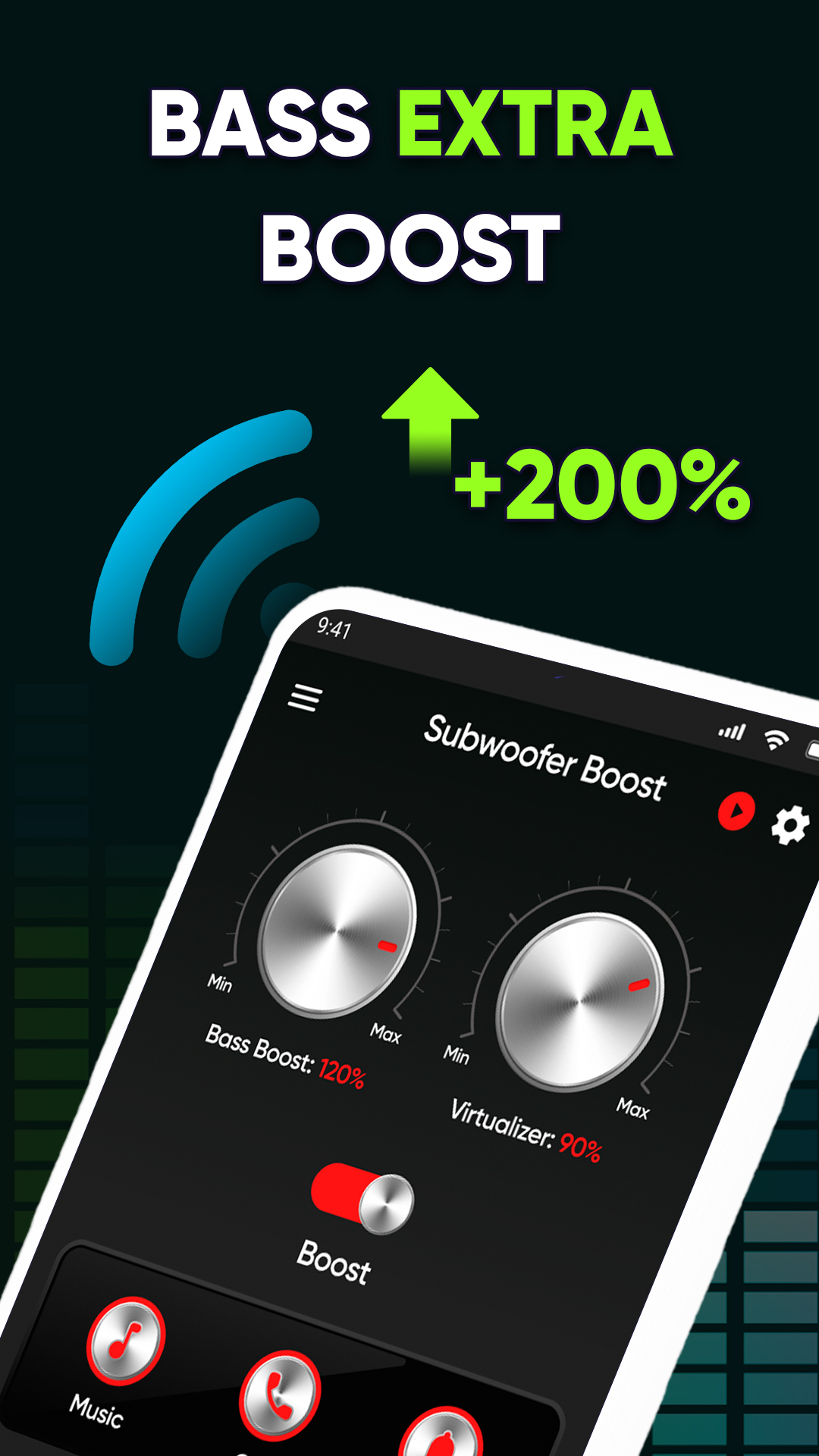
Improve your music quality or listen to your favorite tracks in a completely different way with this subwoofer bass booster and sound quality improver. This bass booster and woofer makes songs, videos, movies and any sounds much better and allows you to improve their bass, as well as improve the sound on your speakers or headphones.When using this Subwoofer bass booster, it is better to use additional speakers or headphones or stream audio to another device
Woofer bass speaker key functionality and features
🔊 Great Subwoofer and Bass Boost
🔊 Huge improvement in sound - the sound is clearer, louder and the bass is much brighter and more punchy
🔊 Runs in the background and doesn't load your phone and battery like other similar subwoofers and sound enhancers apps
🔊 Support for almost all popular music platforms and players on android
🔊 Support for all audio formats - enhance even the lowest quality sound with this subwoofer
🔊 Excellent UI and best mobile interface
🔊 Dramatically improve your sound with this powerful Subwoofer bass booster amplify for Free!
Subwoofer bass booster amplify it is literally synonymous with sound improvement on android devices and it has been proven by our users many times over. Any music lover or anyone who needs an improvement in sound or bass should have this woofer bass speaker on their device - it has a huge amount of functionality that any audio lover will appreciate.