Super P Launcher, Theme is a Tools application developed by Super Launcher Serie, but with the best Android emulator-LDPlayer, you can download and play Super P Launcher, Theme on your computer.
Running Super P Launcher, Theme on your computer allows you to browse clearly on a large screen, and controlling the application with a mouse and keyboard is much faster than using touchscreen, all while never having to worry about device battery issues.
With multi-instance and synchronization features, you can even run multiple applications and accounts on your PC.
And file sharing makes sharing images, videos, and files incredibly easy.
Download Super P Launcher, Theme and run it on your PC. Enjoy the large screen and high-definition quality on your PC!
Super P Launcher is a cool and highly customizable Android P, Android 15 style launcher, many useful features, beautiful themes and icon packsNotice:
- Super P Launcher is inspired by Android™ P and Android 15 launcher, adding many useful and powerful features, it is made by "Super Launcher Serie" team, it is NOT official Android P, Android 15 launcher.
- Android™ is a registered trademark of Google, Inc.
👍 Super P Launcher main features:
- Super P Launcher include latest Android launcher theme and icon packs
- Super P Launcher support most third-party icon packs in play store
- Super P Launcher has Android P style vertical drawer, and swipe up will show all apps
- Super P Launcher has Android P style app folder
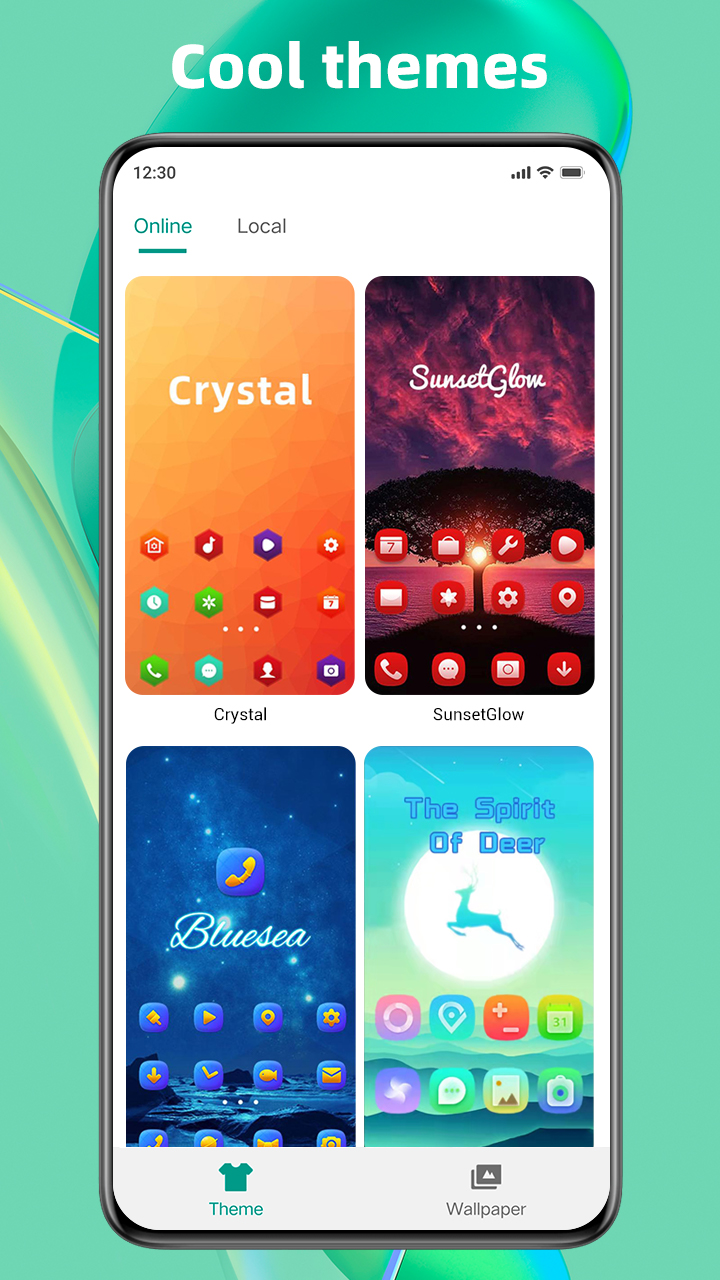
- Many cool launcher themes in our themes store
- Handy gestures support
- Hide app to hide unused apps or personal apps
- App lock to protect your privacy
- Notification badge
- Private folder, this is an unique feature
- T9 search, quick to find apps
- Transition effect for launcher screen
- Change app icon size, launcher grid size, icon label, etc.
- Dock background option; scroll-able multi dock pages
- Rounded corner screen feature
- Auto classify apps to folder
- Many option to config launcher as you like
- Built in several handy widgets, such as weather widget, clock widget, etc
- Many handy tools
👍 Please rate and leave comments for Super P Launcher to make it better and better for all of our users like you, thanks a lot.