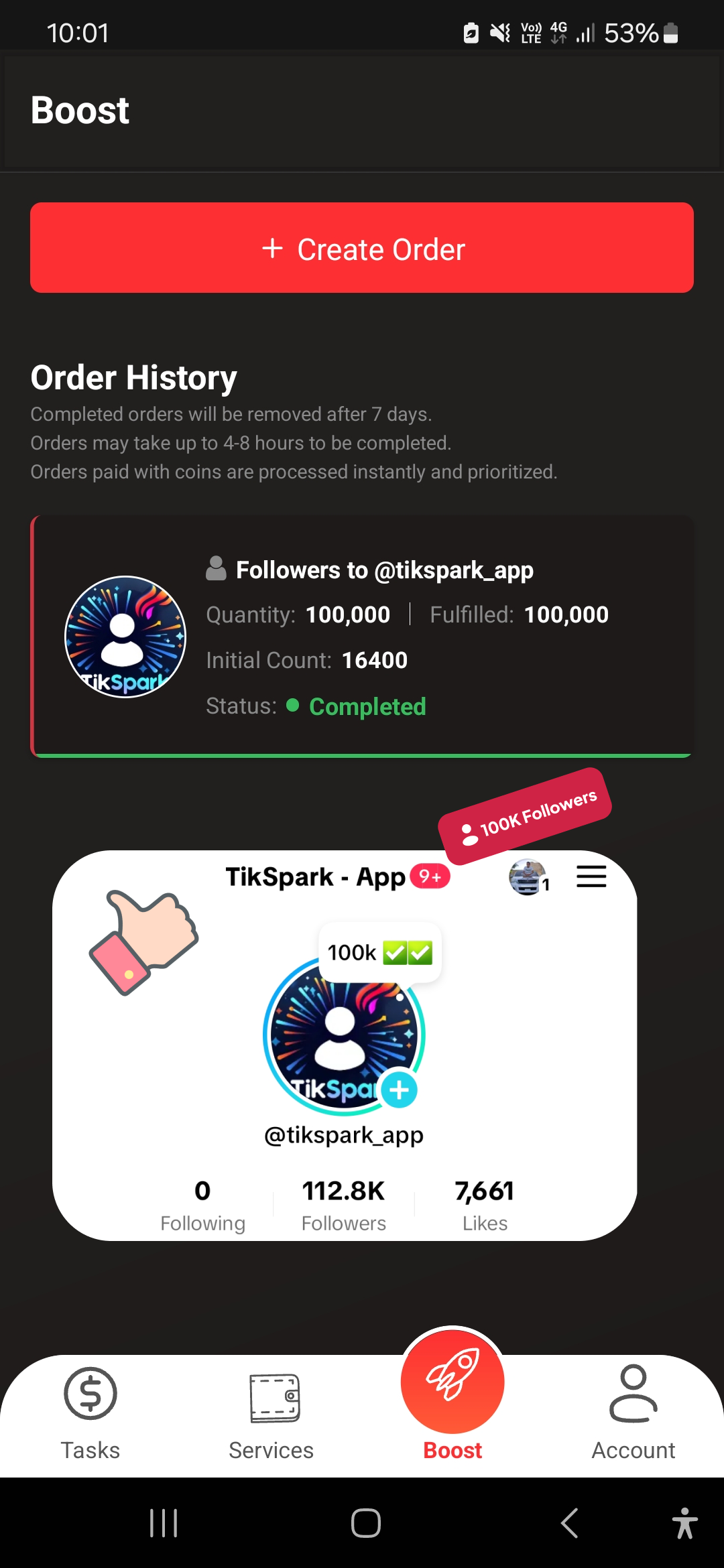
TikSpark - Followers, Likes is a Social application developed by MegaBytes Dev Inc., but with the best Android emulator-LDPlayer, you can download and play TikSpark - Followers, Likes on your computer.
Running TikSpark - Followers, Likes on your computer allows you to browse clearly on a large screen, and controlling the application with a mouse and keyboard is much faster than using touchscreen, all while never having to worry about device battery issues.
With multi-instance and synchronization features, you can even run multiple applications and accounts on your PC.
And file sharing makes sharing images, videos, and files incredibly easy.
Download TikSpark - Followers, Likes and run it on your PC. Enjoy the large screen and high-definition quality on your PC!
🌟 Boost Your TikTok Profile with TikSpark! 🌟Are you eager to gain more followers and likes on TikTok? Look no further! TikSpark is your ultimate solution for enhancing your TikTok presence, ensuring your content gets the attention it deserves. 🚀
Why Choose TikSpark?
🔥 Real Followers & Likes: Gain authentic engagement from active TikTok users. No bots, no fake accounts!
🔒 Safe & Secure: Your privacy and data security are our top priorities. Use TikSpark confidently without risking your account's safety.
🎨 User-Friendly Interface: Our sleek, intuitive design makes navigating the app a breeze. Get more followers and likes with just a few taps!!
⚡ Instant Results: Watch your follower count soar as soon as you start using TikSpark. Quick, noticeable results that keep you motivated!
💰 Free to Use: Start with our free plan and witness the impact! Upgrade anytime for faster growth and more features.
How It Works:
Download and Sign Up: Get TikSpark on your device and create your account.
Choose Your Plan: Select from our free or premium packages based on your growth needs.
Engage: Follow interesting profiles and like posts directly through the app to earn coins.
Get Followers and Likes: Spend your coins to boost your own TikTok profile.
Safe, Simple, and Effective:
TikSpark is developed with cutting-edge technology to ensure a smooth and secure user experience. We continuously update our app to stay compliant with TikTok’s policies and to provide the best possible service. 🛡️
Whether you’re an aspiring influencer, a brand looking to expand its reach, or just someone who wants more engagement on TikTok, TikSpark is your go-to solution. Start today and spark your growth on TikTok! 🔥
Disclaimer:
*TikSpark has no affiliation with the TikTok application, Music.ly, or ByteDance.
*We never ask for your passwords. Input your username only.