Valorant Crosshair Generator is a Tools application developed by Isaac Cabello, but with the best Android emulator-LDPlayer, you can download and play Valorant Crosshair Generator on your computer.
Running Valorant Crosshair Generator on your computer allows you to browse clearly on a large screen, and controlling the application with a mouse and keyboard is much faster than using touchscreen, all while never having to worry about device battery issues.
With multi-instance and synchronization features, you can even run multiple applications and accounts on your PC.
And file sharing makes sharing images, videos, and files incredibly easy.
Download Valorant Crosshair Generator and run it on your PC. Enjoy the large screen and high-definition quality on your PC!
Create your own exact fidelity crosshair profiles for Valorant with the built-in editor.Save your profiles to your account so you can always take them with you.
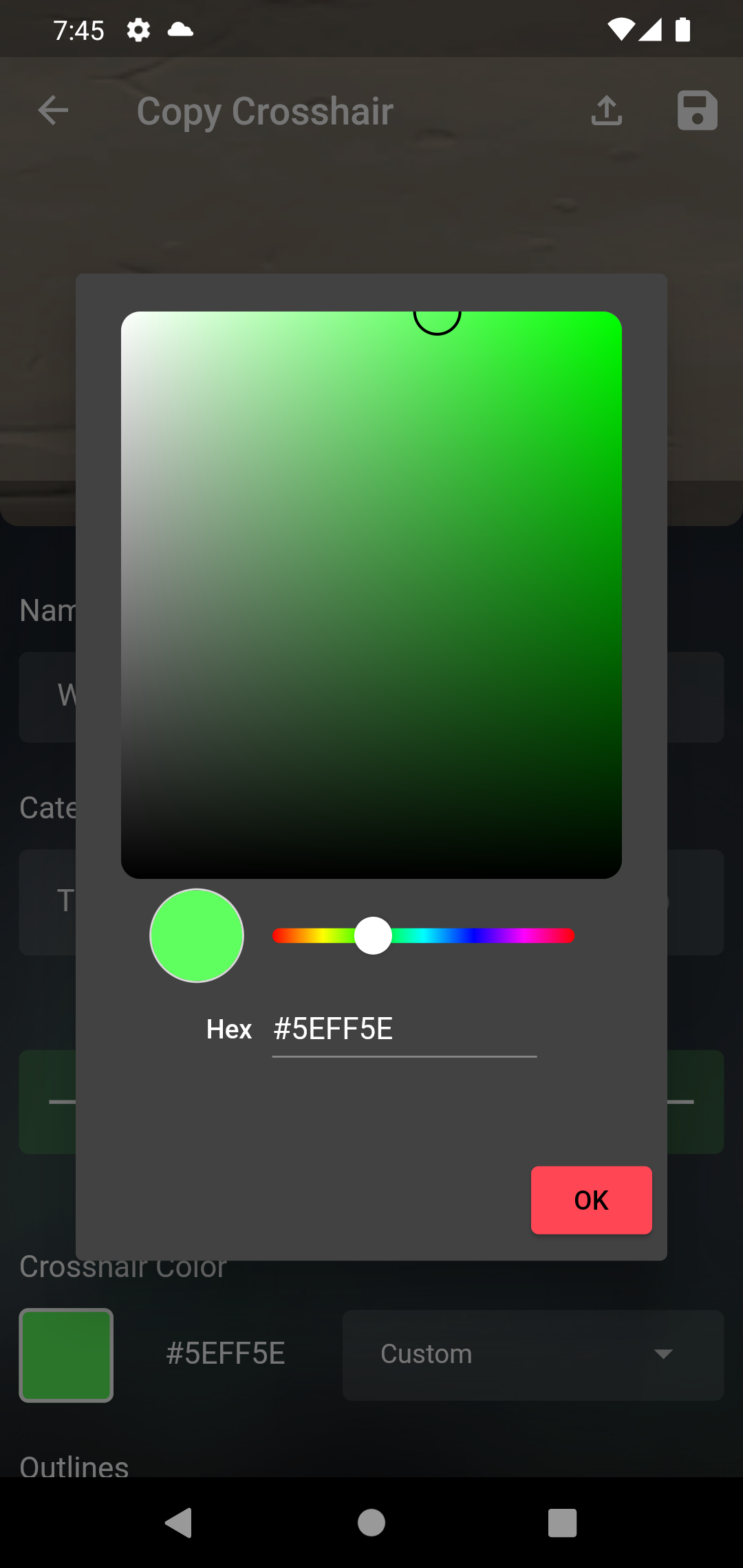
Do you want a unique color for your crosshair? Use the built-in color picker and bring color to your competitive matches.
Copy the crosshair export code and import them into VALORANT. You can also import codes directly into the app.
Share your QR profiles, or scan other players' profiles to import their reticles.
Copy the crosshair of the professionals and outperform your opponents in the game.
Valorant Crosshair Generator is not endorsed by Riot Games and does not reflect the views or opinions of Riot Games or anyone officially involved in the production or management of Riot Games properties. Riot Games and all associated properties are trademarks or registered trademarks of Riot Games, Inc.