

Video Cutter, Cropper, Audio C is a Video Players&Editors application developed by kkapps, but with the best Android emulator-LDPlayer, you can download and play Video Cutter, Cropper, Audio C on your computer.
Running Video Cutter, Cropper, Audio C on your computer allows you to browse clearly on a large screen, and controlling the application with a mouse and keyboard is much faster than using touchscreen, all while never having to worry about device battery issues.
With multi-instance and synchronization features, you can even run multiple applications and accounts on your PC.
And file sharing makes sharing images, videos, and files incredibly easy.
Download Video Cutter, Cropper, Audio C and run it on your PC. Enjoy the large screen and high-definition quality on your PC!
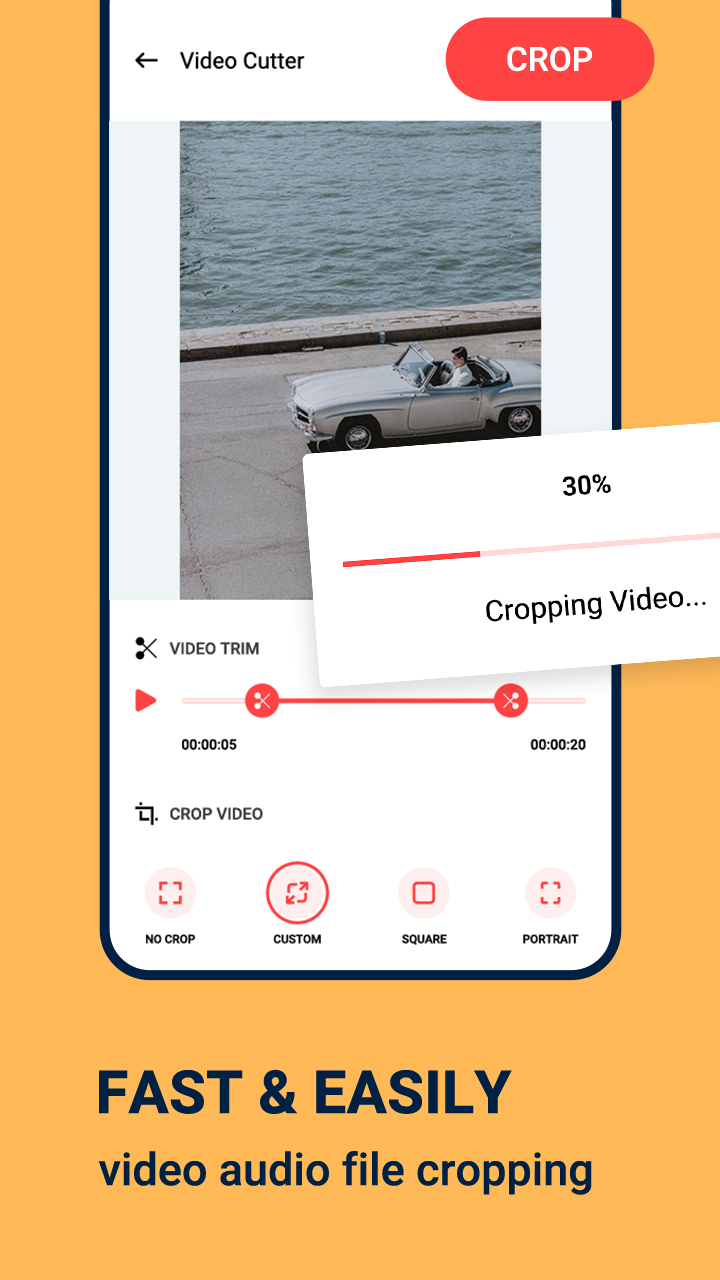
This app has a video cutter and an audio cutter, using them, you can cut the required portion of your videos and MP3 audios.Cutting the audio or video is too easy from the original audio/video, you just have to select a starting point and ending point of your new audio/video.
Here in the video cutter, you can also crop your videos and change its dimension. There are two types of video cropping options here: square crop and custom crop.
The videos and audios that you have cut will get saved in the app, and you can share them from the app.
Features:
- Video cutter
- Audio cutter
- Can crop videos
- Saves trimmed videos & audios
- Can share trimmed videos & audios
For cutting your MP3 audios and videos, insert this app on your phone.