Video Downloader - Story Saver is a Video Players&Editors application developed by Fast Video Downloader & Story Saver - DevBay, but with the best Android emulator-LDPlayer, you can download and play Video Downloader - Story Saver on your computer.
Running Video Downloader - Story Saver on your computer allows you to browse clearly on a large screen, and controlling the application with a mouse and keyboard is much faster than using touchscreen, all while never having to worry about device battery issues.
With multi-instance and synchronization features, you can even run multiple applications and accounts on your PC.
And file sharing makes sharing images, videos, and files incredibly easy.
Download Video Downloader - Story Saver and run it on your PC. Enjoy the large screen and high-definition quality on your PC!
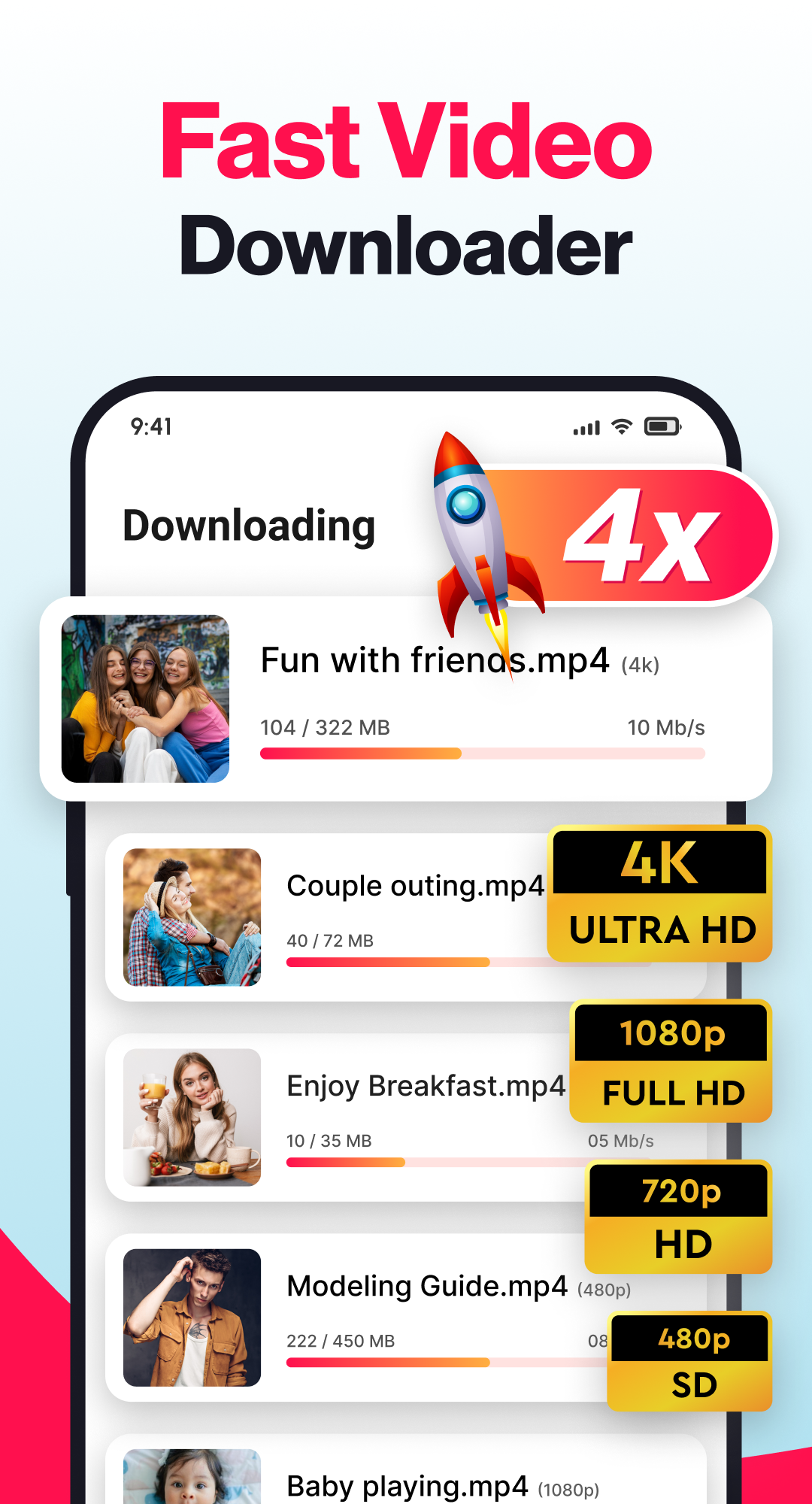
Video Downloader – Story Saver is a powerful and simple tool that allows you to download videos, stories, reels, and images from multiple social media platforms. With its advanced built-in player and image viewer, you can enjoy your saved content anytime in HD, Full HD, 4K, or 1080p quality.This all-in-one downloader is designed to make saving videos and pictures easier than ever. Whether you want to keep your favorite reels, download story highlights, or save video statuses, this app provides a smooth and reliable experience.
Key Features of Video Downloader - Story Saver
• Download HD videos, reels, and stories from popular platforms.
• Save images, photos, and video statuses directly to your device.
• Multiple downloads supported at the same time.
• Automatic detection of copied links for instant download.
• Works in the background while you use other apps.
• Built-in video player and photo viewer for offline access.
• Pause, resume, or cancel downloads anytime.
• Organize and manage your saved files in separate tabs.
• Choose video quality before downloading – from HD to 4K.
How to Use Video Downloader - Story Saver
• Copy the link of the video, story, reel, or image you want to save.
• Open the app and the downloader will automatically detect the link.
• Select the format and quality you prefer.
• Tap download to save the file directly to your phone.
• Access all your downloaded content in the “Downloads” section with the option to play, share, or manage them.
Why Choose Video Downloader – Story Saver?
This app provides a fast and secure way to download and manage your favorite videos. You can save reels, video statuses, highlights, and stories in one place without any complicated steps. The smart design makes downloading effortless, while the built-in video player ensures smooth playback even offline.
Additional Features
• Lightning-fast download speed.
• One-tap download button for quick saving.
• Easy-to-use interface for everyone.
• Secure and reliable performance.
• Option to delete unwanted files to save storage space.
Disclaimer
Video Downloader - Story Saver is not affiliated with or endorsed by any platform. The ownership and rights of all content belong to the original creators. Please make sure you have permission before downloading or sharing any media files.